iOS 26.3 brings these 3 changes to your iPhone
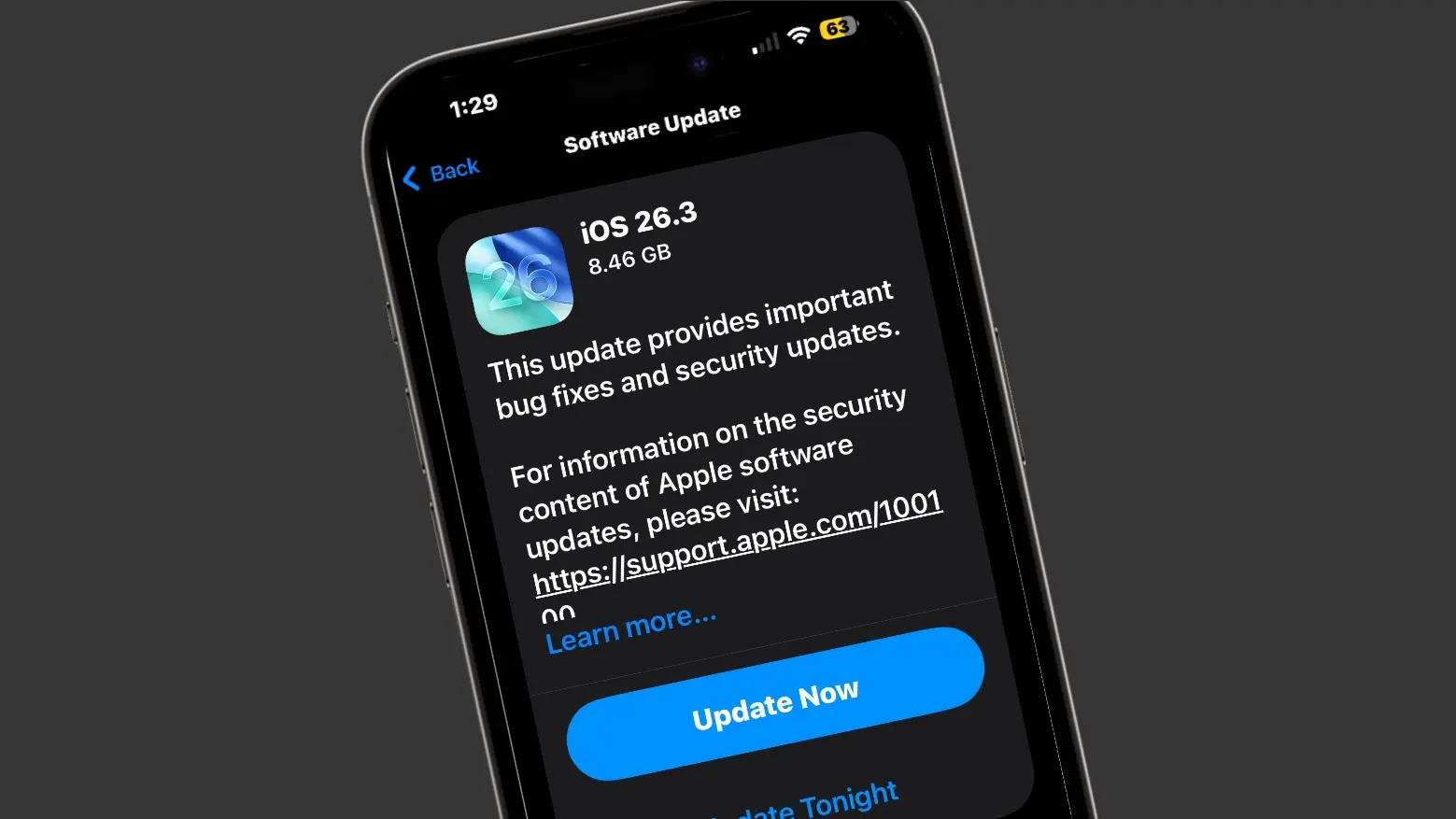
iOS 26.3 brings these 3 changes to your iPhone
https://www.cultofmac.com/news/ios-26-3-brings-these-3-changes-to-your-iphone
Publish Date: 2026-02-11 13:11:00
Source Domain: www.cultofmac.com
After beta testing iOS 26.3 since mid-December, Apple finally pushed its stable build to the public on Wednesday, February 11. Unlike the last two major iOS 26 point builds, iOS 26.3 is light on major new features.
Instead, it brings some notable underlying improvements to the platform, including better compatibility with third-party wearables. Here are three notable changes iOS 26.3 brings to your iPhone.
New features in iOS 26.3
iOS 26.3 is not a flashy, big upgrade. Instead, it focuses on improving the experience behind the scenes. Most of these changes are subtle and easy to miss, but they address long-standing usability and compatibility gaps. Over time, they should make iOS feel more consistent across devices and accessories.
Notification Forwarding
This handy improvement to iOS 26.3 is limited to the EU.
Photo: Rajesh Pandey/Cult of Mac
The latest iOS 26 update adds a new Notification Forwarding option under Settings Notifications. Only available on iPhones in the EU, it will enable forwarding of notifications to “one accessory at a time.” So, if you use two smartwatches with your iPhone — say, an Apple Watch alongside a third-party option — you can now forward notifications to the latter.
Note that Notification Forwarding works with only one paired device at a time. If you choose to forward notifications to a third-party smartwatch, your Apple Watch will stop showing alerts until you switch the setting back.
Apple is introducing Notification Forwarding to comply with the EU regulations. And due to this, the feature is only available in the European Union, at least for now.
Transfer to Android improvements
Another EU-mandated change in iOS 26.3 sees Apple making data transfer to Android easier with a new “Transfer to Android” tool. It enables you to transfer your photos, notes, messages, apps, and other data to an Android phone.
Your health data, protected notes and photos are not migrated as part of the process.