6 tips for using Linux without touching the command line
6 tips for using Linux without touching the command line
https://www.howtogeek.com/tips-for-using-linux-without-touching-the-command-line/
Publish Date: 2026-02-08 14:25:00
Source Domain: www.howtogeek.com
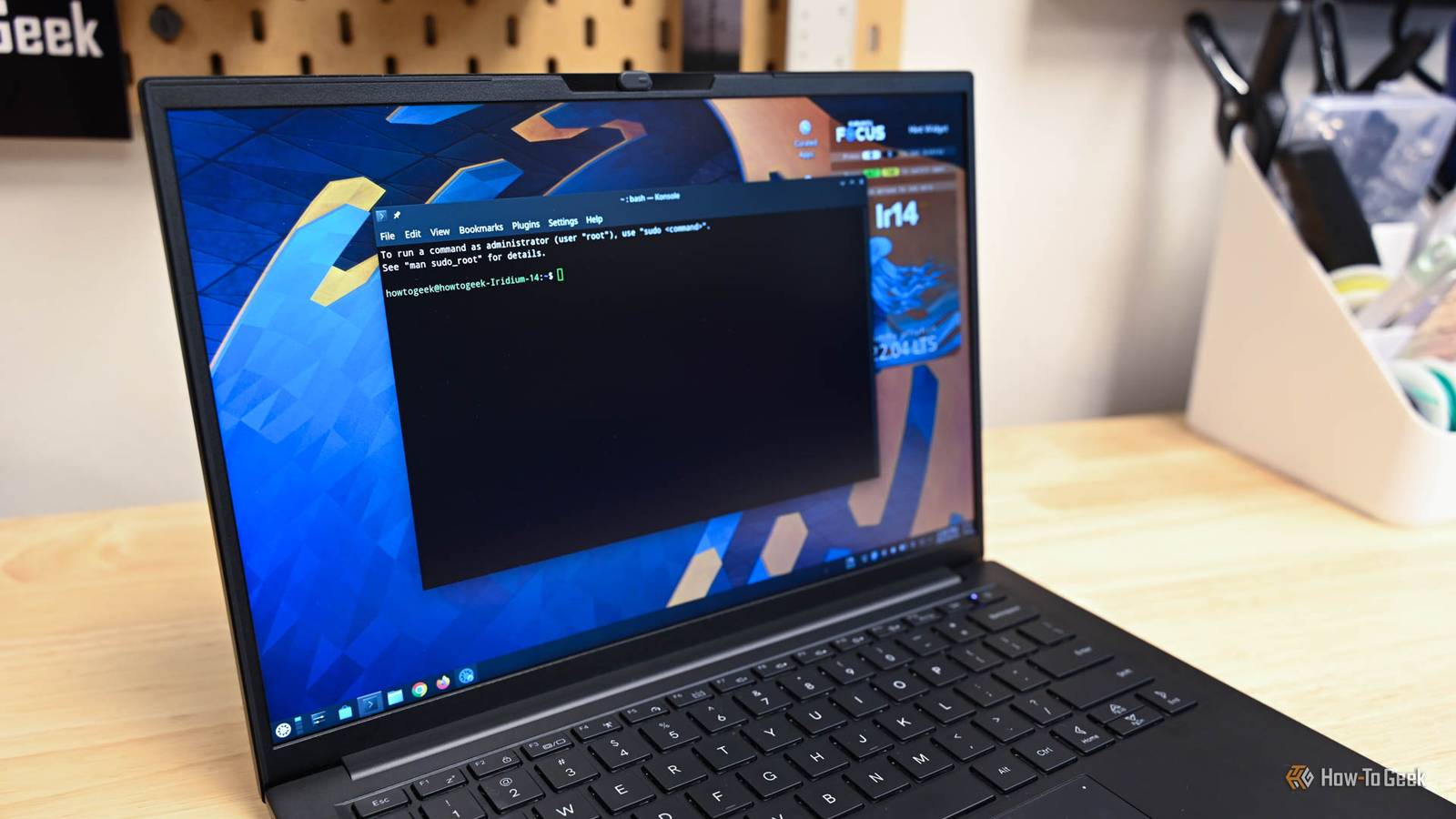
When you read about Linux, you probably see a lot of talk about commands to use in the terminal. The command line can seem intimidating if you aren’t used to it, which is understandable. But what if we told you you don’t have to worry about that?
Can you use Linux without the terminal?
The short answer is yes—you can use Linux without ever touching the terminal, assuming you have a good desktop environment installed. For example, you can easily manage your files through a file manager, install software via a software center, and configure settings through the settings menu, among other tasks.
While using the terminal can help you accomplish tasks more efficiently and quickly, it’s by no means the only way to interact with your system.
Choosing the right Linux distribution
Want to enjoy Linux without the terminal? Choose a distribution that’s user-friendly and designed with beginners in mind. For example, if you’re switching from Windows, several distros mimic the Windows interface to ease your transition. The same applies if you’re coming from macOS.
I began my Linux journey with Ubuntu, but many other user-friendly distros offer a sleek and intuitive interface. For instance, Linux Mint, which features the Cinnamon desktop environment, is renowned for its simple design and ease of use. You can easily navigate through menus, install software, and manage files without…