Linux Mint And Zorin OS Tested Winner Revealed
Linux Mint And Zorin OS Tested Winner Revealed
https://www.findarticles.com/linux-mint-and-zorin-os-tested-winner-revealed/
Publish Date: 2026-02-04 23:04:00
Source Domain: www.findarticles.com
Windows 10’s sunset is accelerating the hunt for friendly Linux replacements, and two names keep rising to the top: Linux Mint and Zorin OS. After weeks of installing, daily-driving, and stress-testing both across modern ultrabooks and older desktops, I have a clear winner for most Windows switchers—though the runner-up remains excellent for the right hardware and preferences.
Comparing Setup And First-Run Experience Across Both
Both distros use a streamlined Ubuntu-based installer, detect Wi-Fi and proprietary drivers reliably, and offer a “third-party codecs” option to handle media out of the gate. On first boot, Linux Mint’s Welcome app guides you through updates, drivers, and desktop tweaks with minimal fuss. It feels intentionally conservative—everything you need, nothing you don’t.
Zorin OS goes further on onboarding. The Zorin Appearance tool offers multiple desktop layouts immediately, and its “Windows App Support” prompt is deceptively powerful: double-click a .exe or .msi and Zorin explains your choices, from native alternatives to enabling Wine-based support. For someone leaving Windows for the first time, that hand-holding matters.
Desktop Behavior And Everyday Usability Compared
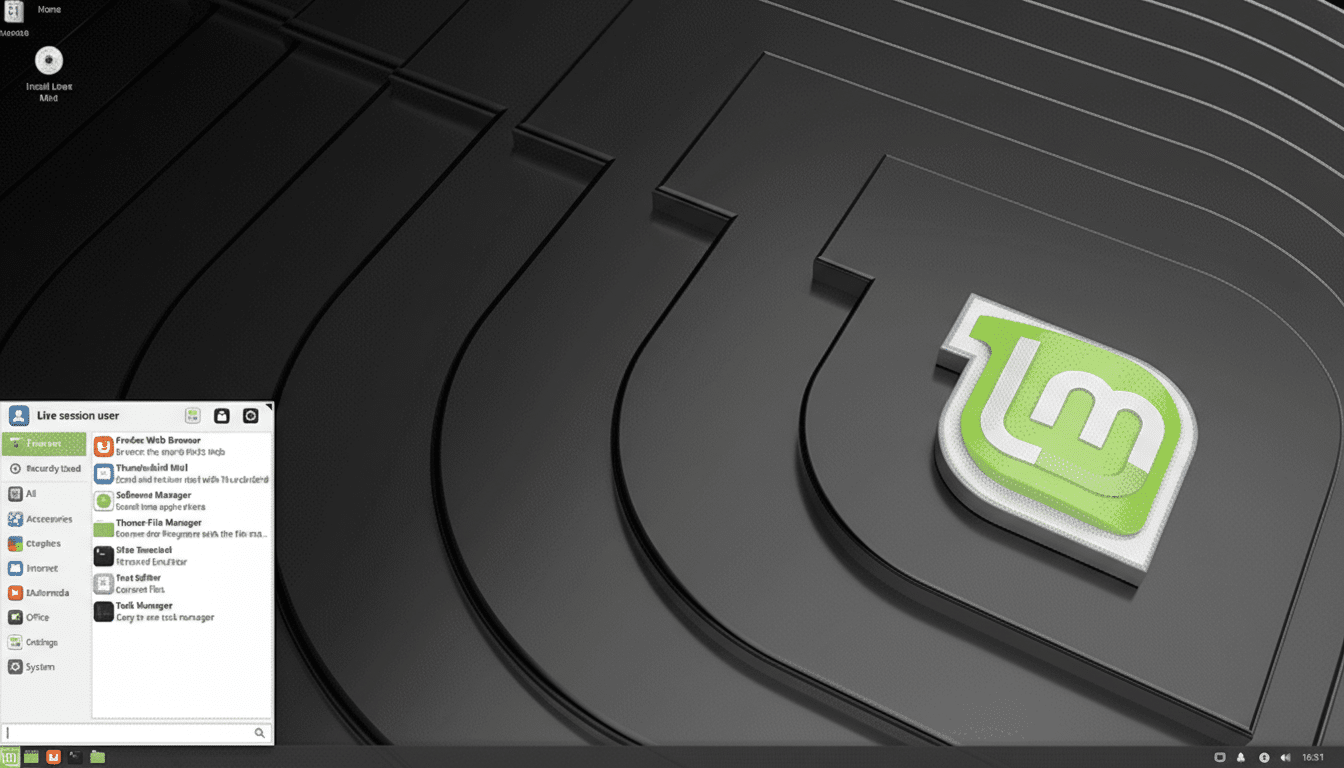
Linux Mint’s Cinnamon desktop mirrors a classic Windows layout—panel, menu, tray—without fluff or telemetry. It is consistent to a fault, which is the point. Fewer moving parts mean fewer surprises, and Cinnamon’s settings are sensibly organized. If you want a dependable “PC desktop” that stays out of your way, Cinnamon nails it.
Zorin OS puts polish front and center. Zorin Core ships with four layouts, including familiar Windows-like options; a one-time Pro license expands that selection and adds premium artwork. The result is a refined, modern UI with smooth animations and cohesive theming. Thanks to Zorin Appearance, you can switch layouts in seconds—no add-ons or scripting required.

