I have 5 major concerns about Google’s Android desktop OS
I have 5 major concerns about Google’s Android desktop OS
https://www.androidauthority.com/5-major-concerns-google-android-desktop-aluminium-os-3636311/
Publish Date: 2026-01-29 07:35:00
Source Domain: www.androidauthority.com
Mishaal Rahman / Android Authority
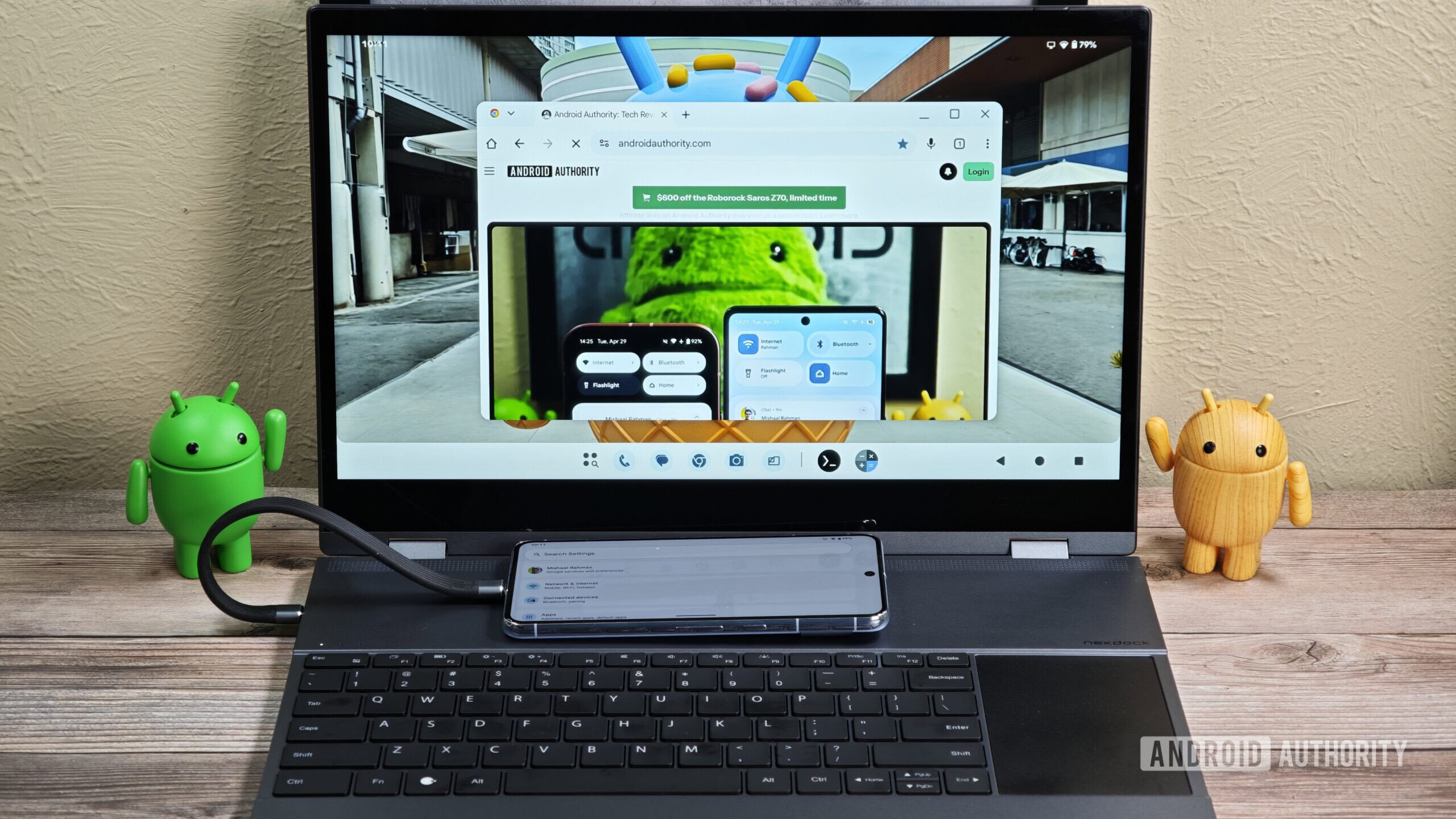
Google is gearing up to merge Android and Chrome OS this year, and while work is going on in the background, the company just gave us an accidental look at Android’s upcoming desktop interface. The originally public, but now-private bug report (via 9to5Google) contained two screen recordings that show off how this new Alumnium OS interface will handle split-screen multitasking and app updates through the Play Store.
It’s all a bit exciting to see because of its novelty factor, but the more I looked at that screen recording from the eyes of a Chrome OS fan, the more I noticed issues that could potentially turn into red flags for anyone who wants to do real work. Here are the four major ones.
What do you think of Aluminium OS?
555 votes
I like what I see so far
78%
I don’t like what I see so far
22%
Is that a persistent top bar?
At first glance, the screen recording above doesn’t show anything offensive, but then the first thing that jumped out at me was what looks like a persistent top bar. Android Authority reader Matteventu said it best: “The whole desktop environment just looks 99% like the Android desktop experience that you get on phones. Which is good for phones, not for a proper desktop OS.”
That’s not an Android and Chrome merger, that’s Android’s desktop mode.
Just like on Android foldables, there’s a bottom taskbar with pinned app shortcuts, recent apps, and an app drawer, which I hope will be hideable on desktops the same way it is on foldables. However, there’s nothing else in that bottom bar; everything else is moved to a top bar, including the date and time, battery, language, and connectivity statuses. This is unlike what Chrome OS currently offers by shoving these into the bottom bar next to the apps, à la Windows. The issue, though, is that, like on Android, it’s a bit of extra wasted vertical space on your screen that will probably be persistent in all but full-screen apps.
While this does unify…