Run Canva Affinity on Ubuntu using this Unofficial AppImage
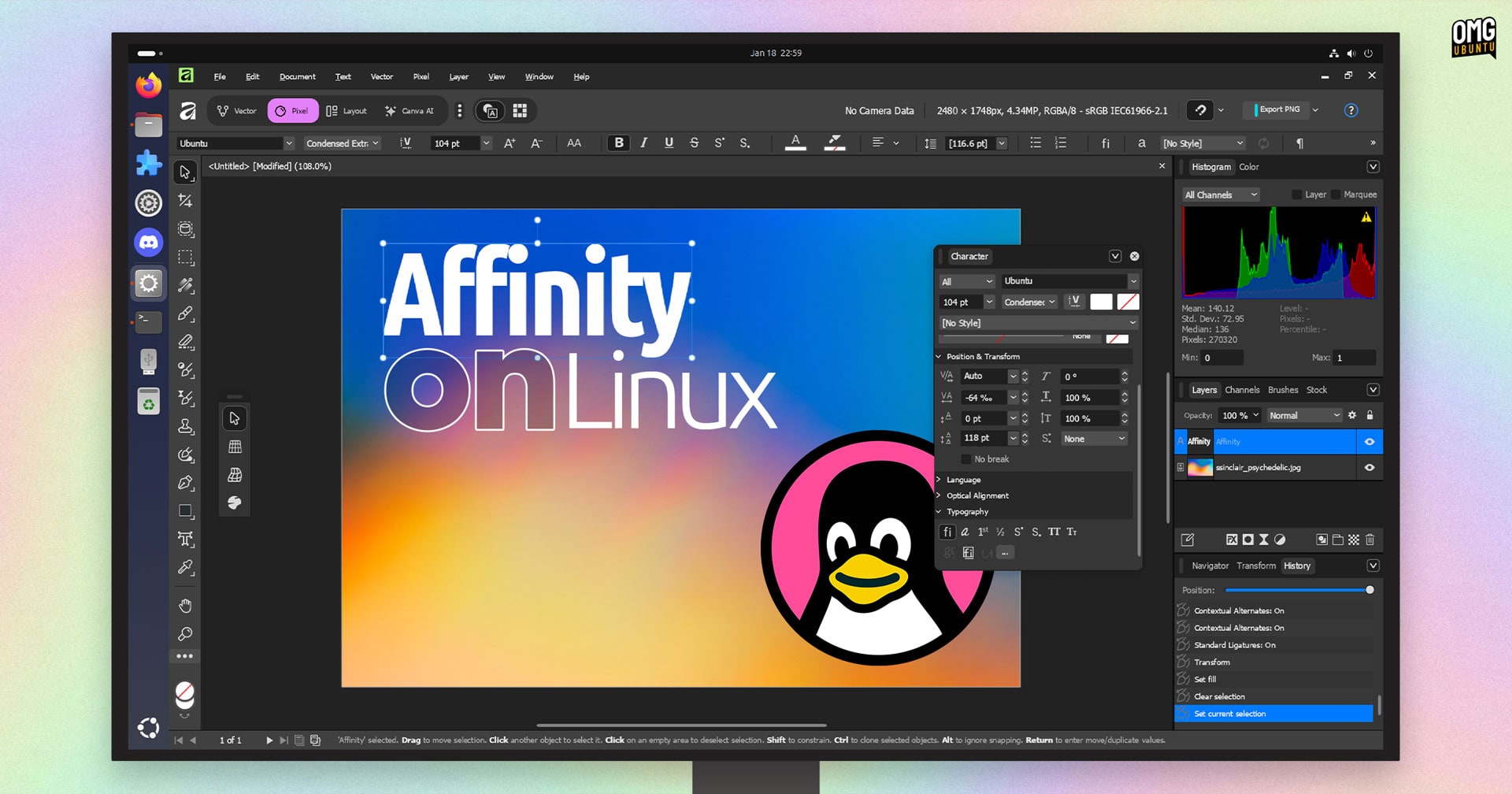
Run Canva Affinity on Ubuntu using this Unofficial AppImage
https://www.omgubuntu.co.uk/2026/01/run-affinity-linux-ubuntu-appimage
Publish Date: 2026-01-28 02:43:00
Source Domain: www.omgubuntu.co.uk
Linux lacks native versions of industry-grade creative tools like Adobe Photoshop and Illustrator, and while open-source options are capable, not everyone is willing to relearn and adapt to different tools.
Thankfully, the gap in commercial design software is plugged with workarounds involving Wine, the Windows compatibility layer – which is how you can run Affinity v3 on Linux.
Affinity, acquired by Canva in 2024, moved to a freemium model in 2025. Photo, Designer and Publisher tools are now a unified app, which is free to download and use on Windows and macOS (generative AI features require a Canva Pro subscription).
Interestingly, the new Affinity team has said it is taking calls for an official Linux version seriously. But until it does more than answer user requests with something tangible, the community has stepped in.
AffinityOnLinux: Run Affinity Easily
Canva’s creative suite is every bit a match for Adobe
The Linux Affinity Installer project has made it easy to run the Windows version of this creative suite – which handles raster graphics, vector and desktop publishing – on Linux.
There are two ways to go about it:
The first is a regular installation method that uses your local version of Wine (and required dependencies) installed from your distro’s repo and applies some tweaks.
The second, ideal for those looking for something easier, is a standalone AppImage that contains everything needed to run Affinity on Linux.
But, the project GitHub page lists Ubuntu (and Ubuntu-based distros like Linux Mint and ZorinOS) as “unsupported” for the regular installation method owing to outdated or missing dependencies.
Thankfully, the AppImage route works fine.
I opted to use the AppImage on my Ubuntu 24.04 LTS install. Affinity ran well enough on my low-power Chuwi laptop for me to test do some actual design work (in ‘Pixel’ mode; I am awful at vector art). All tools, dialogs,…


