I built a Linux container on Windows 11 without Docker Desktop, and Docker users should pay attention
Publish Date: 2026-07-01 20:01:00
Source Domain: www.windowslatest.com
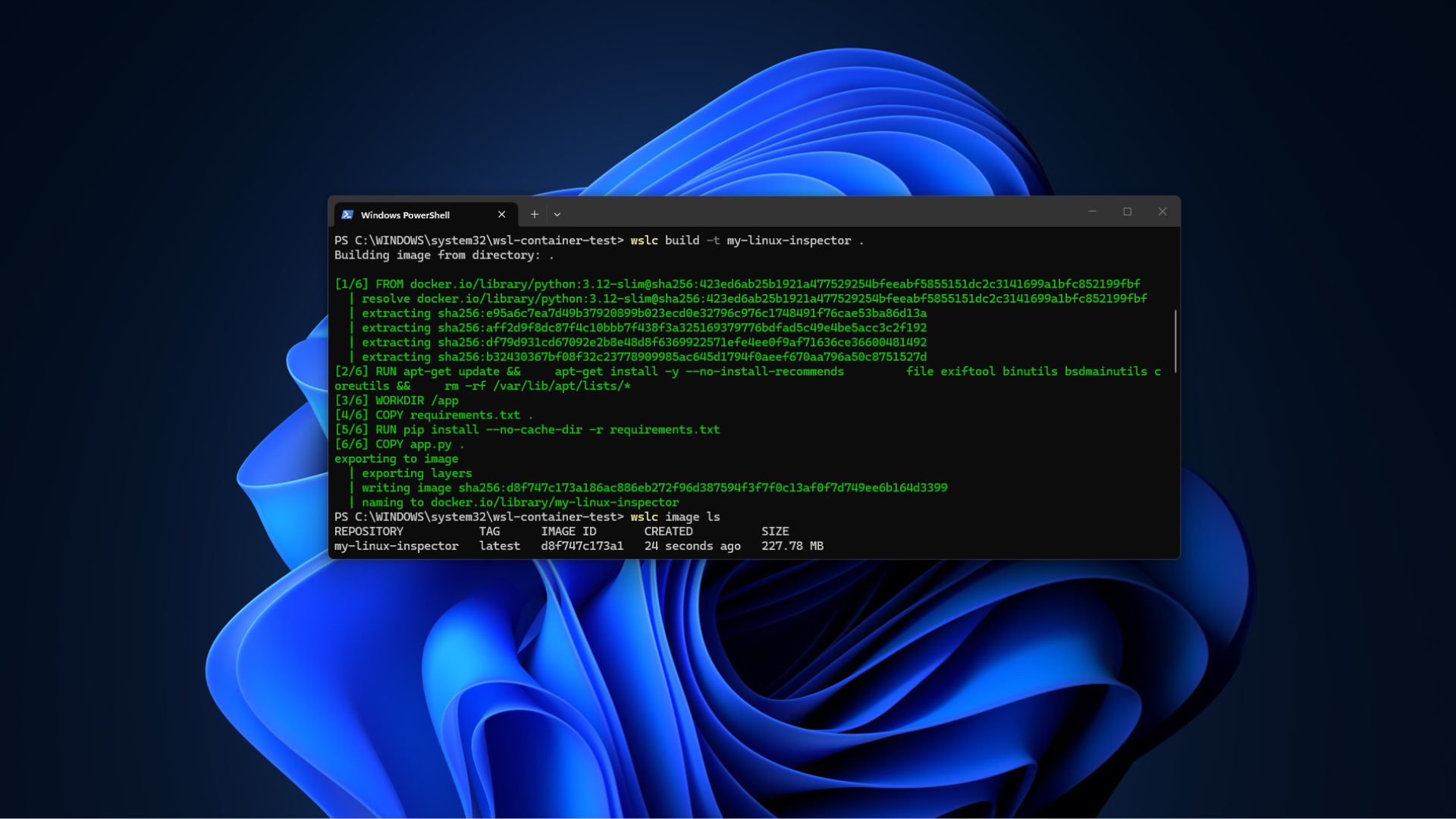
WSL Containers in action on Windows 11
Windows 11 can now build, run, and manage Linux containers on its own, without Docker Desktop in the background. Microsoft calls this WSL Containers, and after installing the preview and running a few real workloads through it, here is what works, what still needs Docker, and how to get it running on your own PC.
WSL Container should not be confused with the next version of WSL 2, as we already covered how Microsoft shut down the WSL 3 rumors. It has now shipped as a public preview, so we installed it, built a custom container image from scratch, and pushed it through a few workflows to see where it holds up.
What is WSL Container in Windows 11
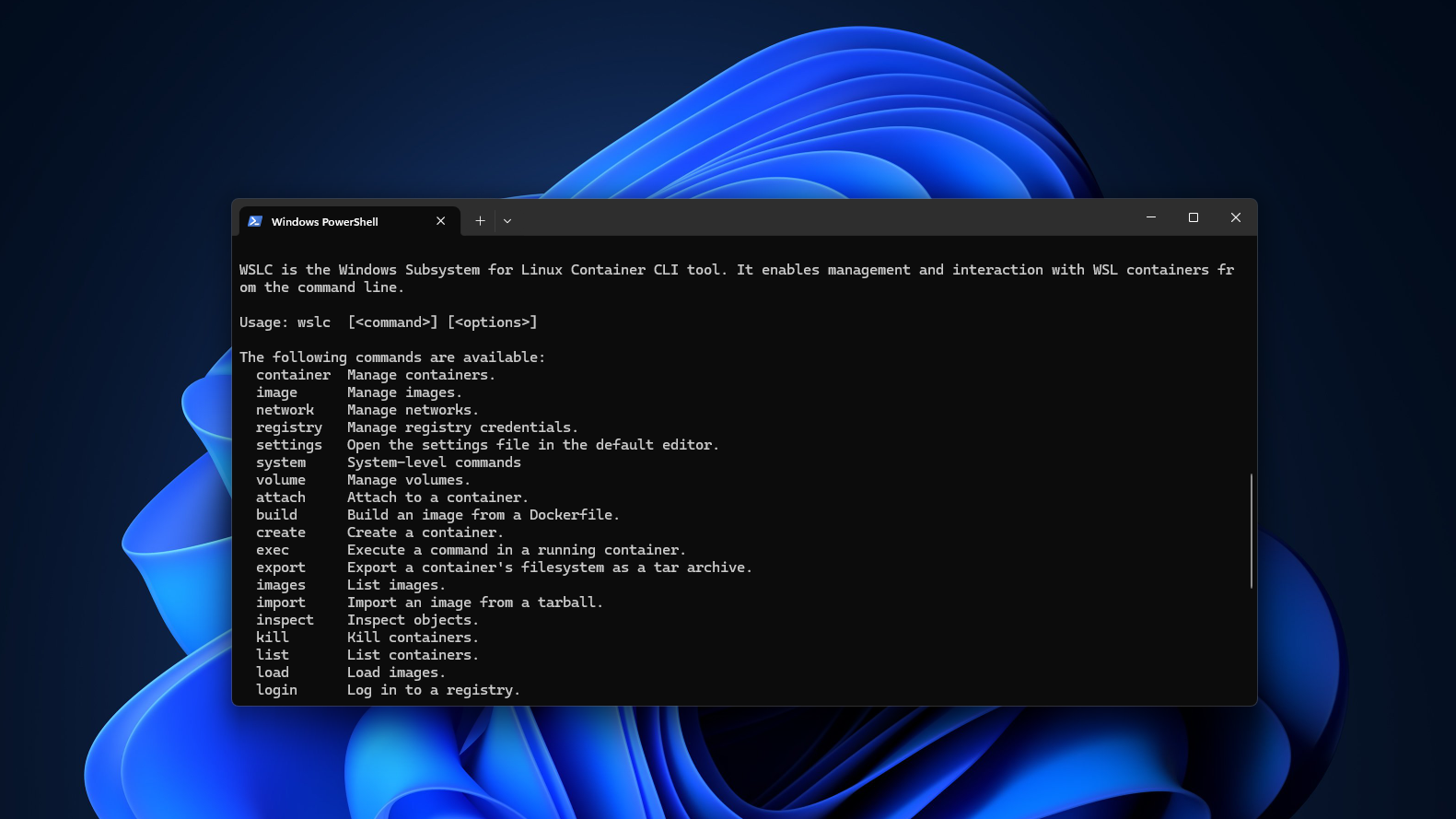
WSL Container is a built-in feature of the Windows Subsystem for Linux that lets you create, run, and manage Linux containers directly from Windows, without installing Docker Desktop, Podman Desktop, or any other third-party runtime. It ships in two parts:
- The first is wslc.exe, a command-line tool that is added to your PATH as soon as you update WSL. Microsoft also ships an alias called container.exe, so both commands point to the same binary. Anyone who has used Docker before will recognize the syntax, since commands like wslc run, wslc build, and wslc container list look like Docker’s own structure almost one-for-one.
- The second part is a WSL Container API, distributed as a NuGet package with support for C, C++, and C#. Windows application developers can use it to embed Linux containers directly into their own apps.
Instead of asking users to install a separate runtime, a Windows app can quietly spin up a Linux container in the background to run a piece of Linux-only code, then tear it down when the task finishes. Microsoft demoed this with Moonray, an open-source Linux rendering engine used on films like The Wild Robot, running inside a Windows executable with no visible sign that Linux was involved at all.
 Moonray is a Linux-based rendering engine…
Source