I wish more people knew about these 7 buried Android features
I wish more people knew about these 7 buried Android features
https://www.androidauthority.com/buried-android-features-you-need-try-3676379/
Publish Date: 2026-06-21 08:05:00
Source Domain: www.androidauthority.com
Robert Triggs / Android Authority
I’ve been writing about Android smartphones for years, so I know a lot of the tricks and hidden features that can improve a user’s experience. At the same time, I’m constantly finding out about features that went unnoticed by me thanks to complicated menus and differing Android skins.
Once I discover these features, though, I become akin to a street preacher sharing the good news of Android optimization. And today I’m here to share some of the most useful buried features I wish more people knew about.
Which buried Android feature do you find the most useful?
3 votes
The privacy dashboard.
67%
QR codes for Wi-Fi sharing.
33%
Setting a hotspot connection as metered.
0%
Using Quick Settings icons as shortcuts.
0%
Changing what your power button does.
0%
Adding additional shortcuts to your Quick Settings.
0%
Something else (let us know in the comments).
0%
1. Android’s built-in privacy dashboard
Megan Ellis / Android Authority
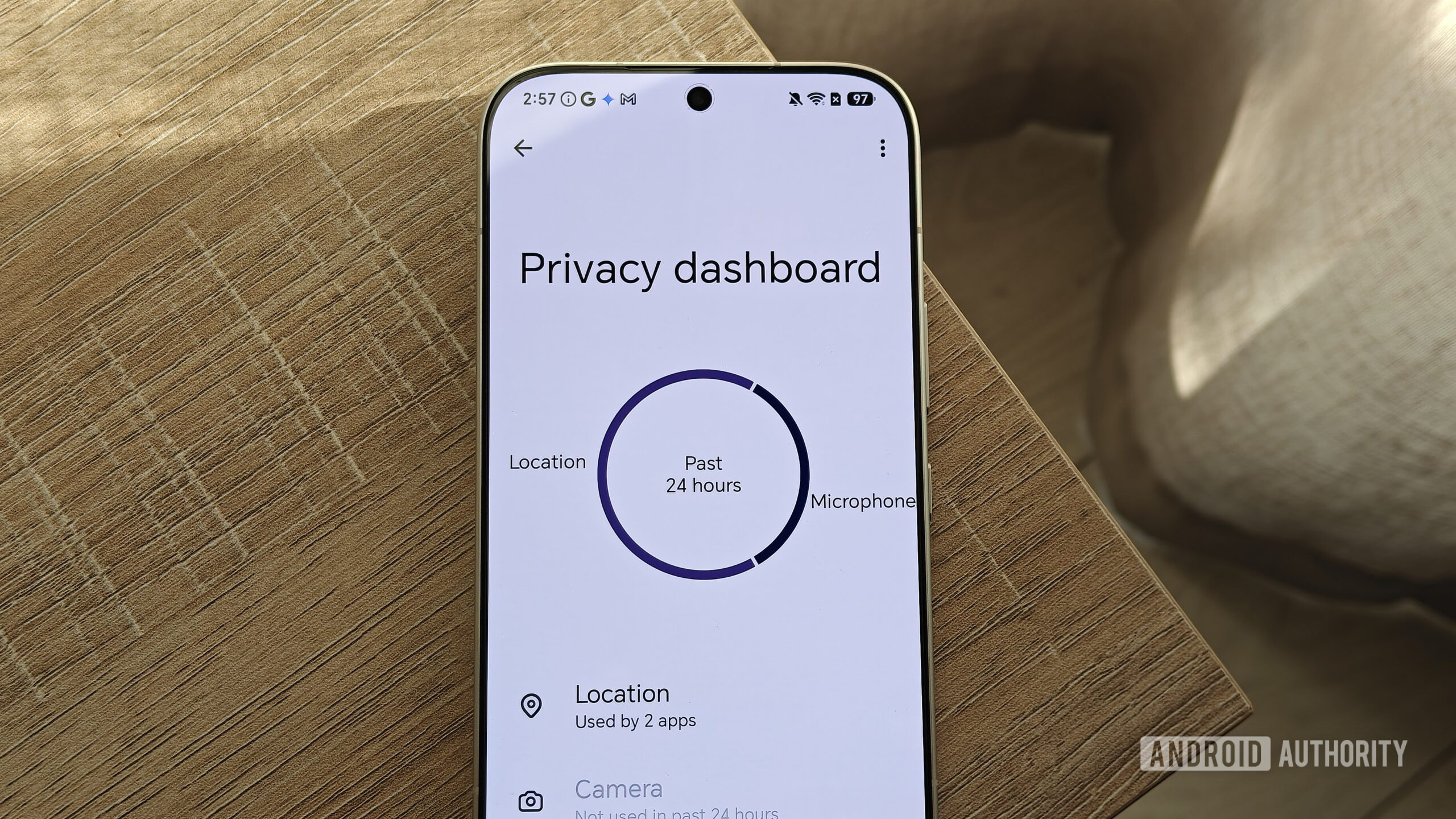
You can see the permissions each app has access to in your app settings, but Android also has a built-in privacy dashboard that makes this information easier to digest at a glance. It highlights the permissions that apps have accessed in the past 24 hours in a useful chart. You can also see a summary of specific permissions and which apps have accessed them over the past day.
This dashboard has helped me revoke permissions that I have accidentally granted in the past. For example, I realized that X (Twitter) had a contacts permission that I didn’t remember granting. It also flagged several other apps that were accessing my contacts unnecessarily.
To access the privacy dashboard, you can go to Settings Security & privacy Privacy dashboard. On Samsung’s One UI, the steps differ slightly. You will need to go to Settings Security and privacy Permissions used in last 24 hours. However, Samsung’s version doesn’t include the handy chart.
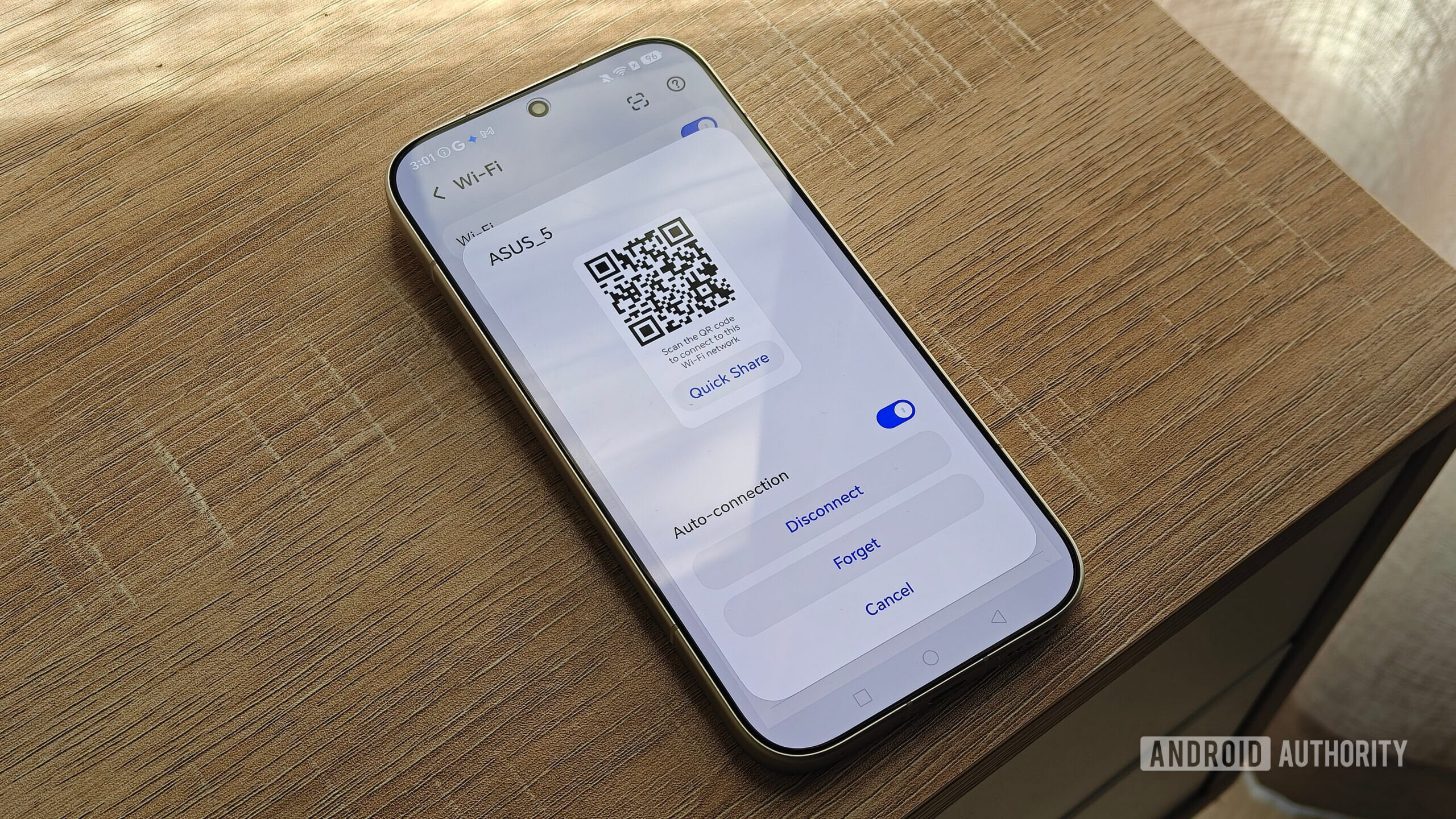
2. QR codes for sharing Wi-Fi connections
Megan Ellis / Android Authority
More…