I installed Android 17 on my Pixel 10, and now I’m about to step up my social media game
I installed Android 17 on my Pixel 10, and now I’m about to step up my social media game
https://www.androidcentral.com/apps-software/android-os/google-pixel-10-android-17-screen-reactions
Publish Date: 2026-06-20 13:34:00
Source Domain: www.androidcentral.com
With stable Android 17 finally rolling out to Pixel devices, there are a ton of new features for us to try out. During The Android Show, Google highlighted new social-media-focused features, and now we’re finally getting a look at some of them, which aim to enhance your experience creating content for apps like Instagram.
One such feature is screen reactions, a new built-in capability that removes some of the effort that would normally require a third-party app or fancy app techniques. And I admit, for a relatively simple feature, it’s quite ingenious, and I’m surprised Google had the wherewithal to launch it with Android 17.
Today’s best Pixel 10 deals
Screen Reactions is a surprisingly effective feature
(Image credit: Android Central)
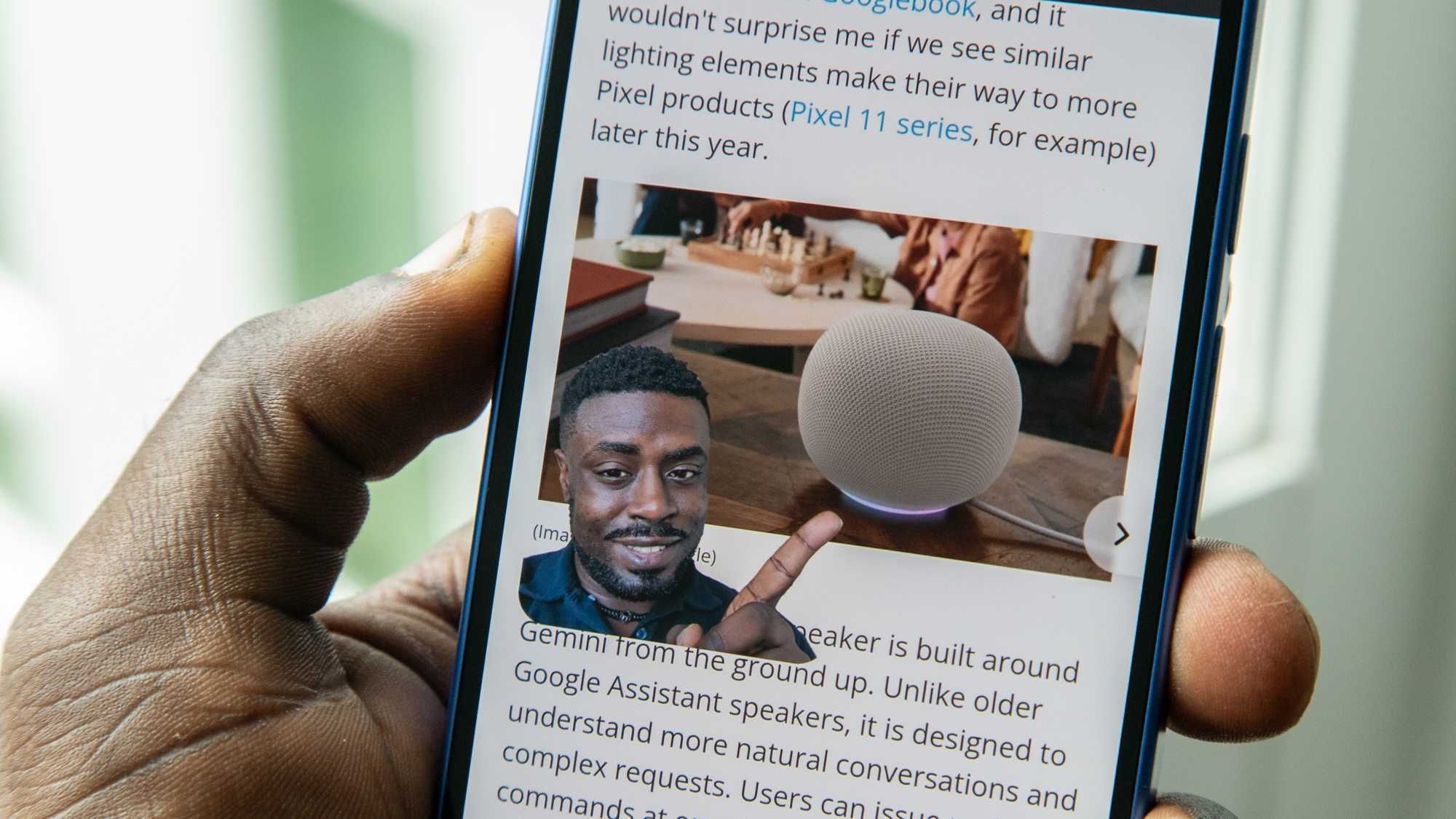
If you’re on Instagram or TikTok, then you’ve probably seen them. Many of my favorite content creators react to news, images, or other videos by inserting a small floating video of themselves. Reaction videos like this are quite effective, as they let viewers see both the original content and the reaction, and sometimes the reaction is better or funnier than the original.
Latest Videos From
I’m a casual social media user, but I have dabbled in making Reels every now and then. However, given my limited knowledge of creating social media content, this type of reaction video has always eluded me. And I know there are built-in functions to help create these types of videos, like a virtual green screen, but I’ve not wanted to take the time to figure it out, though I’m sure it’s a fairly easy process.
Now, I don’t have to figure it out. Because Screen Reactions is built into the screen record function on my Pixel 10, creating this type of reaction video just takes a few taps, without futzing with different app methods to achieve the same effect. And you can edit the clips on-device or put finishing touches in Instagram or TikTok. It’s not perfect, but it feels like it just lowered the barrier to entry for anyone wanting to create content…