I finally enjoy multitasking on my Pixel thanks to Android 17’s app bubbles
I finally enjoy multitasking on my Pixel thanks to Android 17’s app bubbles
https://www.androidcentral.com/apps-software/android-os/how-to-use-android-17-app-bubbles-pixel
Publish Date: 2026-06-20 12:23:00
Source Domain: www.androidcentral.com
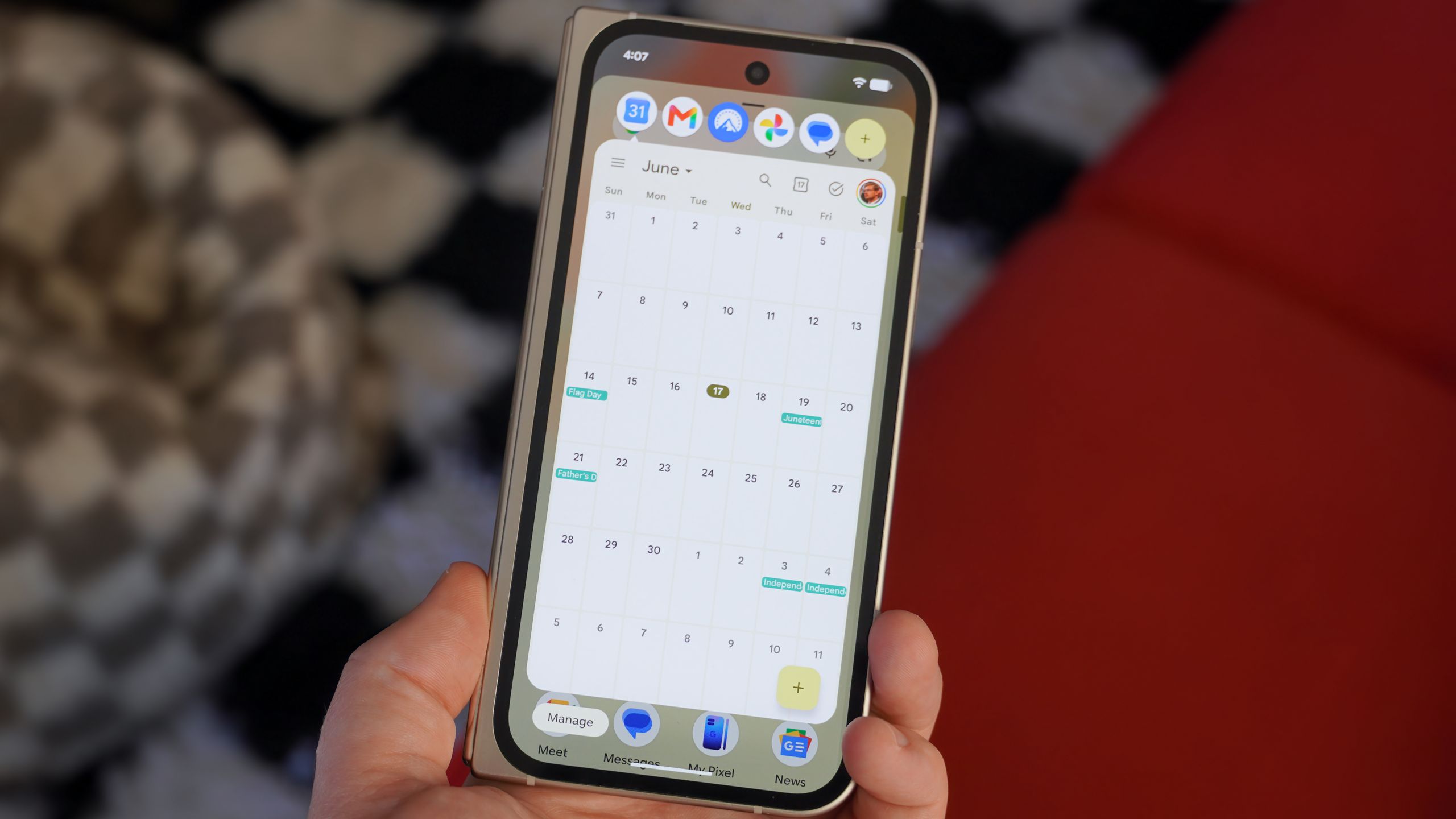
Android 17 is bringing a few exciting improvements to Google Pixel phones, and Bubbles may be the biggest one. Pop-up and floating windows are nothing new for Android users, but they’ve never been built into Pixel UI. Instead, power users had to turn to other operating systems like Samsung’s One UI to multitask with floating windows.
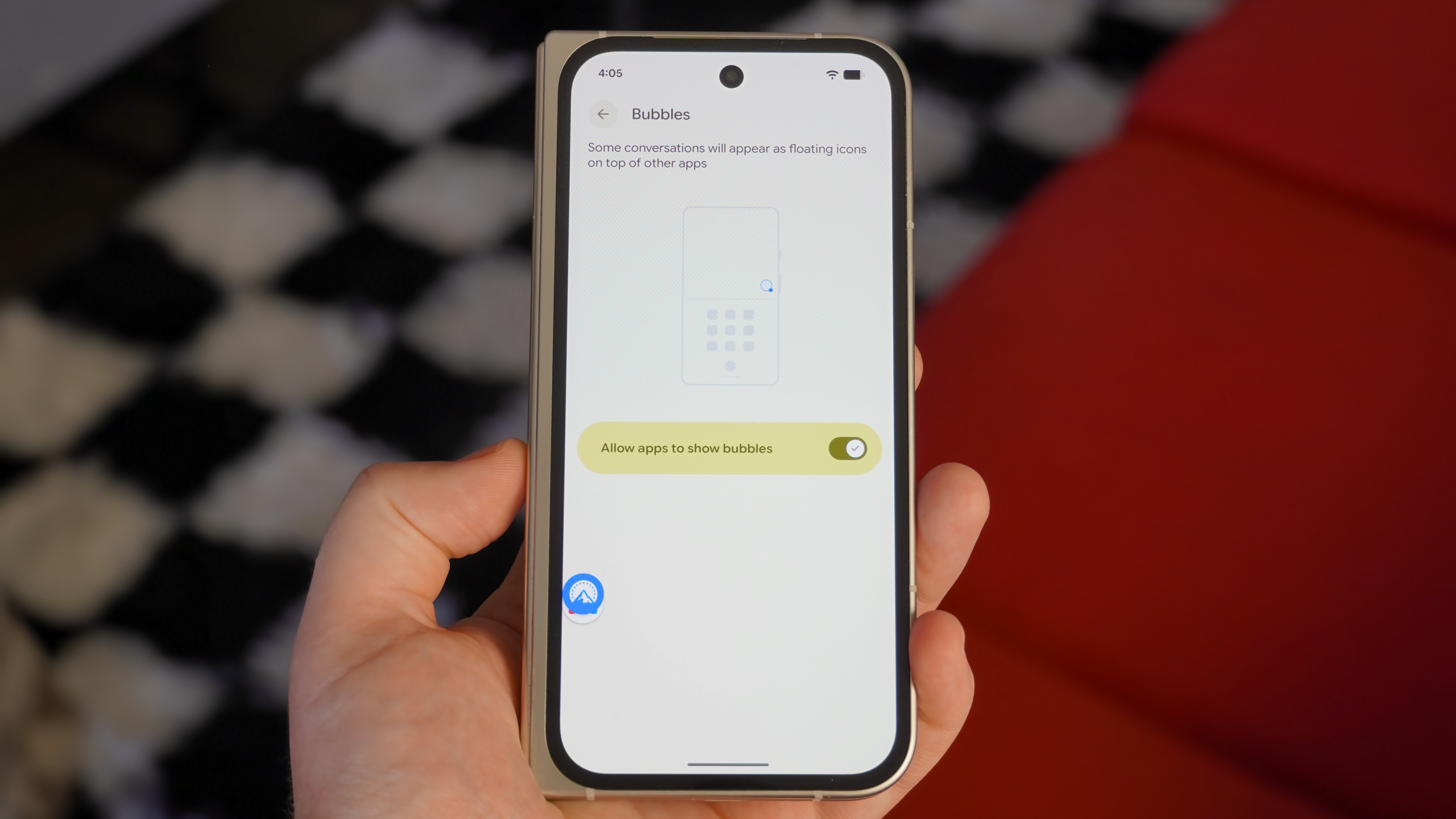
Google was already familiar with floating windows and pop-up views because Android already supported Bubbles for messaging apps. Back then, I found them more annoying than helpful. I only activated conversation bubbles by accident and never saw the value in them. After trying the upgraded Bubbles experience for apps and multitasking in Android 17, I’m a believer.
Here’s how you can try app bubbles with Android 17 for yourself, and how the Pixel experience compares to the Galaxy one.
Latest Videos From
Today’s best Google Pixel 10 series deals
App bubbles are a new way to multitask on Pixel
(Image credit: Brady Snyder / Android Central)
Google Pixel phones already support multitasking with split-screen views. Open an app, use the app switcher, and press the app’s name to reveal a Split screen button. Then, Pixel users can pick a second app to create a split-screen layout. They can drag the slider in the middle to adjust the split ratio.
For traditional Android phones, a 50:50 horizontal split is the default, but you can drag the slider to the 90:10 position to unlock a new Android 16 feature. In this mode, one app takes up most of your phone screen, while the secondary app remains greyed out. Tapping the unused, secondary app flips the ratio. It’s a great solution for when you want to use two apps in (mostly) full-screen mode without having to use the app switcher.
You may like
Android 16 didn’t offer a better way to use more than two apps at once, however. Android 17 finally addresses this problem with app bubbles. You can use up to five at once, and it’s a convenient way to multitask when…