How To Use AirPods To Control Your iPhone Camera
How To Use AirPods To Control Your iPhone Camera
https://www.engadget.com/2193237/airpods-control-iphone-camera-how-to/
Publish Date: 2026-06-13 10:00:00
Source Domain: www.engadget.com
If you don’t own an Apple Watch, this is another way you can control your iPhone’s camera.
Billy Steele for Engadget
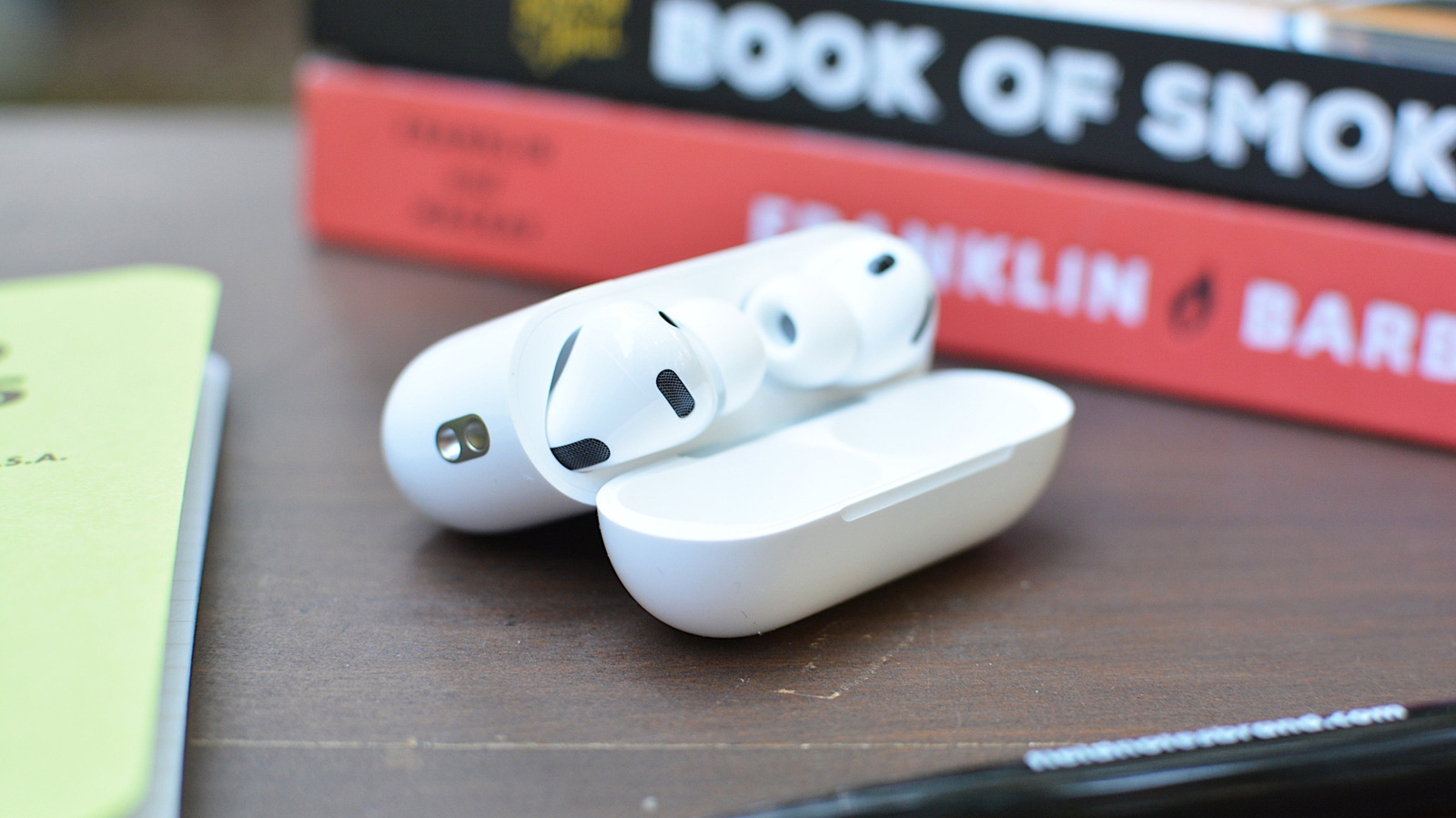
When Apple released iOS 26 last September, it added a handful of new AirPods features. One of those was Camera Remote. As you can probably guess from the name, it allows you to use your AirPods as a wireless shutter release for your iPhone.
This is useful if you don’t have an Apple Watch handy and therefore can’t access the dedicated Camera Remote app. Instead of placing your iPhone on a surface, setting a 10-second timer and running back to take a selfie, you can just click your AirPods to trigger the camera whenever you’re ready. If that sounds useful, here’s how to configure your AirPods for camera controls.
What you’ll need to control your iPhone camera with AirPods
Before I explain how to enable Camera Remote, let’s go over what you’ll need.
Unfortunately, older models of AirPods, like the original Pro release, don’t support Camera Remote.
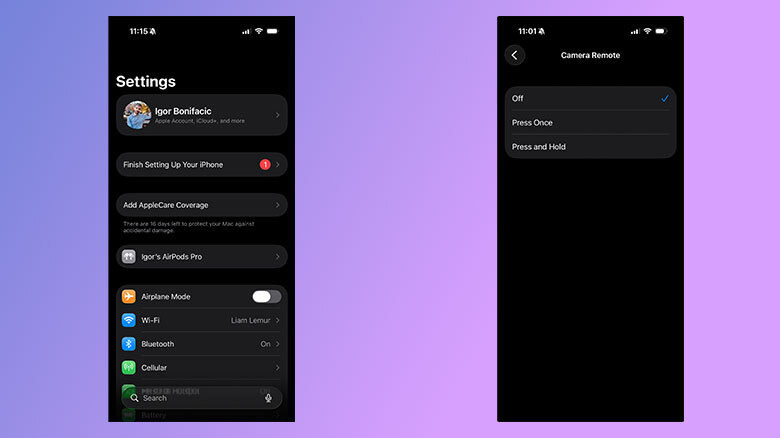
How to enable Camera Remote
Screenshots
By default, Camera Remote is turned off. To start, if…