Edit pictures on iPhone using these 8 built-in tools
Edit pictures on iPhone using these 8 built-in tools
https://www.cultofmac.com/how-to/edit-pictures-on-iphone
Publish Date: 2026-05-30 09:05:00
Source Domain: www.cultofmac.com
Who needs a computer or expensive photo editing software like Adobe Lightroom? You can edit pictures right on your iPhone with Apple’s free, built-in tools.
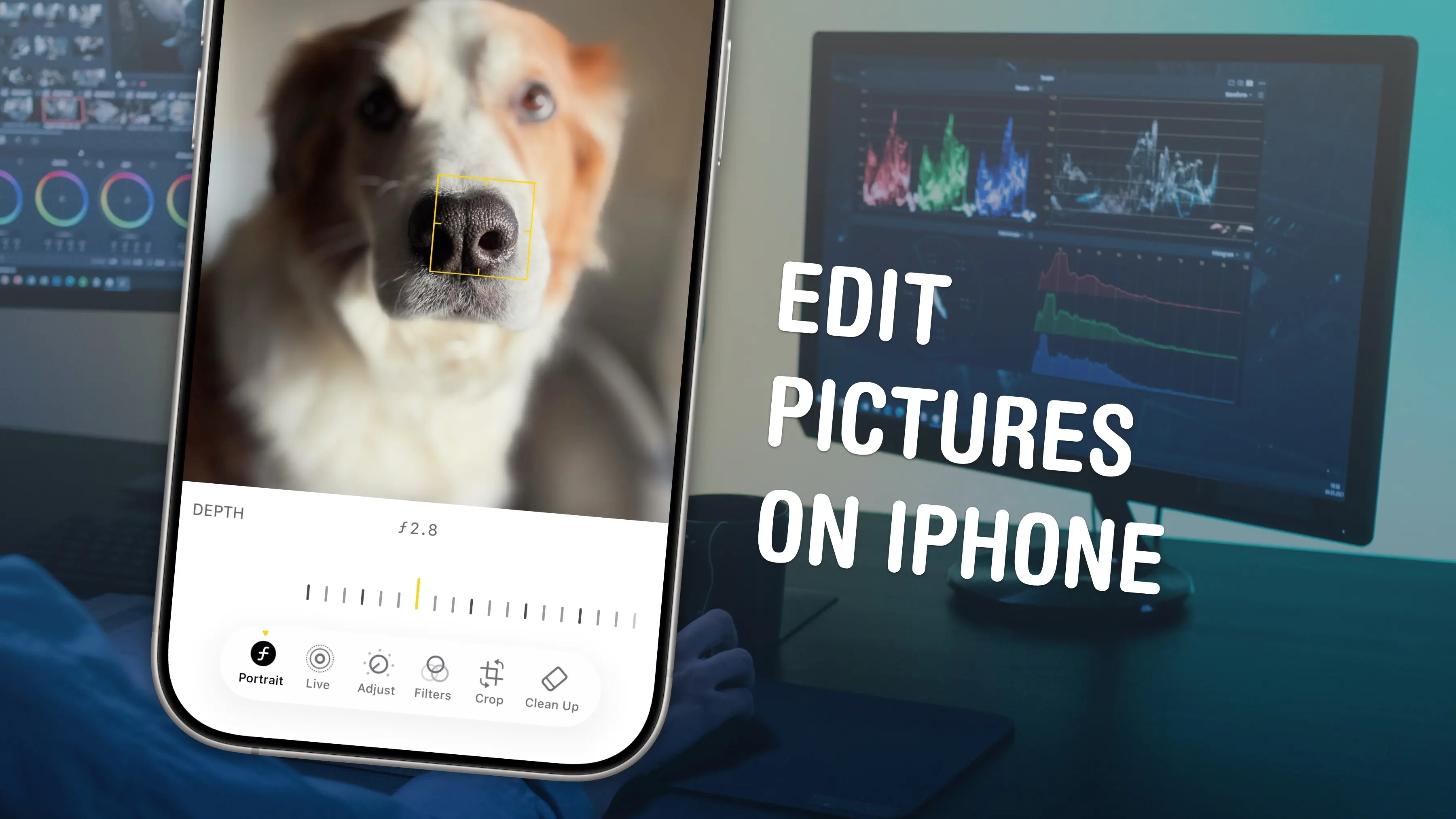
The Photos app comes with a ton of professional editing tools baked into it. If you didn’t line your shot up quite right, you can fix the crop and perspective. If you took it a split second too late, you can use Live Photo functionality to replace the shot. You can add a Portrait mode blur after the fact, and even change which part of the image is in focus.
Here are the eight great editing tools built right into your iPhone.
Eight built-in tools to edit pictures on your iPhone
Taking the perfect picture on the first and only try is a rare occurrence. That picture you hang up on the wall or use as your profile photo for years is often one among 10 or 20 similar-but-not-quite-as-good shots.
And, in the era of digital photography, you don’t need to fire off multiple frames (and pay to get the film developed) to achieve perfection. You can rely on your iPhone camera, its built-in editing tools and a bit of “computational photography mad science” to make things shine.
If you want to elevate an unremarkable picture to all-timer status, you probably just need to do a little cleanup and editing. You should get to grips with the photo editing tools built into your iPhone (and your iPad and Mac), because they’re really versatile and powerful. Here’s our guide.
Table of contents: Edit pictures on iPhone
- Crop to a specific aspect ratio
- Straighten the perspective
- Adjust brightness, contrast, color and more
- Edit the Live Photo
- Fine-tune the focal point and Portrait mode effect
- Experiment with Photographic Styles
- Edit things out of the picture with Image Cleanup
- Copy and paste edits
- More tips for managing your photo library
Crop to a specific aspect ratio
You can easily crop a photo to a particular aspect ratio and/or adjust the perspective.
Screenshot: D. Griffin Jones/Cult of Mac
If…