Google Drive’s upgraded scanner is finally reaching more users
Google Drive’s upgraded scanner is finally reaching more users
https://www.androidauthority.com/google-drive-scanner-ui-upgrade-3672777/
Publish Date: 2026-05-29 15:34:00
Source Domain: www.androidauthority.com
Rita El Khoury / Android Authority
TL;DR
- Google Drive finally gets a major scanner upgrade with smarter on-device AI features and a refreshed Material 3 Expressive design.
- New Smart Batch Scanning lets you scan multiple pages continuously without manually capturing each page.
- Auto-Best Frame automatically swaps blurry scans with clearer shots, while Duplicate Detection prevents repeated pages.
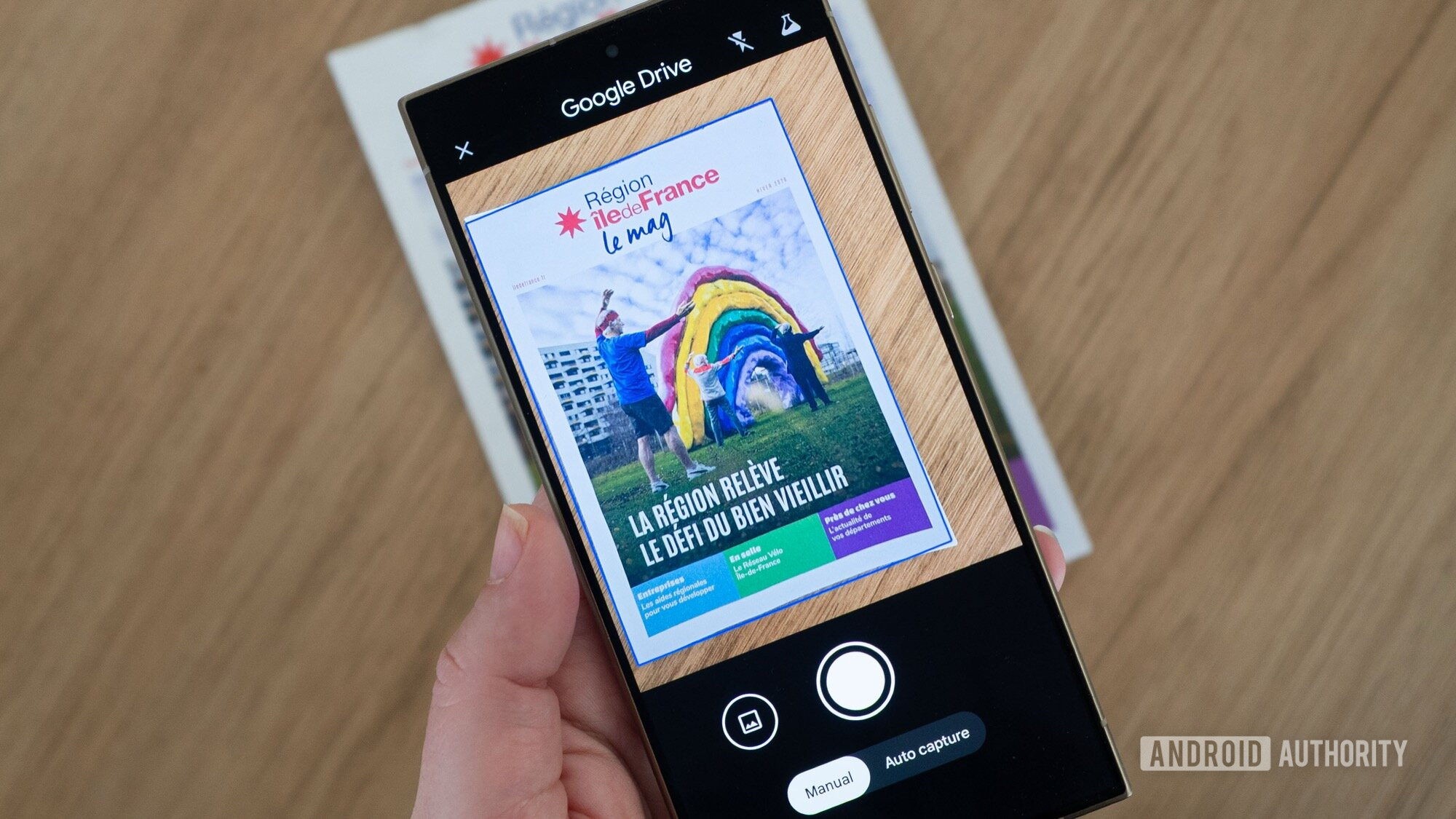
Google Drive’s built-in scanner has been one of its underrated features hiding in plain sight. It lets users scan receipts, contracts, forms, and handwritten notes directly from their phones and store them as searchable PDFs in Drive. Over time, Google has gradually improved the tool with auto-capture, JPEG export support, and image enhancements such as shadow removal and white balance correction. Now it looks like Google is pushing things much further.
A recent screen recording shared on X by Sameer Samat, president of Android Ecosystem, reveals that Google Drive is rolling out a redesigned document scanner with some powerful on-device upgrades.
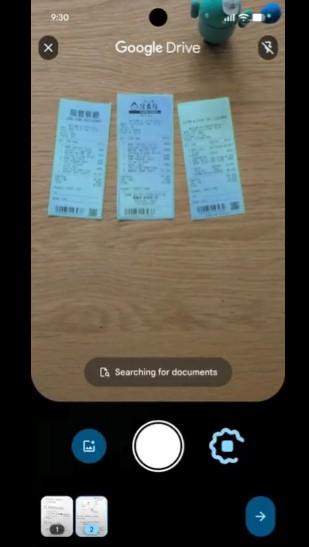
It brings a Material 3 Expressive viewfinder and a set of new tools to speed up your workflow. The big new feature here is Smart Batch Scanning. You don’t need to take pictures one at a time; you just hover over multiple pages with your phone. It feels much more like recording a seamless video, with previews of pages popping up instantly at the bottom of your screen.
Don’t want to miss the best from Android Authority?


The old clunky beaker icon in the top right corner is gone, so you now have a cleaner, distraction-free UI. Moving too fast? Just hit the pause button to disable auto-scanning or tap the system file picker to grab images you’ve already taken.
The whole experience is powered directly by Google Play services. That means it’s not only tied to Drive but also works natively in apps like Files by Google. Samat says the experience shifts entirely to on-device processing, so the scanner offers lightning-fast…