Android 17 adds seamless device switching with Continue On
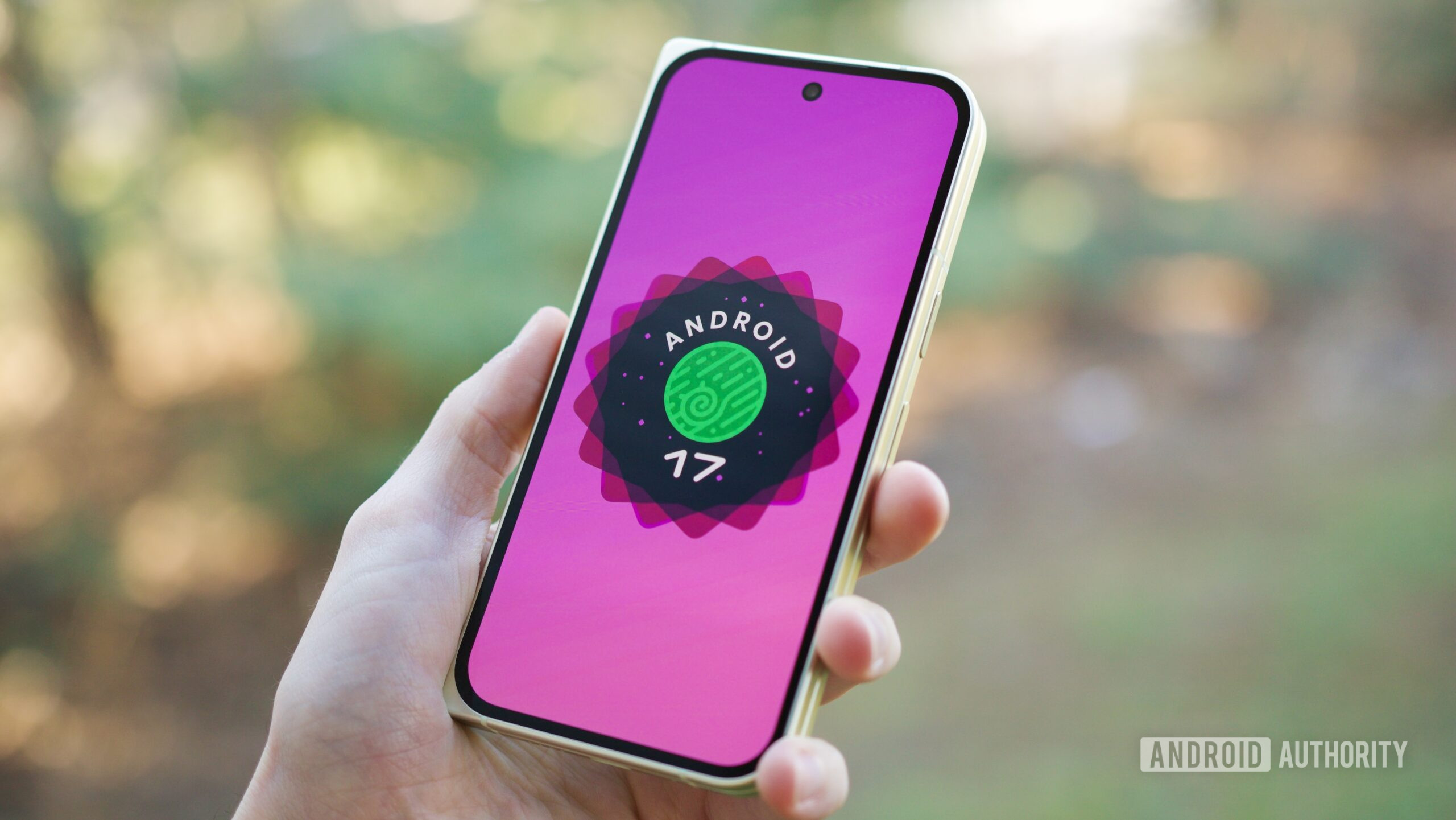
Android 17 adds seamless device switching with Continue On
https://www.androidauthority.com/android-17-continue-on-3669055/
Publish Date: 2026-05-20 03:41:00
Source Domain: www.androidauthority.com
Joe Maring / Android Authority
TL;DR
- Google has introduced a new Android 17 feature called “Continue On” that lets users move apps between Android devices and continue where they left off.
- The feature will initially support phone-to-tablet handoffs, with app suggestions appearing directly in the tablet taskbar.
- Continue On is part of Google’s broader push to improve Android’s cross-device ecosystem and better compete with Apple’s continuity features.
Google made a ton of new announcements at I/O 2026, but Gemini and its AI ambitions clearly overshadowed Android. Still, on the sidelines of I/O, Google announced an extremely useful and important new feature coming to Android 17.
Called Continue On, the feature is designed to make moving your tasks between Android devices a whole lot smoother. It will let you start using an app on one Android device and then seamlessly continue the same work on another device.
Don’t want to miss the best from Android Authority?


The new capability was detailed in a developer blog post, and it’s clearly part of Google’s ongoing effort to improve Android’s cross-device services across phones, tablets, and eventually other form factors.
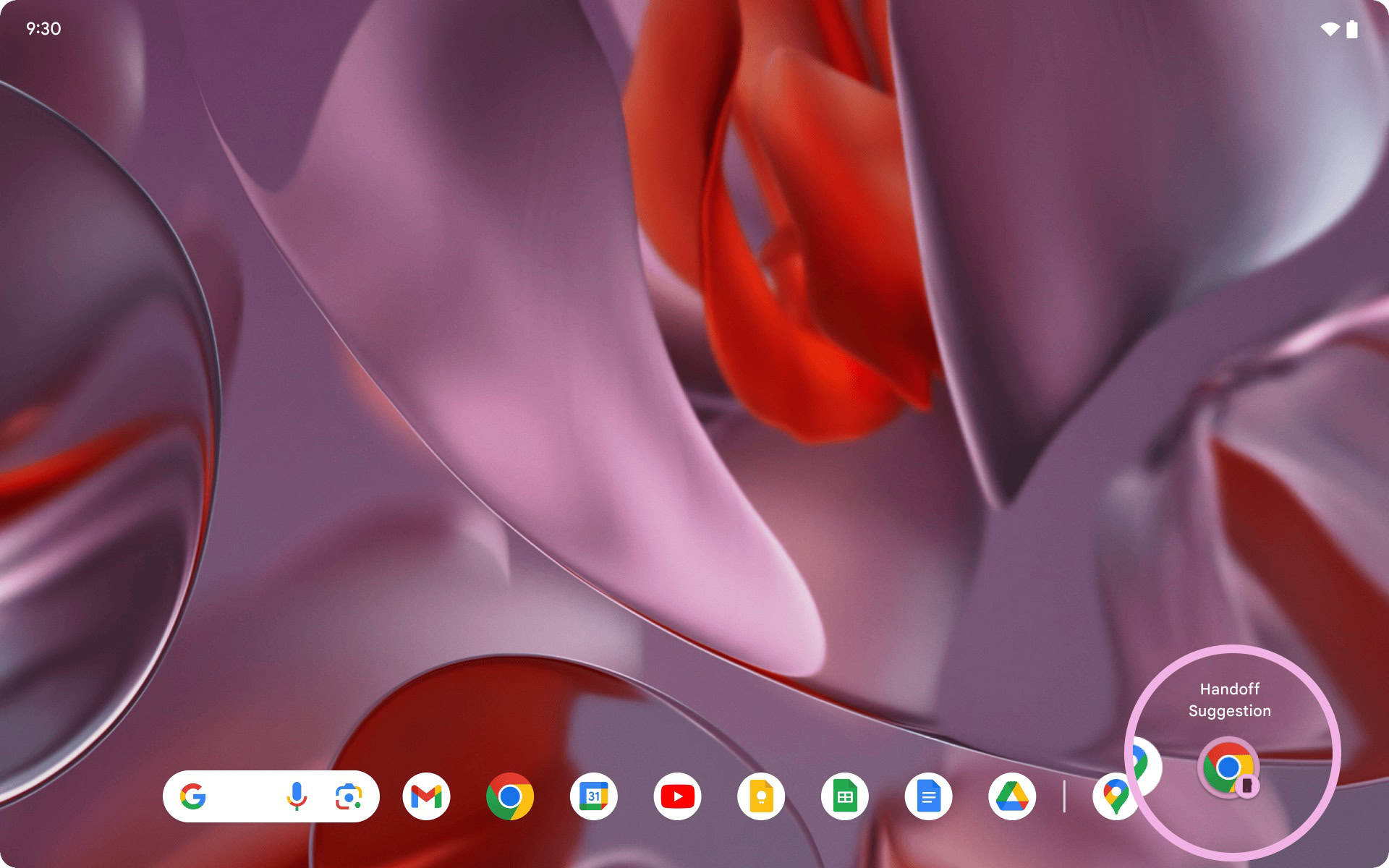
At launch, Continue On will first support phone-to-tablet handoffs. That means if you’re using an app on your Android phone and then pick up your tablet, Android will be able to suggest that same app directly in the tablet taskbar. Tapping the app will take you back to where you left off.
Google says the feature works bidirectionally, meaning supported Android devices can both send and receive app sessions. So in the future, you could bounce between multiple Android devices without constantly reopening apps, hunting for tabs, or manually navigating back to the same screen.
Google also shared some examples using Google Docs and Gmail. In one demo, a Google Docs document opened on a phone and continued on a tablet in the same tab and document state.
In another example, Gmail…