Anbernic RG DS: How to Install GammaOS, Anbernic Linux, ROCKNIX, and KNULLI
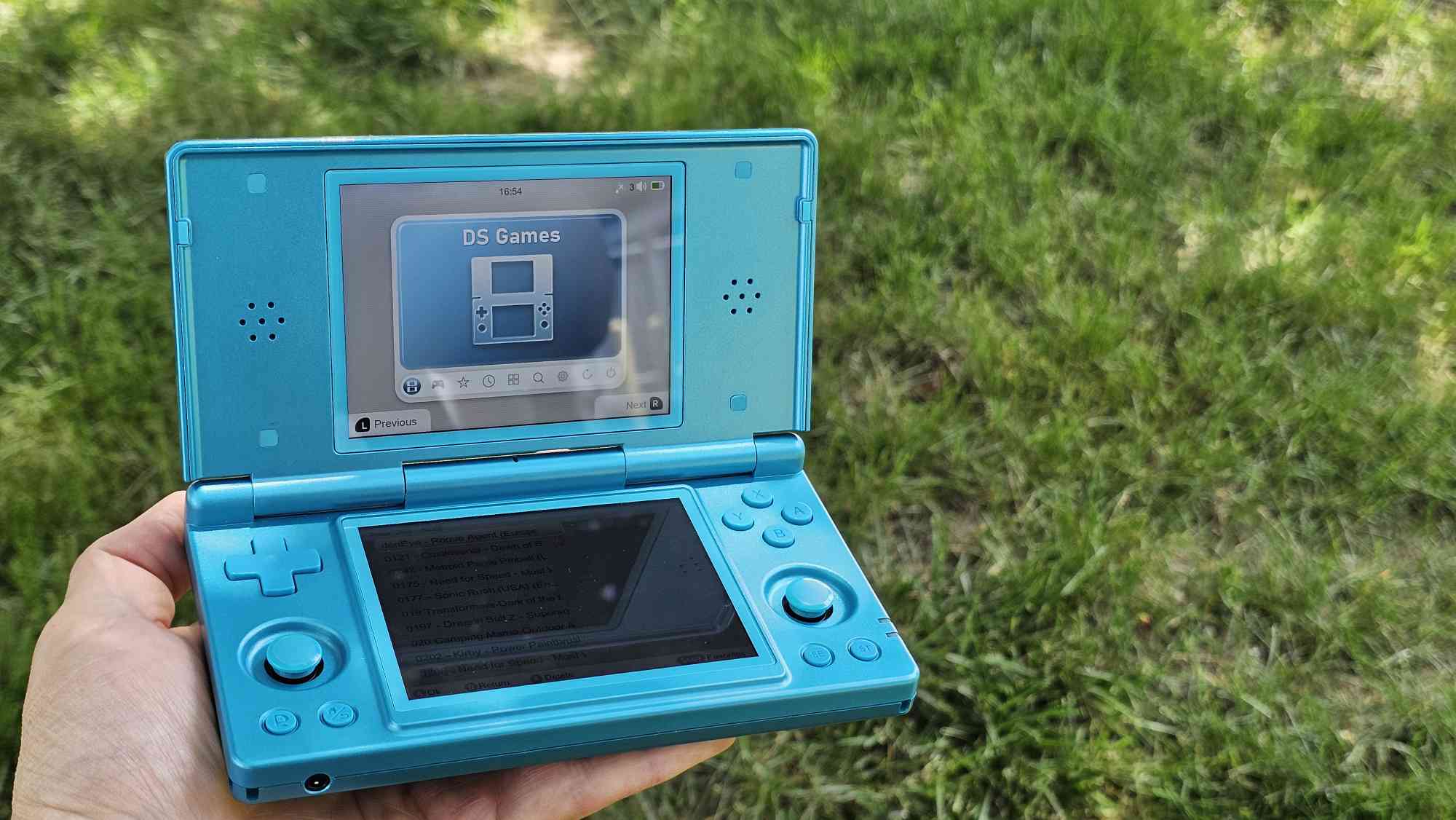
Anbernic RG DS: How to Install GammaOS, Anbernic Linux, ROCKNIX, and KNULLI
https://retrohandhelds.gg/anbernic-rg-ds-how-to-install-gammaos-anbernic-linux-rocknix-and-knulli/
Publish Date: 2026-05-20 10:43:00
Source Domain: retrohandhelds.gg
Since its lukewarm launch back in December, the Anbernic RG DS has been slowly growing in popularity. The idea of a budget alternative to the AYN Thor and AYANEO Pocket DS was an intriguing idea, but the stock software experience left a lot to be desired.
As has become tradition with Anbernic handheld releases, the community has come to the rescue, offering a few different custom firmware solutions. GammaOS Next provides an optimized Android build, while ROCKNIX and KNULLI give us two Linux solutions. More recently, Anbernic surprised everyone with a new Linux build of its own, which can be installed on a microSD card.
Today, we’re going to take you through the steps to get your own RG DS set up with the best firmware solution possible.
How to Install GammaOS Next on Anbernic RG DS
GammaOS makes everything better
- Download the following files from the GammaOS Next Releases GitHub page:
- RG_DS_GammaOS_v1.2.2_SDCARDINSTALL.7z.001
- RG_DS_GammaOS_v1.2.2_SDCARDINSTALL.7z.002
- RG_DS_GammaOS_v1.2.2_SDCARDINSTALL.7z.003
- Place all three files within the same folder on your computer.
- Highlight and right-click all three files, then select 7-Zip Extract Here.
- When prompted, enter the password
- b2fc6ffcb76fabc91024563a0b94f83be089c60aac4aa8f1a540a11d463d6bfc
- Connect your microSD card to your computer.
- If necessary, back up and format the microSD card.
- Use Rufus or your preferred image burner app of choice, and flash the downloaded preferred GammaOS Next build to the microSD card.
- Make sure your RG DS is powered off.
- Eject the card from your computer and insert it into your handheld.
- With the card inserted, turn on the RG DS.
- Once complete, turn off the device and remove the microSD card.
- Power on the RG DS, then proceed with the standard GammaOS Next/Android setup process.
How to Install Anbernic Linux
- Download and extract the RG DS Linux file.
- Connect your microSD card to your…


