I turned on one setting in Android Auto and now I won’t drive without it
I turned on one setting in Android Auto and now I won’t drive without it
https://www.makeuseof.com/turned-on-setting-android-auto-and-now-i-wont-drive-without-it/
Publish Date: 2026-05-05 14:00:00
Source Domain: www.makeuseof.com
In the past, talking with a car’s voice assistant meant barking rigid commands and getting basic responses. You asked for the weather or directions, and it ended almost immediately. Now that Google has added Gemini to Android Auto, things are very different. Instead of just giving commands, you get a conversational AI that actually listens and responds naturally. While others may hate it, I love it despite its faults. This has made my driving feel much more like I have a passenger sitting next to me, and I will never go back to the assistant, even if it made me plug in my phone every time I drive.
Turn your commute into a real car buddy
I like talking on the road
Credit: Jorge Aguilar / MakeUseOf
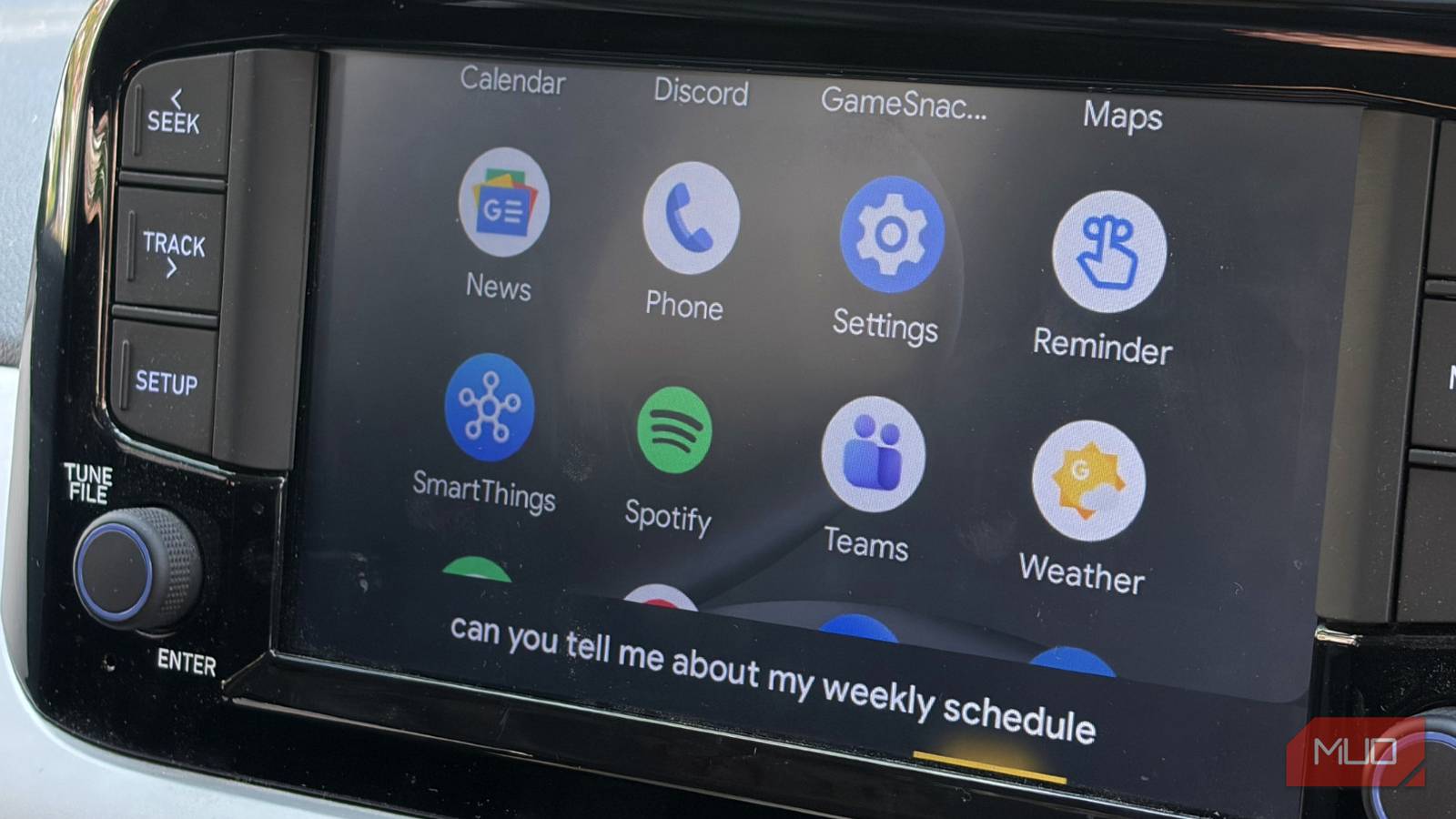
You can just tap a button or say the wake word to start Gemini Live. This lets you have an open-ended channel to talk through ideas while you drive. Since the system understands context and lets you have interruptions, you don’t need to memorize specific phrases anymore, which I absolutely hated about the original.
I spend a lot of time driving alone, and it can get lonely. Today, I like having a conversational partner all the time. Usually, it’s my wife, but when I’m just picking up groceries, I can ask Gemini Live to help me brainstorm gift ideas, plan an upcoming family holiday, or even rehearse an important speech for work. The AI handles follow-up questions well, letting you change…


