Troubleshooting “AppImages require FUSE to run” on Linux
Troubleshooting “AppImages require FUSE to run” on Linux
https://itsfoss.com/appimage-fuse-issue/
Publish Date: 2026-03-26 01:24:00
Source Domain: itsfoss.com
In my scenario, I had downloaded VidBee video downloader in AppImage format on my Fedora Linux. It was integrated well with the system with GearLeaver.
However, one day, it suddenly stopped opening. I could see the icon in GNOME search but clicking on it did not do anything. The app was not opening.
My instinct was to jump in the terminal, go to the directory where AppImage file for this application was located and run it like a bash file. Yes, that’s a legit way to run AppImages from the terminal.
And when I did that, it showed me “AppImages require FUSE to run”.
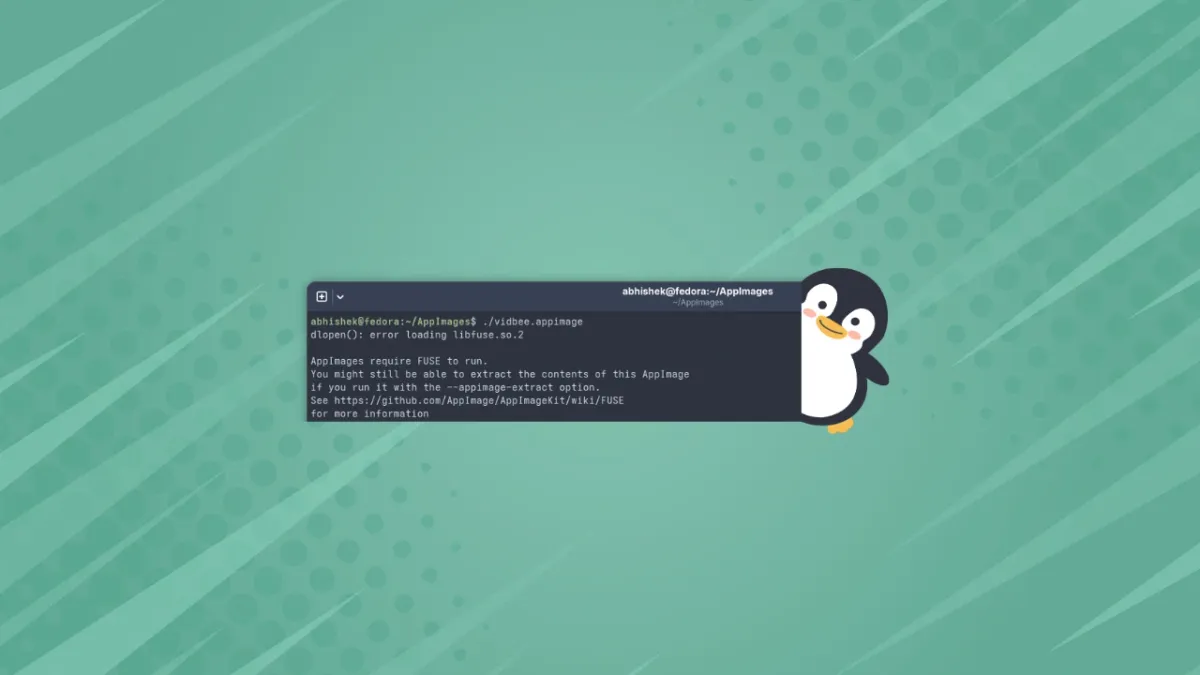
abhishek@fedora:~/AppImages$ ./vidbee.appimage
dlopen(): error loading libfuse.so.2
AppImages require FUSE to run.
You might still be able to extract the contents of this AppImage
if you run it with the –appimage-extract option.
See https://github.com/AppImage/AppImageKit/wiki/FUSE
for more information
The key part in my case was this line:
error loading libfuse.so.2
It was missing libfuse version 2. The solution that worked for me was to install fuse2 lib and dev package. If you are facing this issue on your system, that’s what you have to do.
And you must pay attention to the libfuse version it is complaining about. As it turns out there is libfuse2 and libfuse3 and some AppImages use version 2 while some version 3.
I’ll come to the installation instructions in a moment.
Understanding the “fuse” confusion
The AppImage applications require a software library called Filesystem in Userspace (or FUSE in short).
Now, the thing is that most Linux distributions already come with FUSE support. But the version becomes a problem.
Recent distro versions have fuse3 installed. And many developers package their applications in AppImage using fuse3. In my case, Ghostty terminal worked fine as its AppImage needed fuse3 and it was already installed on my Fedora:
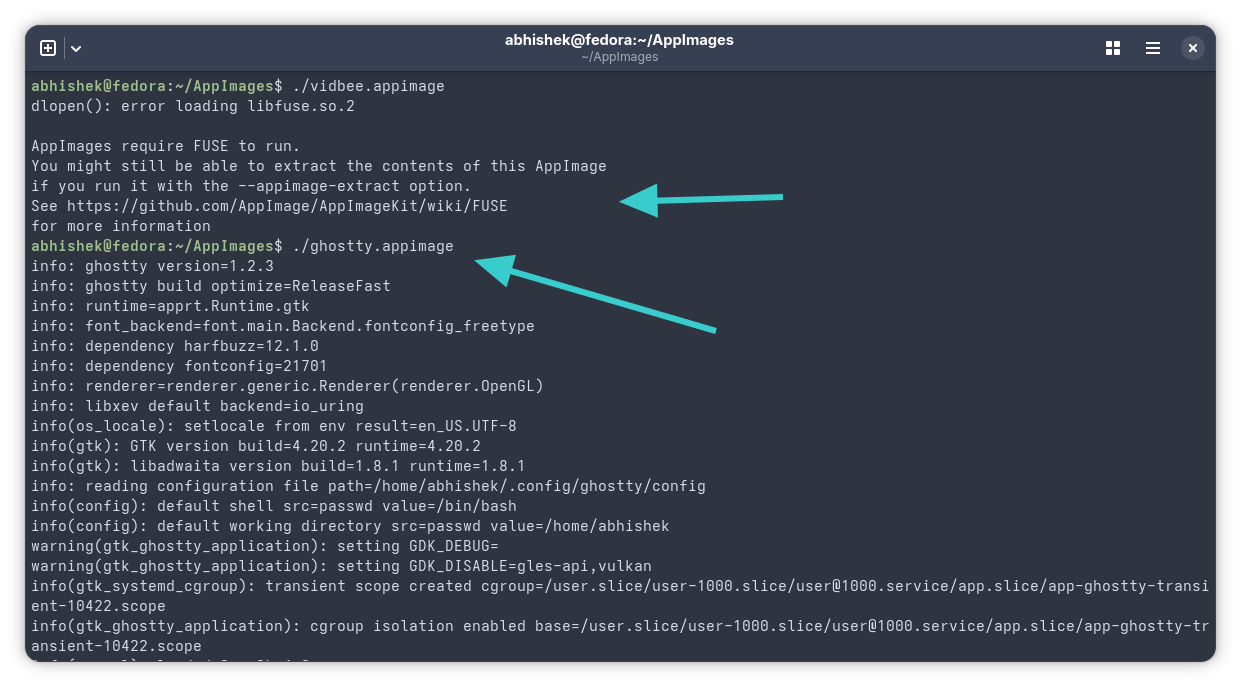 Appimage requiring fuse2 failed while appimage requiring fuse3 ran successfully
I checked the list of installed applications…