Android 16 QPR3 Adds Bouncy Folder Animation
Android 16 QPR3 Adds Bouncy Folder Animation
https://www.findarticles.com/android-16-qpr3-adds-bouncy-folder-animation/
Publish Date: 2026-03-03 17:03:00
Source Domain: www.findarticles.com
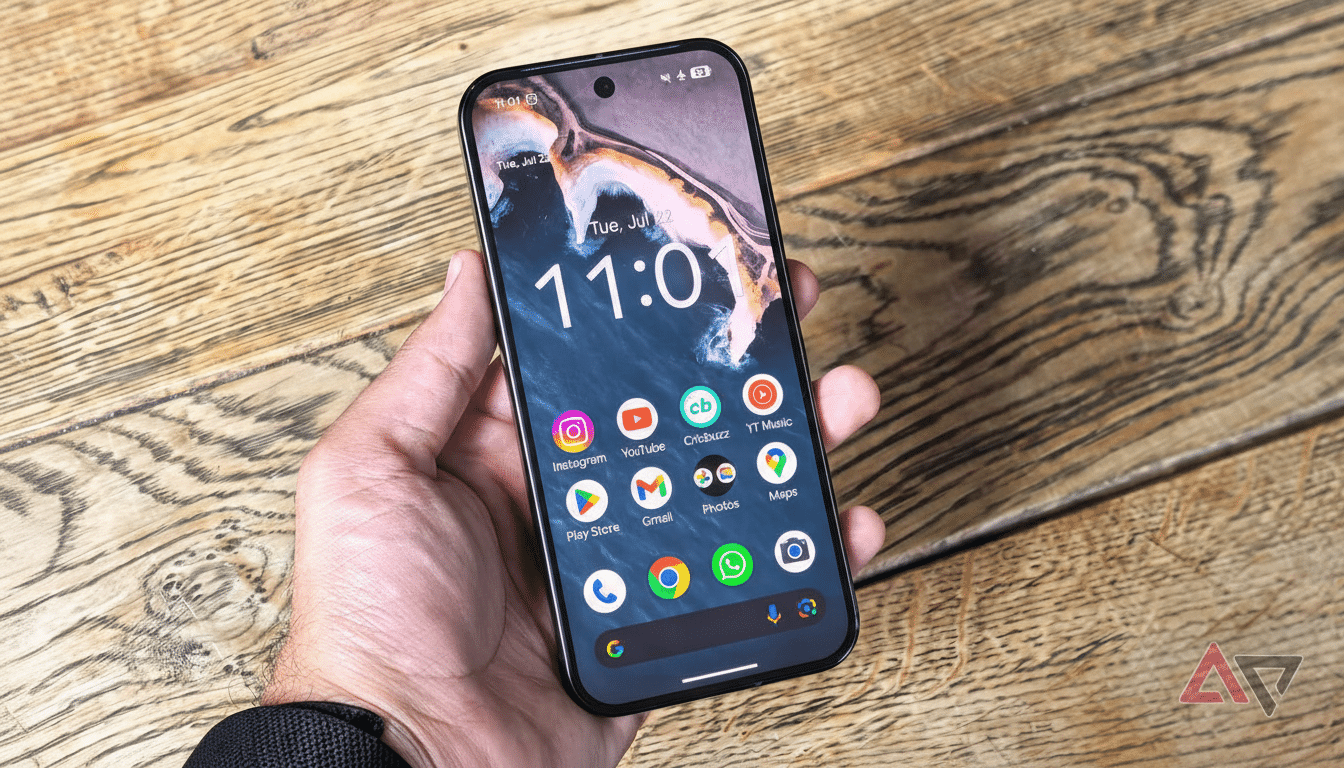
Android’s latest quarterly platform release is bringing a playful touch to the home screen. With Android 16 QPR3, folders in the Pixel Launcher now close with a subtle, springy bounce — a small flourish that signals Google’s ongoing polish of the platform’s motion language.
What Changed In The Pixel Launcher’s Folder Behavior
Previously, opening and closing a folder on Pixel phones was a no-frills zoom: tap to expand, tap outside to collapse. In Android 16 QPR3, the closing action adds a brief jiggle as the folder snaps back into place. It’s the kind of microanimation you notice for a day and then simply feel as “right” every time you use it.
The effect is intentionally restrained. There’s no new sound, no confetti — just a touch of elastic easing that reinforces the idea of objects living in a coherent space. Opening remains familiar, while the closing motion gets that extra bit of personality.
Why These Folder Microanimations Matter On Android
Google’s Material Design motion guidelines emphasize continuity, meaning elements should behave as if governed by consistent physics. A small bounce helps your eyes track where the folder came from and where it returns, reducing cognitive effort. It’s a classic affordance: the UI communicates its structure through motion.
UX researchers at organizations like Nielsen Norman Group have long noted that well-tuned microinteractions improve perceived responsiveness and user satisfaction when they are fast and purposeful. Android has leaned into this ethos since Material You, from stretch overscroll to livelier Quick Settings. The new folder bounce fits that lineage — delightful, but done in under a heartbeat.
Performance And Accessibility Considerations
Animations in the Pixel Launcher are hardware-accelerated and designed to be lightweight, so you shouldn’t see any meaningful impact on battery life or frame rates. If you prefer a calmer interface, Android respects system-level…