5 of the best productivity apps on Android for getting organized and getting stuff done
5 of the best productivity apps on Android for getting organized and getting stuff done
Publish Date: 2026-03-02 04:15:00
Source Domain: www.techradar.com
There’s a wealth of productivity apps available on Android, with almost all the big names you can probably think of accounted for, along with loads of lower profile options. But if you want to be productive then you definitely don’t want to be stressing over clunky, glitchy, or feature-light software that doesn’t suit your needs.
So — while there’s no one-size-fits-all approach to productivity — I’ve listed five of my favorite such apps, which should serve you well if they suit your needs.
You’ll find all of these below, listed in no particular order, and covering various aspects of productivity, including to-do lists, research, creating and collaborating on documents, and backing data up.
You may like
1. Perplexity
(Image credit: Perplexity)
AI while not without its flaws can be a major boon to productivity, as — among other things — it can answer questions and assist with research, finding details that might take you a lot longer to dig up on your own.
And while Gemini or ChatGPT would probably be most people’s first choice for this, I tend to favor Perplexity.
There are a few reasons for that, including that you’re not limited to one company’s AI model here. Instead you can choose from a number of them, depending on your needs and preferences.
For another, Perplexity cites sources for all of its answers, without having to be specifically asked to. This to me is vital, since AI often gets things wrong, so this makes it easy to check the information.
2. Google Docs
(Image credit: Google)
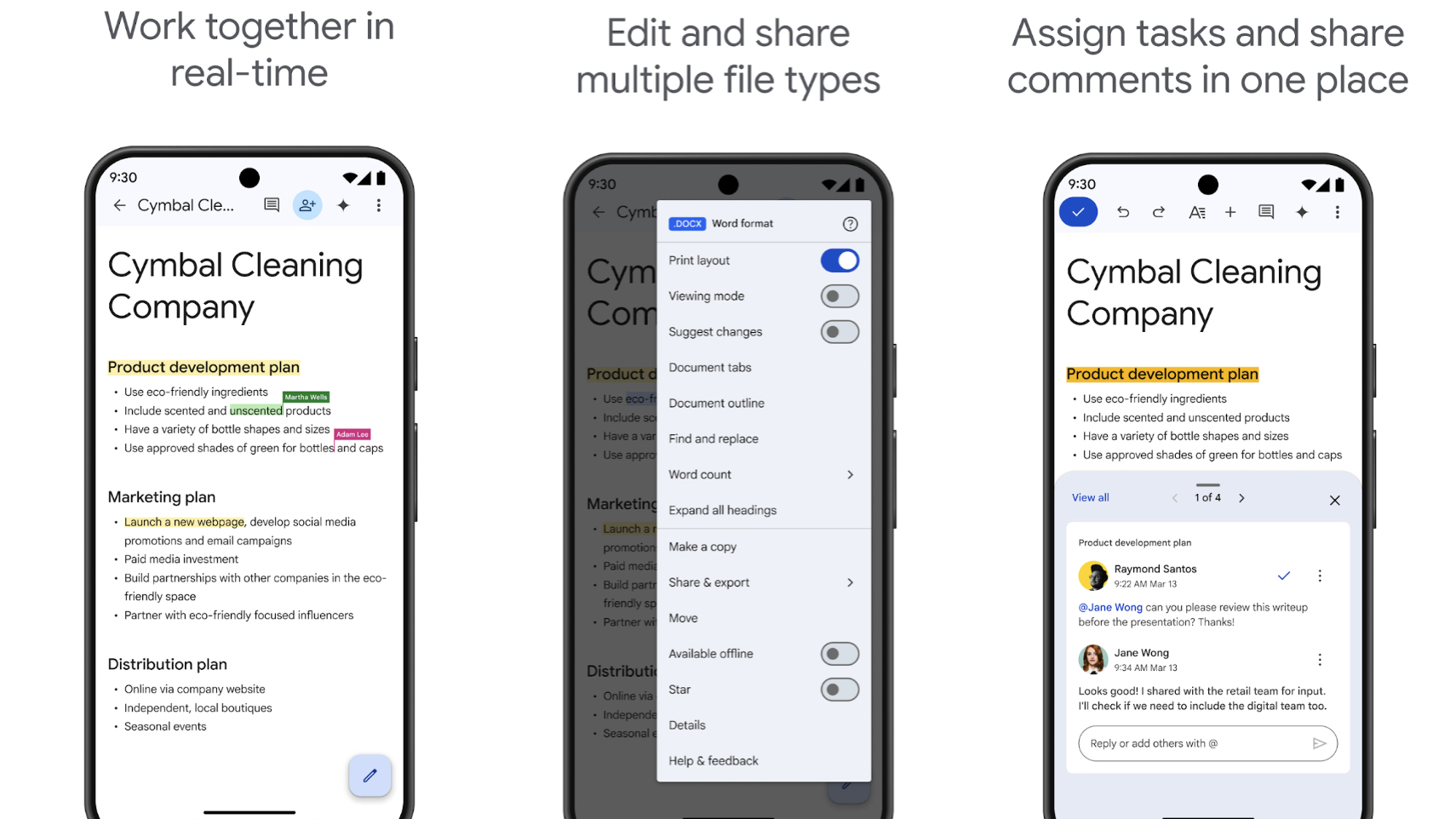
There’s a high chance you’re already using Google Docs, but if not — and if you ever need to create or edit documents — then you probably should.
It’s especially good for collaboration, allowing you to share documents and work on them alongside others, even with the ability to all view and edit the documents at the same time. It’s…