Type faster on your Android phone by not typing at all
Type faster on your Android phone by not typing at all
https://www.howtogeek.com/type-faster-on-your-android-phone-by-not-typing-at-all/
Publish Date: 2026-02-28 14:00:00
Source Domain: www.howtogeek.com
Growing up with keyboards has conditioned many of us to think of typing as the only way to get words to appear on our screens. On our phones, that really isn’t the case. Virtual keyboards have gotten much better over the years, but there is an even faster way to type on your phone.
The microphone on your phone keyboard is surprisingly good
It’s time to give your thumbs a rest
It feels almost anachronistic to say this, but phones are designed to be talked to. They come with excellent microphones and are able to capture every word we say. We just need to remember to ask them to.
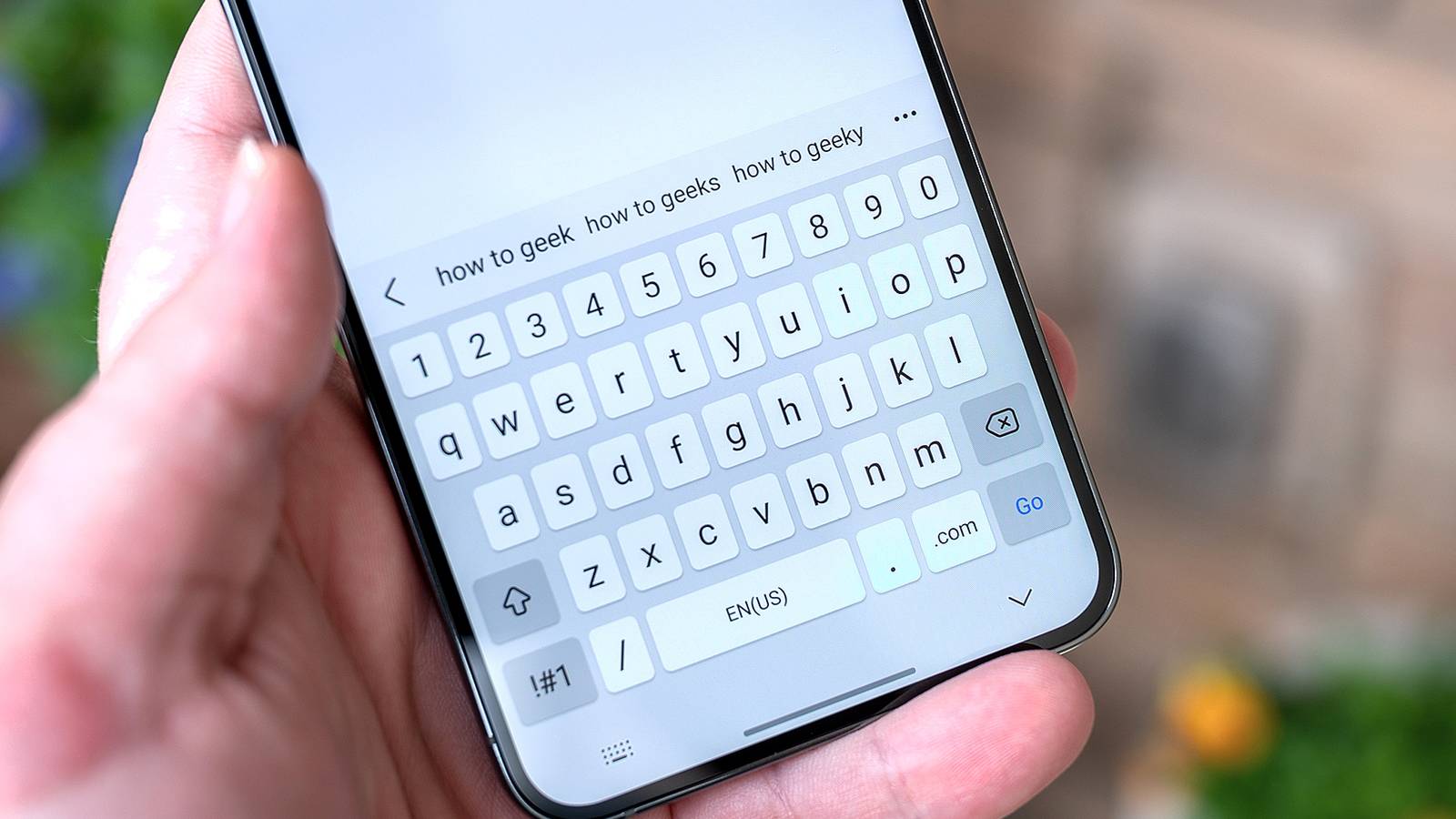
Whenever you do something that causes your virtual keyboard to pop up, you have the option to talk to your phone instead of peck at it or swiping. There’s likely a microphone icon already visible somewhere in the corner of your screen. Mine appears on the bottom left. Tapping that icon causes my phone to listen to my speech and transcribe what I say. This built-in option is my go-to method for putting my voice to text.
Credit: Bertel King / How-To Geek
I like this option because the microphone is so accessible. I can tap it, speak a few words, and very quickly add punctuation or make corrections using my virtual keyboard before tapping the icon again. I am using this approach to speak these words right this moment.
That said, it isn’t perfect. I have a Samsung Galaxy phone that defaults to Samsung…