Windows 11 Users Flock To macOS And Linux Shells
Windows 11 Users Flock To macOS And Linux Shells
https://www.findarticles.com/windows-11-users-flock-to-macos-and-linux-shells/
Publish Date: 2026-02-02 16:07:00
Source Domain: www.findarticles.com
If the Windows 11 interface leaves you cold, you’re not alone. Between a centralized taskbar, shifting Start menu behavior, and creeping “recommendations,” plenty of power users want a different feel without abandoning their apps. The good news: mature alternative shells can make Windows look and behave more like macOS or a popular Linux desktop, while keeping all your software intact.
Independent tracking from StatCounter shows Windows 11’s share climbing but still polarizing users, and enterprise adoption has trailed expectations in multiple Lansweeper audits. That tension has pushed many to try shells that swap the desktop, taskbar, and menus for a cleaner, more efficient experience. Here are three expert-vetted picks, each suited to a different type of user.
Seelen UI For Full-Fledged Makeovers And Tiling Efficiency
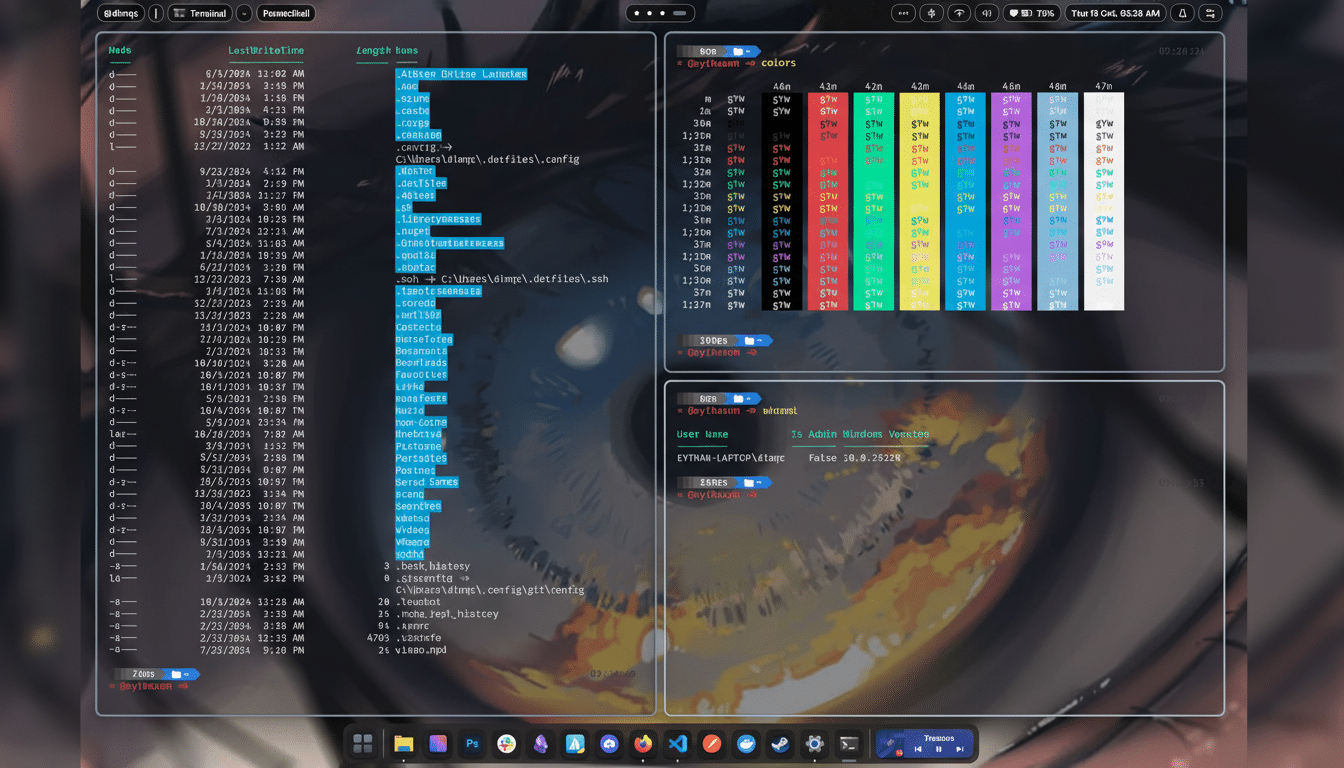
Seelen UI is the most transformative option. Think of it as a configurable workspace layer that can mimic macOS, GNOME, or KDE, or morph into a tiling window manager vibe reminiscent of i3 or Pop!_OS. You can reposition panels, tweak transparency and blur, swap icon packs, and build menus that surface exactly what you need—no more, no less.
Beyond aesthetics, Seelen UI prioritizes speed. Keyboard-driven navigation, optional tiling, and quick-launch modules remove friction from common tasks. Power users often cite fewer clicks to reach files and apps, and the ability to set per-layout rules (for example, float creative tools while tiling terminals and editors) brings a distinctly Linux-like efficiency to Windows.
It’s free, community-driven, and extensible via plugins such as enhanced taskbars and glass effects. In practical terms, expect a lightweight footprint compared to full desktop theming stacks, and an easy exit back to stock Explorer if you want to switch. If you want Windows to feel fundamentally different—and measurably faster to operate—this is the place to start.