Your iPhone can browse Safari at a smooth 120Hz, and this is the setting you need to change
Your iPhone can browse Safari at a smooth 120Hz, and this is the setting you need to change
https://www.tomsguide.com/phones/iphones/enable-120hz-safari-on-iphone
Publish Date: 2026-01-31 03:45:00
Source Domain: www.tomsguide.com
Not too long ago, iPhones didn’t offer high refresh rate displays. Apple only switched to 120Hz screens with the iPhone 13 Pro in 2021, and only in 2025 brought its “ProMotion” tech to the base iPhone 17.
That said, if you’ve owned an iPhone for a while, you’ve probably noticed that not all animations feel consistently smooth. There are still quite a few places where the experience can feel a little choppy.
You may like
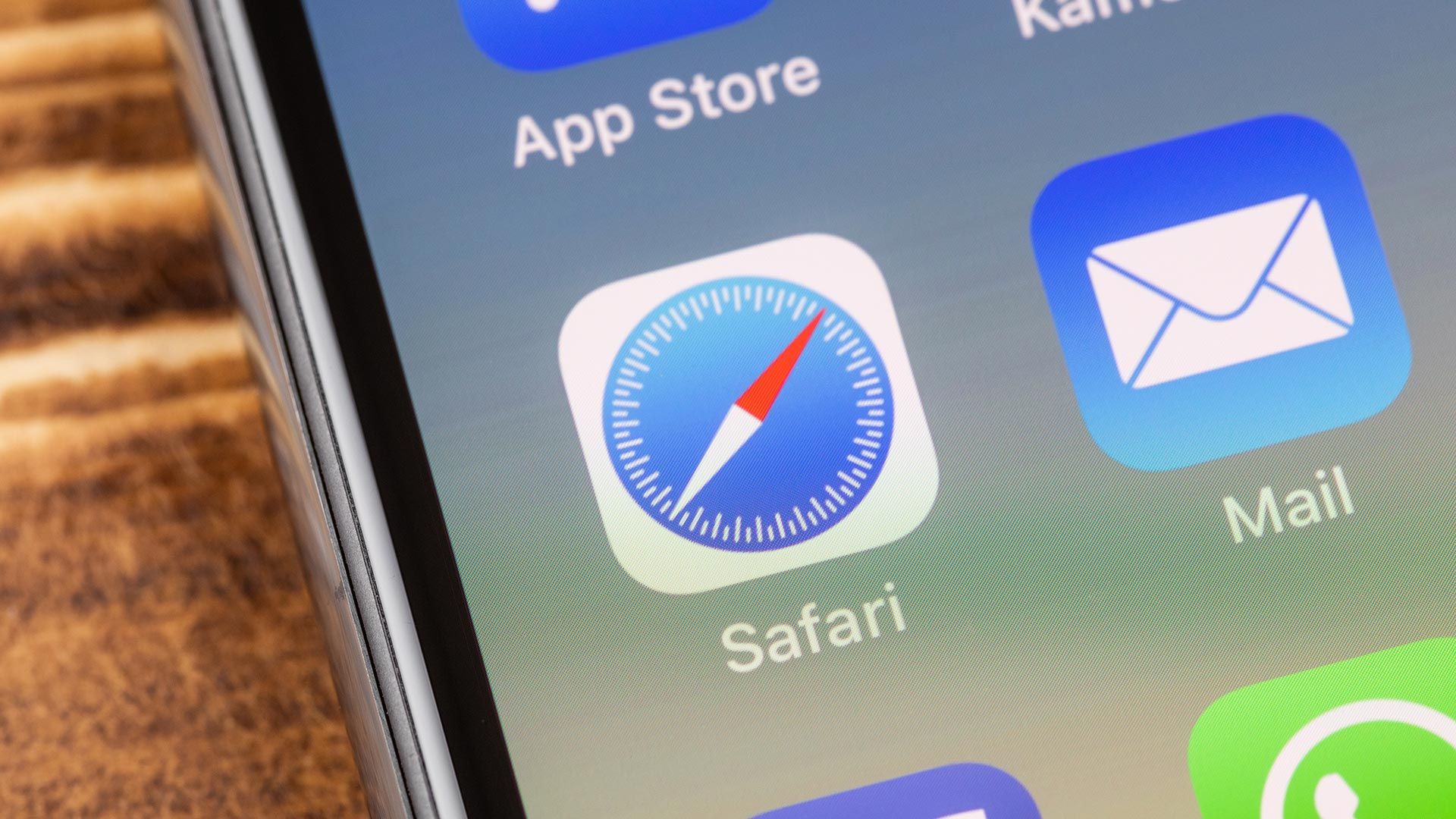
Safari on iPhone doesn’t use 120Hz refresh rate by default
(Image credit: Future)
Even though Apple added 120Hz support to the iPhone years ago, Safari still renders most webpages at 60fps by default. This can make things feel jittery, especially when you’re scrolling through text-heavy websites (like this one).
If you want, you can actually verify your iPhone’s refresh rate while using Safari by visiting this refresh rate test page and checking the live frame rate and refresh rate sections. However, if you are using your iPhone out of the box without changing any settings, Safari is limited to 60Hz.
By default, at 60Hz, your iPhone refreshes the display every 16.7 milliseconds. At 120Hz, it refreshes every 8.3 milliseconds, meaning the screen updates twice as fast. The result is smoother scrolling and a noticeably more fluid browsing experience.
Thankfully, you can force Safari to use the full 120Hz refresh rate of your iPhone’s display. Once…