Proton releases Proton Drive CLI for Windows, Mac, and Linux
Proton releases Proton Drive CLI for Windows, Mac, and Linux
https://www.neowin.net/news/proton-releases-proton-drive-cli-for-windows-mac-and-linux/
Publish Date: 2026-06-09 16:24:00
Source Domain: www.neowin.net
When you purchase through links on our site, we may earn an affiliate commission. Here’s how it works.
Proton has launched a cross-platform CLI for Drive, enabling terminal-based file management, automation, and encrypted cloud storage workflows.
Jun 9, 2026 16:24 EDT
The team at Proton has released a command-line interface for Proton Drive to let users manage their encrypted files directly from a terminal across all major platforms: Windows, macOS, and Linux.
The CLI supports the usual filesystem tasks like listing directories, moving files to the trash, downloading remote folders, handling invitations, and exporting these outputs with the –json flag to pass structured data directly into automated deployment scripts or run scheduled backups through cron.
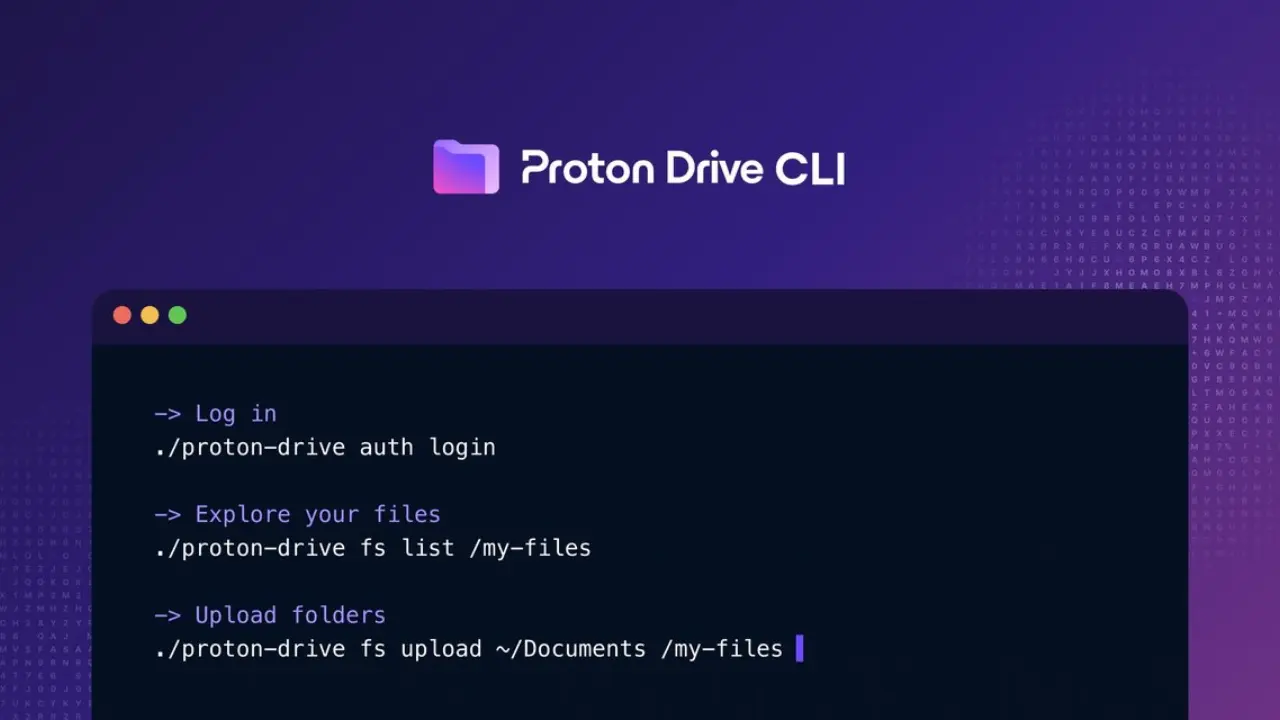
Here are some commands you can run with Proton Drive CLI:
- proton-drive auth login starts authentication through your browser.
- proton-drive filesystem upload ./reports/* /my-files/Reports –conflict-strategy skip uploads local documents while skipping files that already exist on the server.
- proton-drive sharing status /my-files/Reports checks the sharing status and permissions of a folder.
- proton-drive sharing invite –user [email protected] –role editor –message “Please review reports” /my-files/Reports invites a collaborator to a shared folder with editor access and a custom message.
Proton said that in the future, the CLI will gain support for managing photos, sharing files and folders via secure public links, creating custom albums,…