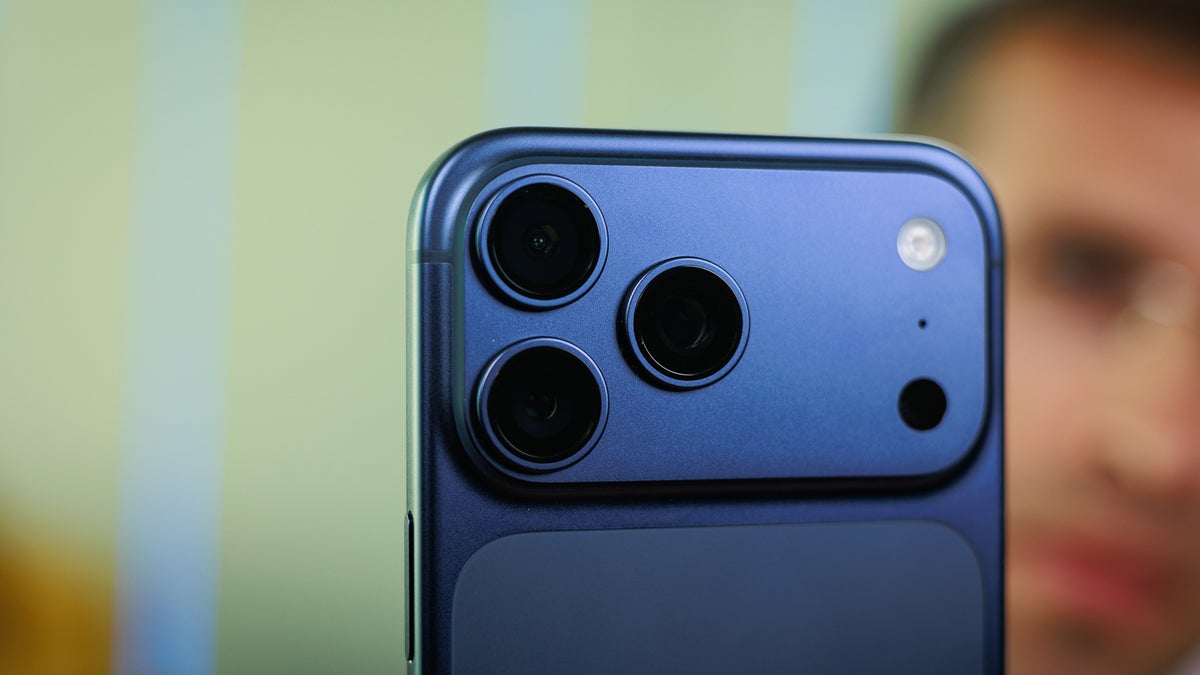
iOS 27 announced: List of supported Apple iPhones, release date and steps to download developer beta of the new operating system
Publish Date: 2026-06-09 01:35:00
Source Domain: timesofindia.indiatimes.com
Apple announced iOS 27 at its Worldwide Developers Conference (WWDC) 2026, bringing a mix of design refinements, performance improvements and long-awaited AI features to the iPhone. Unlike previous releases that focused on major visual overhauls, iOS 27 is largely aimed at improving the overall user experience with faster performance, a refined Liquid Glass interface and the arrival of Apple’s upgraded Siri AI assistant. The update introduces several notable changes, including faster app launches, quicker photo loading, improved AirDrop speeds and a redesigned Siri powered by Apple’s next-generation AI technology.Similar to the past years, Apple has released the developer beta, while the public beta will roll out later this summer ahead of the stable release expected in the fall. For users eager to try the software before its official release, Apple has already made the first developer beta available for download.
iOS 27 release date
As always, iOS 27 will debut with the new iPhones that are expected to launch later this year in September. But the company has released Beta 1 update of iOS 27. Those interested can download the beta version to try new iPhone features.
iOS 27 supported iPhones
List of Apple iPhones that support iOS 27 are:
- iPhone 17
- iPhone Air
- iPhone 17 Pro
- iPhone 17 Pro Max
- iPhone 16e
- iPhone 16 and 16 Plus
- iPhone 16 Pro and 16 Pro Max
- iPhone 15 and 15 Plus
- iPhone 15 Pro and 15 Pro Max
- iPhone 14 and 14 Plus
- iPhone 14 Pro and 14 Pro Max
- iPhone 13 and 13 mini
- iPhone 13 Pro and 13 Pro Max
- iPhone 12 and 12 mini
- iPhone 12 Pro and 12 Pro Max
- iPhone 11
- iPhone 11 Pro and 11 Pro Max
- iPhone SE (2nd gen and newer)
How to download iOS 27 Beta 1
To install iOS 27 Developer Beta 1 on your iPhone, follow the steps below:
- Go to beta.apple.com
- Here, click on Signup
- Enter your Apple ID
- Accept the Terms & Conditions
- This will result in creating your Apple Developer account. To proceed ahead, you must sign in on the iPhone with the same account.
- On your iPhone, go to Settings and then tap on…