3 ways I made my Amazon Fire Tablet feel more like a real Android tablet
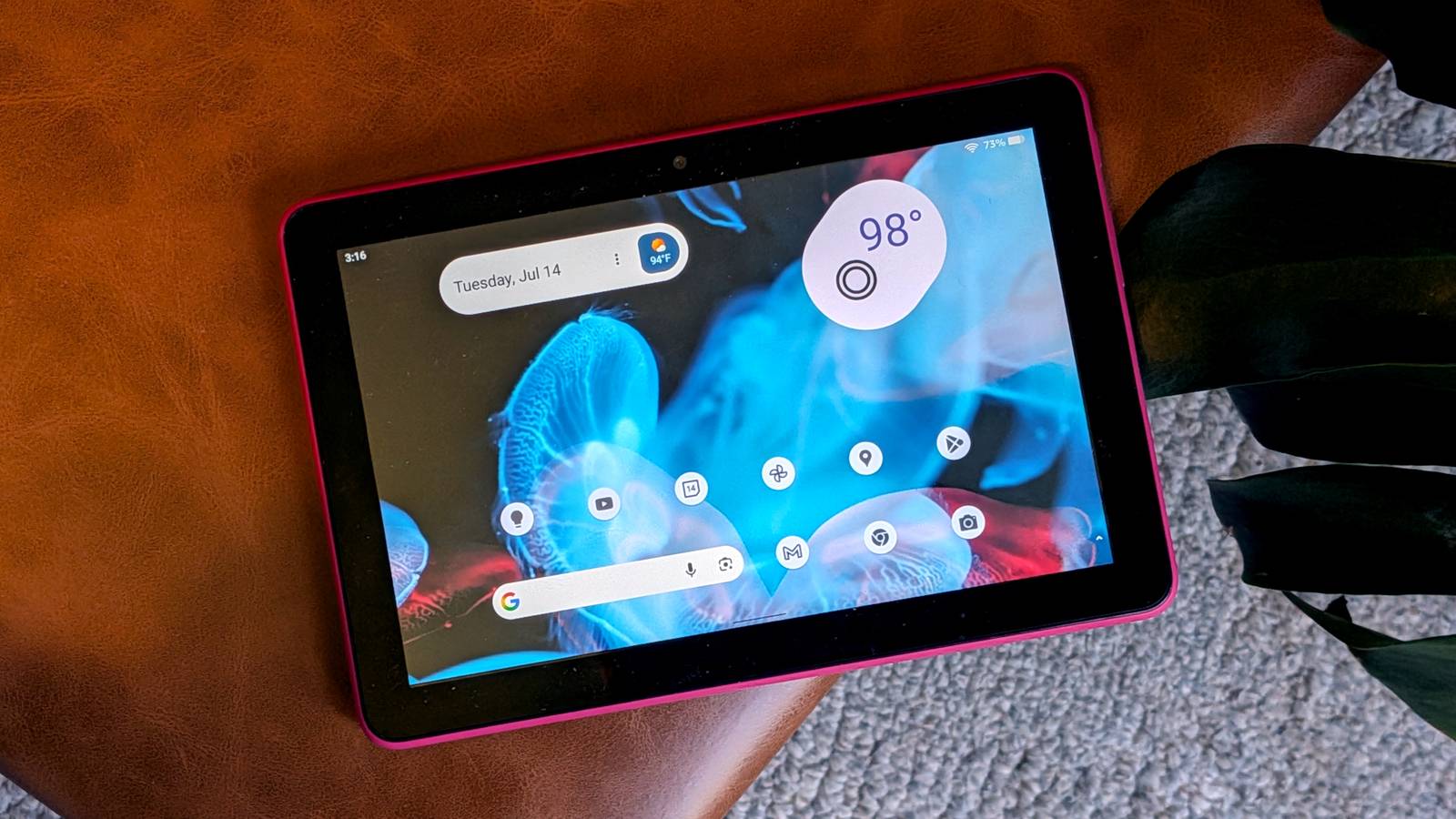
3 ways I made my Amazon Fire Tablet feel more like a real Android tablet
https://www.howtogeek.com/made-my-amazon-fire-tablet-feel-more-like-a-real-android-tablet/
Publish Date: 2026-07-15 11:15:00
Source Domain: www.howtogeek.com
Amazon Fire tablets aren’t the flashiest devices on the market, but they absolutely provide the most bang for your buck. With Android at the core, you’re not limited to Amazon’s services and proprietary home screen setup—you just have to know how to get around the limitations.
To me, the idea of a “real” Android device typically means the Play Store and the ability to swap out default apps. Amazon blocks both of these things—Google apps are not officially available, and you’re stuck with Amazon’s home screen launcher.
Thankfully, it’s pretty easy to get the Play Store and plenty of Google apps on a Fire tablet, but that’s only the tip of the iceberg. I’ll also show you how to replace the home screen launcher and cut the fat of Amazon’s pre-installed services.
Amazon’s tablet with Google’s services
Install the Play Store and more
The first step toward making a Fire tablet feel more like a genuine Android is to get the Play Store up and running. The good news is that this is a relatively simple process. There are several files to download and steps to follow, but it only has to be done once.
We have a full-length, detailed guide that will walk you through the entire process from start to finish. Follow it closely, making sure to take note of specific device models for the files, and you’ll have the Play Store up and running in no time.
From there, it’s…