Your living room doesn’t need a Steam Machine when a cheap Android TV box and Moonlight can do better
Publish Date: 2026-07-12 12:30:00
Source Domain: www.xda-developers.com
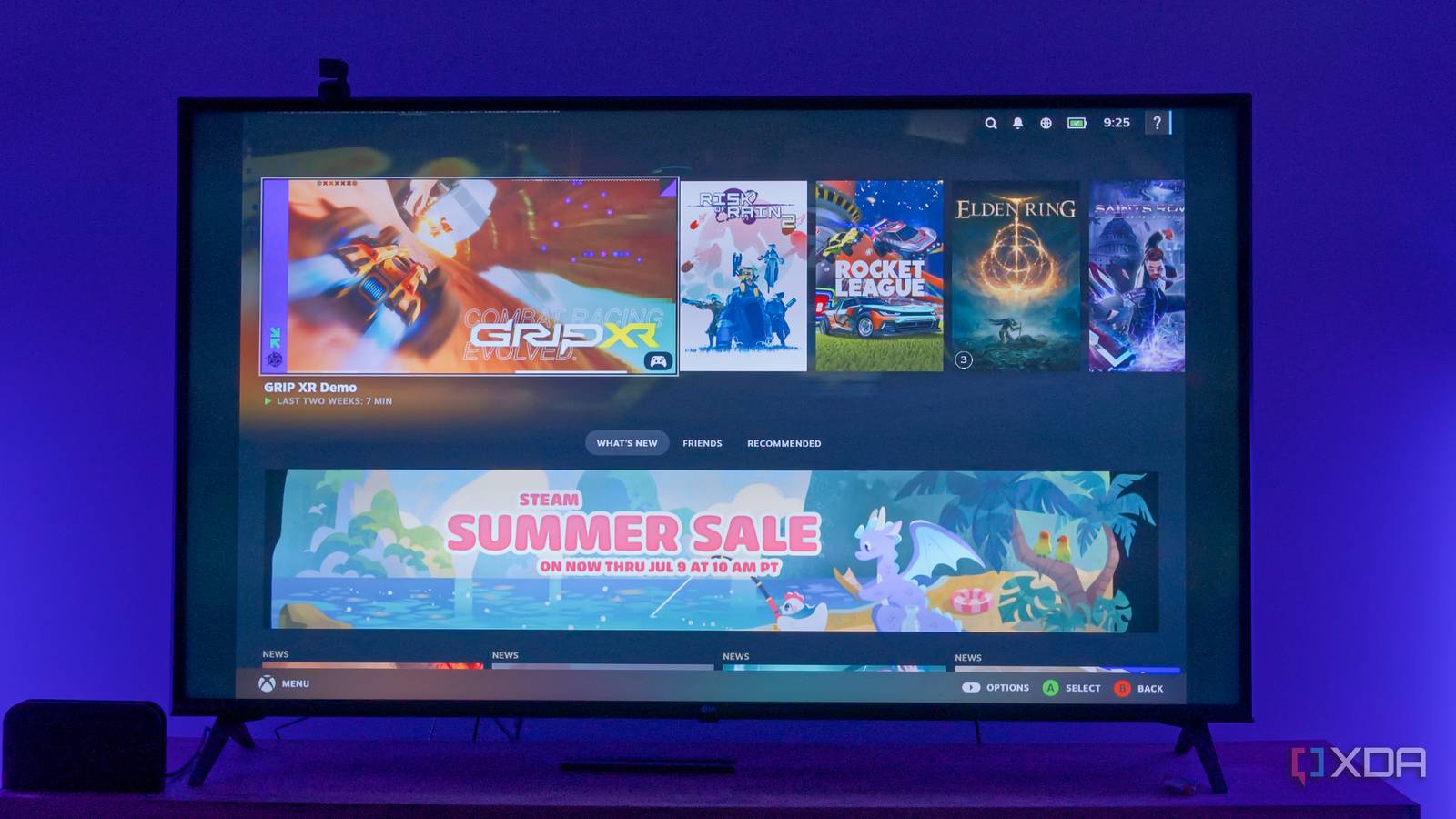
Valve’s Steam Machine didn’t turn out to be the living room console everyone had hoped it would be, but the truth is you don’t need a living room console if you have a gaming PC, and you don’t even have to move that PC to the living room. Your Android TV box or streamer can be everything you need for a perfect living room setup, and you can harness the power of your existing PC to do so.
That’s exactly what I did with my Chromecast, and the experience was frankly better than I expected. If I really wanted to play games on my TV and didn’t want to move my PC, this would be completely serviceable, and you might be able to make it even better.
Moonlight is easy to set up
Just install a couple of things
When I say “Moonlight” I actually refer to a combination of apps, which encompasses a server program (called Sunshine) running on your gaming PC, and a streaming client (Moonlight) on your Android TV. The Sunshine server app can be downloaded from the official website, but for your Chromecast or other Android TV box, you can just use the Play Store to find the Moonlight client.
Once both are set up and running, your Moonlight app on the Android TV box should be able to detect the Sunshine server on your PC, as long as both devices are on the same network. When you see your PC, you can make a connection request, and your PC will see a notification. Enter the PIN shown on your TV to link…