I found a way to use Apple Maps and Google Maps together, and it’s actually not that complicated
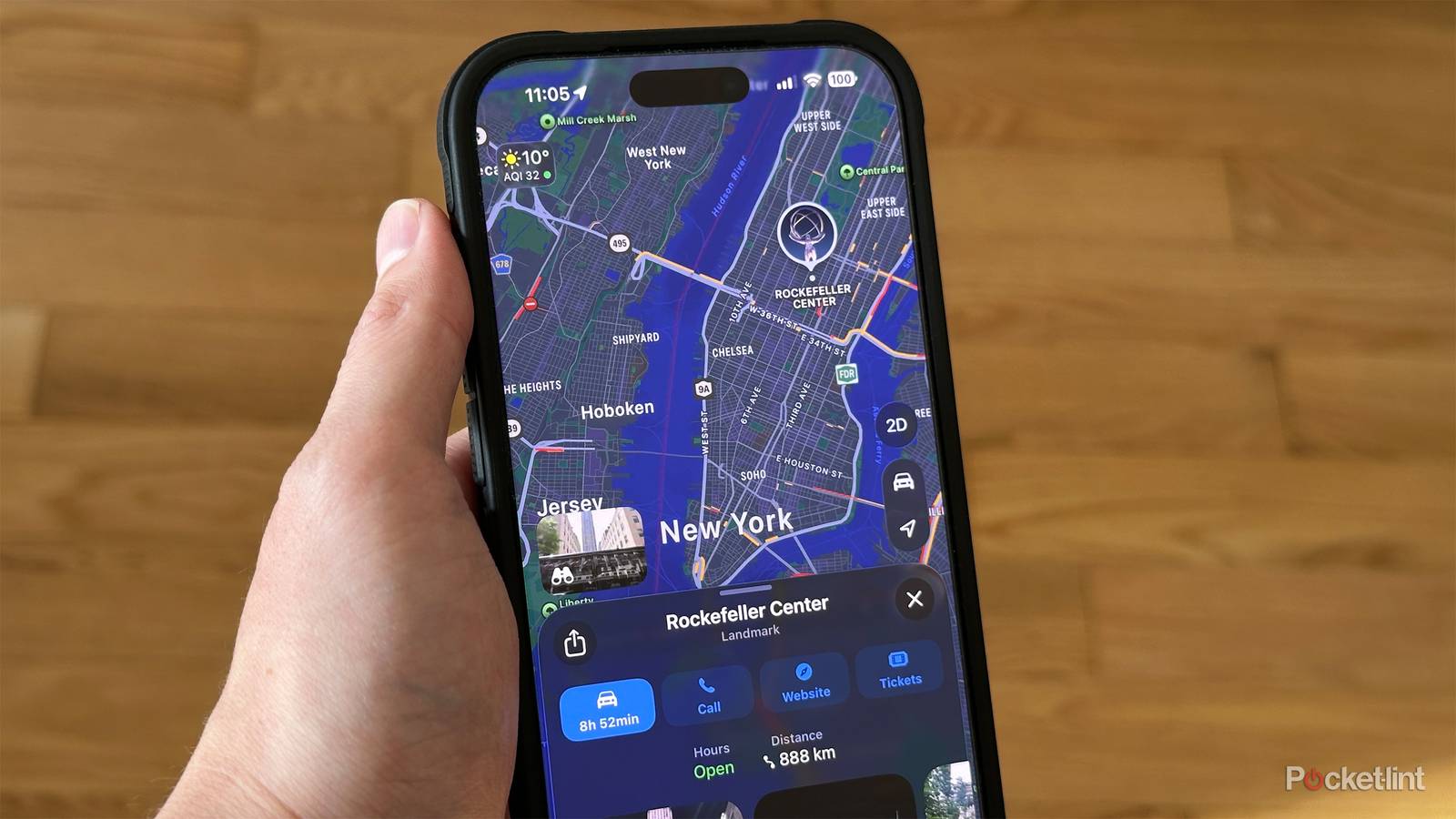
I found a way to use Apple Maps and Google Maps together, and it’s actually not that complicated
https://www.pocket-lint.com/dont-stick-to-just-apple-maps-or-google-maps-on-iphone/
Publish Date: 2026-07-11 07:00:00
Source Domain: www.pocket-lint.com
Not too long ago, I experimented with making Apple Maps the (literal) primary driver on my iPhone, but ultimately went back to Google Maps. It’s what I started out with the day I replaced my old Garmin GPS unit, and in some ways, it’s still way ahead of Apple’s product. There’ll be more to say about that in a moment.
More recently, I’ve come to accept that I may need to bounce back and forth between the apps. The truth is that Apple Maps does have its perks, and dual-wielding is probably the best way of ensuring you’ll get the directions and information you want. You might want to buy a paper atlas for a cross-country roadtrip — but in 2026, that’s just a fallback plan.
Why using both Apple and Google makes sense
Not just getting from A to B
Credit: Google/Canva
Google’s chief advantage can be described in two words: massive data. Google Maps has been around in various forms since 2005, including the iPhone since 2007. That gave it a seven-year headstart, and it shows not just in the amount of map coverage it has, but the amount of photos and details for those locations. I will always trust Google over Apple when it comes to navigating to the most remote locations, although Apple is certainly catching up, as you’d hope a nearly $5 trillion megacorporation would.
For me, the way Google’s data really pays off is in research ahead of a trip or move. You can try Apple…