PULSE Puts Android Handheld Performance Controls at Your Fingertips
PULSE Puts Android Handheld Performance Controls at Your Fingertips
https://retrohandhelds.gg/pulse-puts-android-handheld-performance-controls-at-your-fingertips/
Publish Date: 2026-07-05 09:00:00
Source Domain: retrohandhelds.gg
When I find the time to actually sit back and play some games on my Android handhelds, one of the things that I never really considered was the “power-to-performance” ratio. It’s something that many people talk about when discussing x86 handhelds, specifically with how efficient they are (or aren’t).
However, Android handhelds have reached the point of maturity that the same kind of conversations can be had. And now, we have apps and utilities that go beyond the constraints of what the stock software experience might offer. One such app is ClusterTune, which arrived earlier this year and was “inspired by the Odin 3 underclocking scripts people have been using.”
Essentially, instead of needing to dive into the settings app and run a series of scripts, ClusterTune handles all of that for you with just a few taps. All of this is done without the need for root access, which is something that previous solutions usually required.
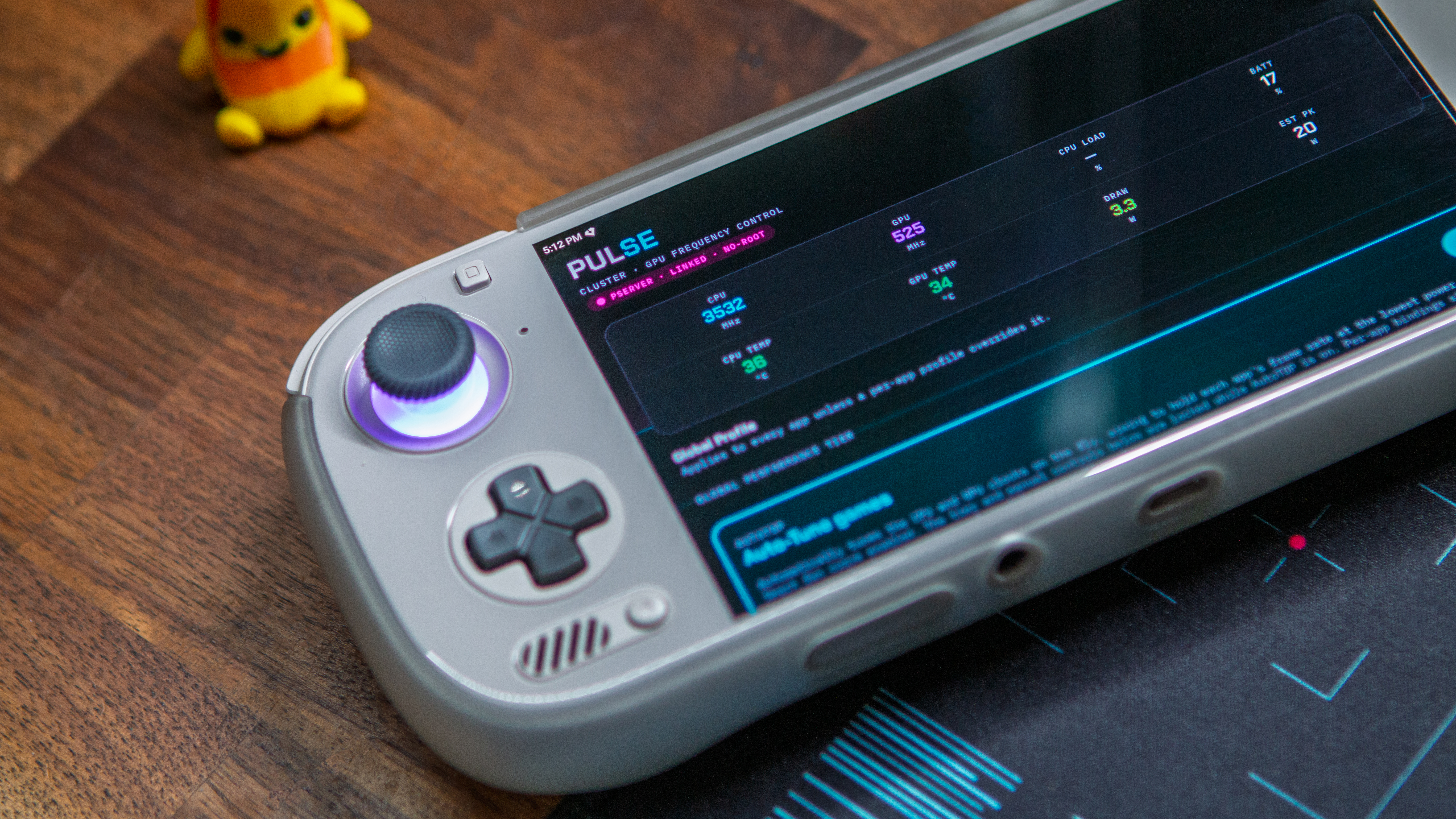
More recently, PULSE from Kei’s Retro Gaming arrived, offering much of the same functionality, but with some rather useful additions. Notably, where PULSE differs from ClusterTune is thanks to the AutoTDP functionality. Here’s the description directly from the GitHub listing:
AutoTDP is a closed-loop controller that auto-tunes your CPU and GPU clocks, in real time, to hold a target FPS at the lowest power possible. Point it at a game, give it a target (e.g. 60), and it does the rest — trimming clocks while frames are smooth, giving them back the instant a scene gets heavy, and learning each game’s floor as it goes.
However, what if you prefer being in control of the performance? Well, PULSE has you covered there too, as you can manually control everything from the performance/power tiers to the prime-core boost limits, and everything in between. There’s even a built-in HUD that will show you all of the pertinent readings,…