Android Auto’s hidden developer mode unlocks these 4 features nobody talks about
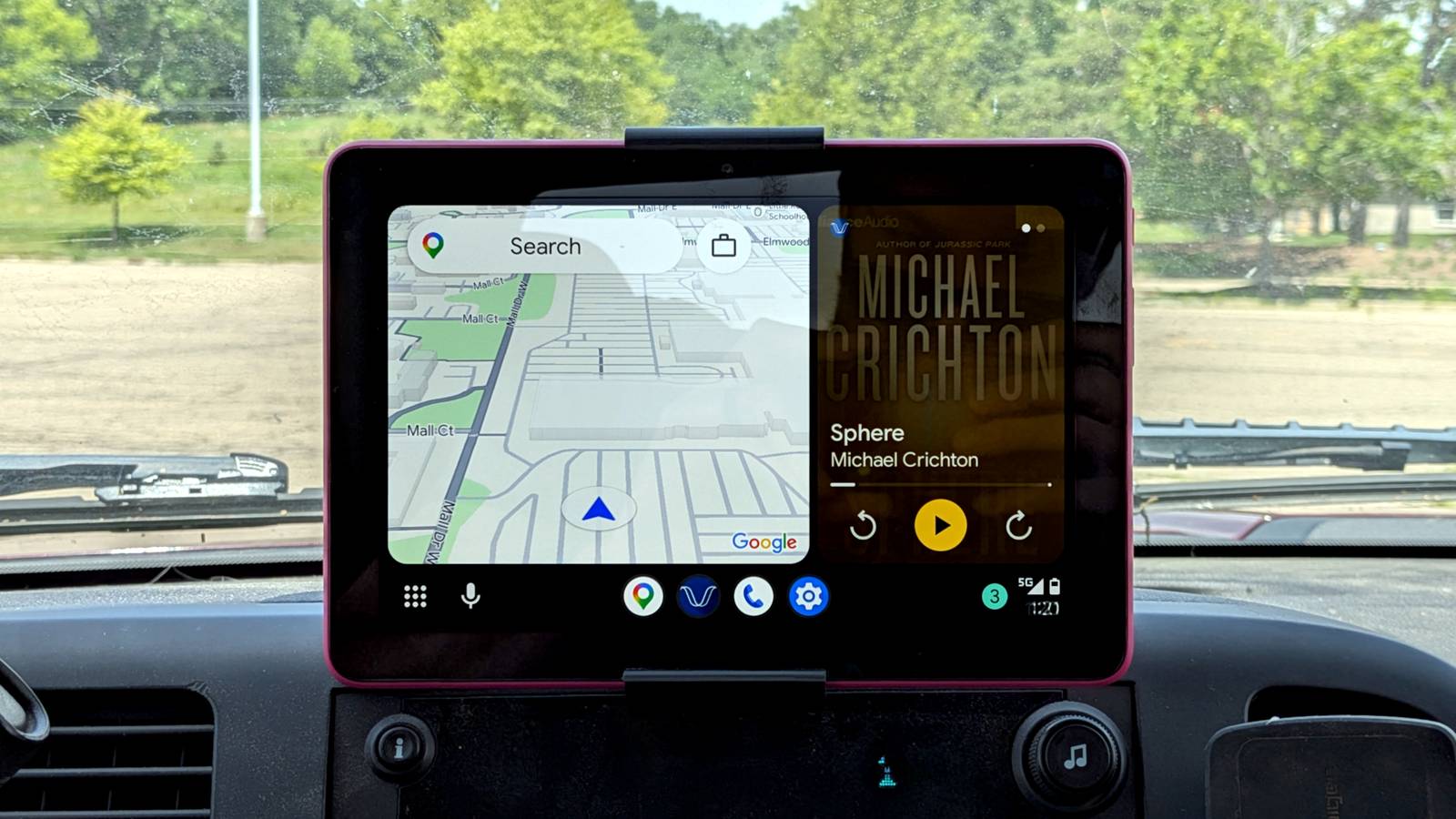
Android Auto’s hidden developer mode unlocks these 4 features nobody talks about
https://www.howtogeek.com/android-auto-hidden-developer-mode-unlocks-these-features/
Publish Date: 2026-07-04 13:30:00
Source Domain: www.howtogeek.com
Android Auto keeps its settings simple, for good reason. The app is based around the things you need every day, with minimal distractions. But if you unlock the developer mode in Android Auto, you can access a few more features. Most are designed for testing and debugging, but some are actually quite useful for everyone.
How to enable developer settings in Android Auto
The developer settings in Android Auto are hidden, so you need to activate them before you can use them. The precise instructions might differ depending on which phone you’re using, but the simplest way on most devices is to go to your phone settings, tap the search button, and type “Android Auto.” The option for the Android Auto settings should appear here.
Open it and scroll down to the bottom, where you’ll see the Version section. Tap on that ten times. A box will appear asking you to confirm that you want to enable the developer settings. Tap OK. Now press the three-dot menu button in the top right corner to access them.
The developer options in Android Auto aren’t as much fun as the ones you get in Android on a phone, and there are a lot fewer of them. But there are some that are worth exploring.
Wireless Android Auto
Wires or no wires?
…
Source