I spent a week without the Google Play Store, and I barely survived
I spent a week without the Google Play Store, and I barely survived
https://www.androidauthority.com/android-phone-using-without-google-play-store-3680822/
Publish Date: 2026-07-02 05:41:00
Source Domain: www.androidauthority.com
Taylor Kerns / Android Authority
Android’s whole pitch has always been openness. You can sideload apps, get APKs from the web, and even switch to third-party app stores — Google doesn’t stop you from doing any of that (for now, at least). So, when I decided to spend a week without the Play Store, I wasn’t exactly nervous going in.
I did keep Google Play Services running because this wasn’t some full de-Googling mission. I simply wanted to see how far I could get sourcing and managing my daily apps after disabling the Play Store.
Spoiler: It wasn’t terrible, but it wasn’t exactly smooth sailing either.
Have you ever considered using your Android phone without the Play Store?
3 votes
Yes, and I’ve actually done it
67%
Crossed my mind once or twice
0%
Never, not worth the hassle
33%
Ditching the Play Store is possible if you don’t mind the extra hassle
Andy Walker / Android Authority
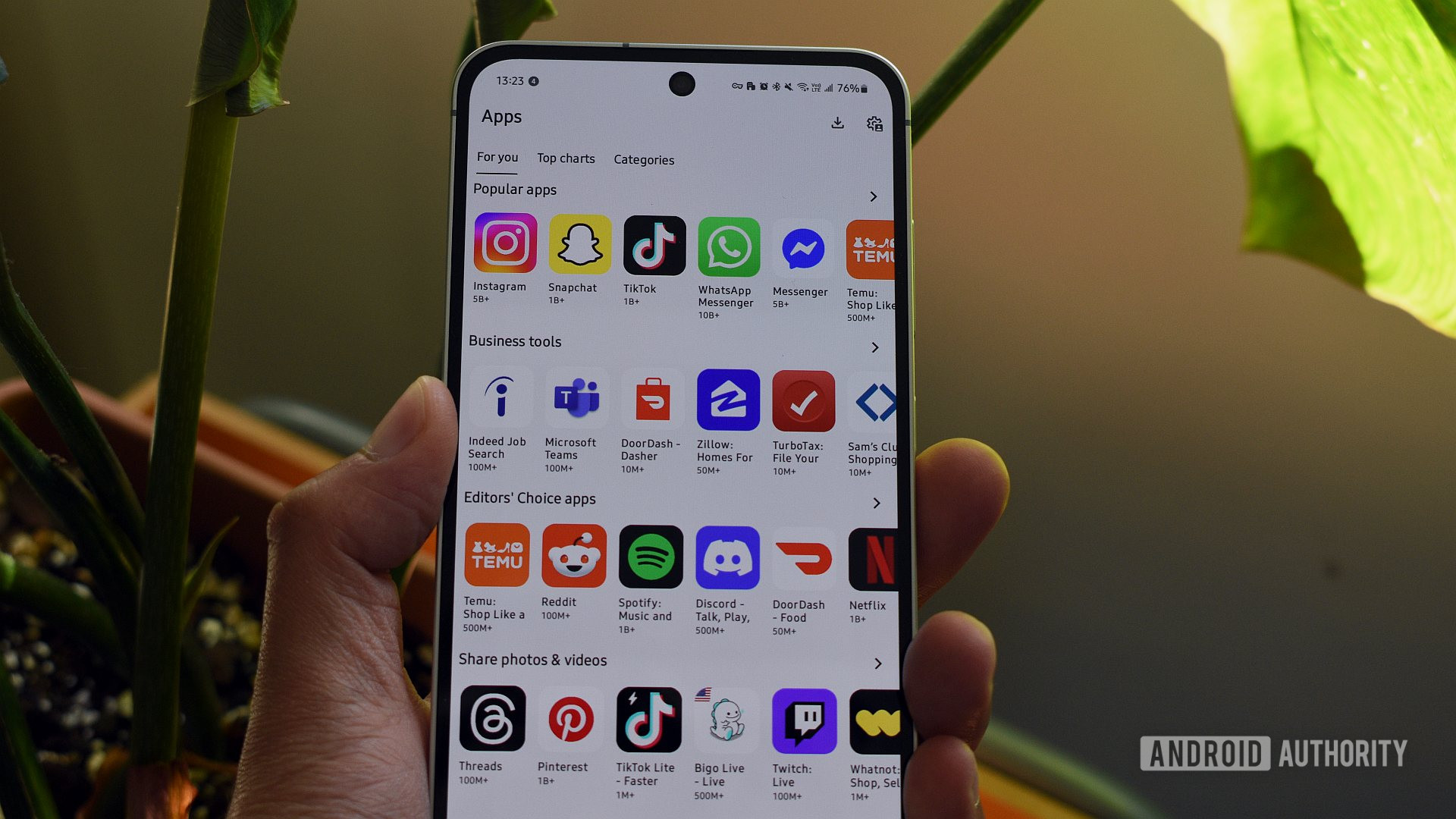
Before ditching the Play Store, I obviously needed a replacement. I ended up installing three or four different app stores just to see which one could cover everything I needed. Of them all, Aurora Store came the closest to being a like-for-like replacement for the Play Store. It’s essentially an open-source frontend for the Play Store, so I had access to virtually the same app library. The only difference was that Aurora Store didn’t force me to use a Google account, which was kind of the whole point of this experiment.
The big catch is that you can’t purchase apps and games without the Play Store.
Aurora Store also does a couple of things better than the Play Store itself. First, it lets you download older versions of an app, which means if a recent update broke something or removed a feature you liked, you can roll back directly from the Aurora Store. There’s also a Spoof Manager that lets you fake your device’s model so you can download apps that aren’t available on your phone. Of course, there’s no guarantee they’ll work, but at least you get to try. I didn’t…