4 Ways Your Android Phone Can Connect To A TV
4 Ways Your Android Phone Can Connect To A TV
https://www.bgr.com/2198652/ways-android-phone-connect-tv/
Publish Date: 2026-06-28 23:25:00
Source Domain: www.bgr.com
Andreypopov/Getty Images
We may receive a commission on purchases made from links.
Your Android phone is capable in many different ways. While it was originally designed for communication, it now doubles as a portable camera, gaming hub, and even a lightweight alternative for a computer. And that’s just the tip of the iceberg. When paired with other devices, your Android becomes a much more powerful tool.
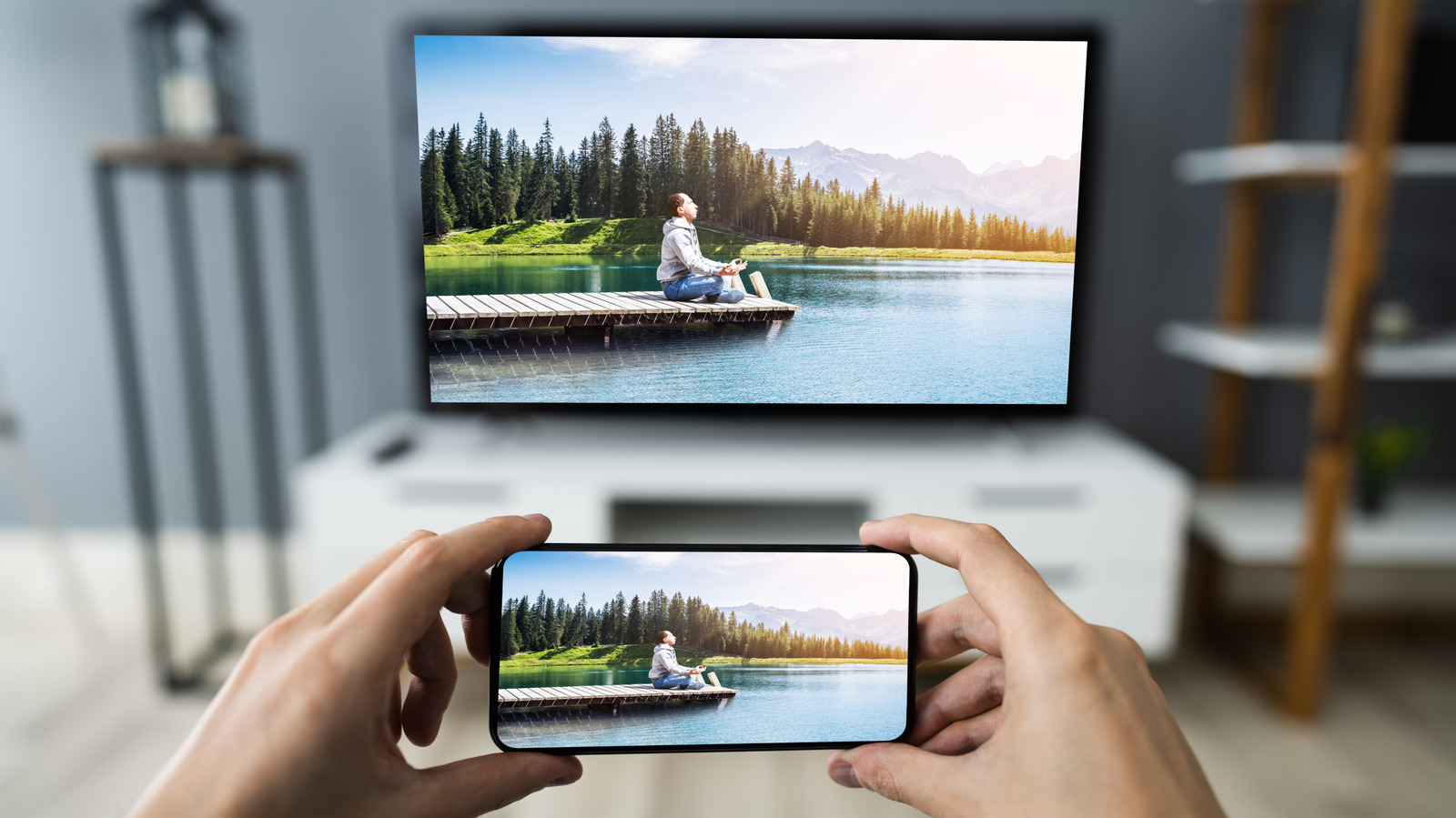
But beyond the typical Android accessories like headphones, gaming controllers, and external SSDs, one device you probably didn’t think about pairing with your Android phone is your TV. Yes, your smart TV works just as fine on its own, but it can significantly enhance how you use your phone. When you connect your phone to your TV, you generally get two experiences: extending your phone screen to the TV and using your phone as the TV remote control.
Extending your phone screen means you now have more screen real estate to display your apps and media. Meanwhile, controlling the TV from your phone means you can ditch the real remote that always gets lost anyway. We’ll walk you through the specific ways you can connect your Android phone to your TV to make the most out of it.
Use an HDMI cable

…
Source