Smart Ring Compatibility Guide: iPhone, Android, and App Ecosystems
Smart Ring Compatibility Guide: iPhone, Android, and App Ecosystems
https://blog.bestbuy.ca/wearable-technology/smart-ring-compatibility-guide
Publish Date: 2026-06-25 20:09:00
Source Domain: blog.bestbuy.ca
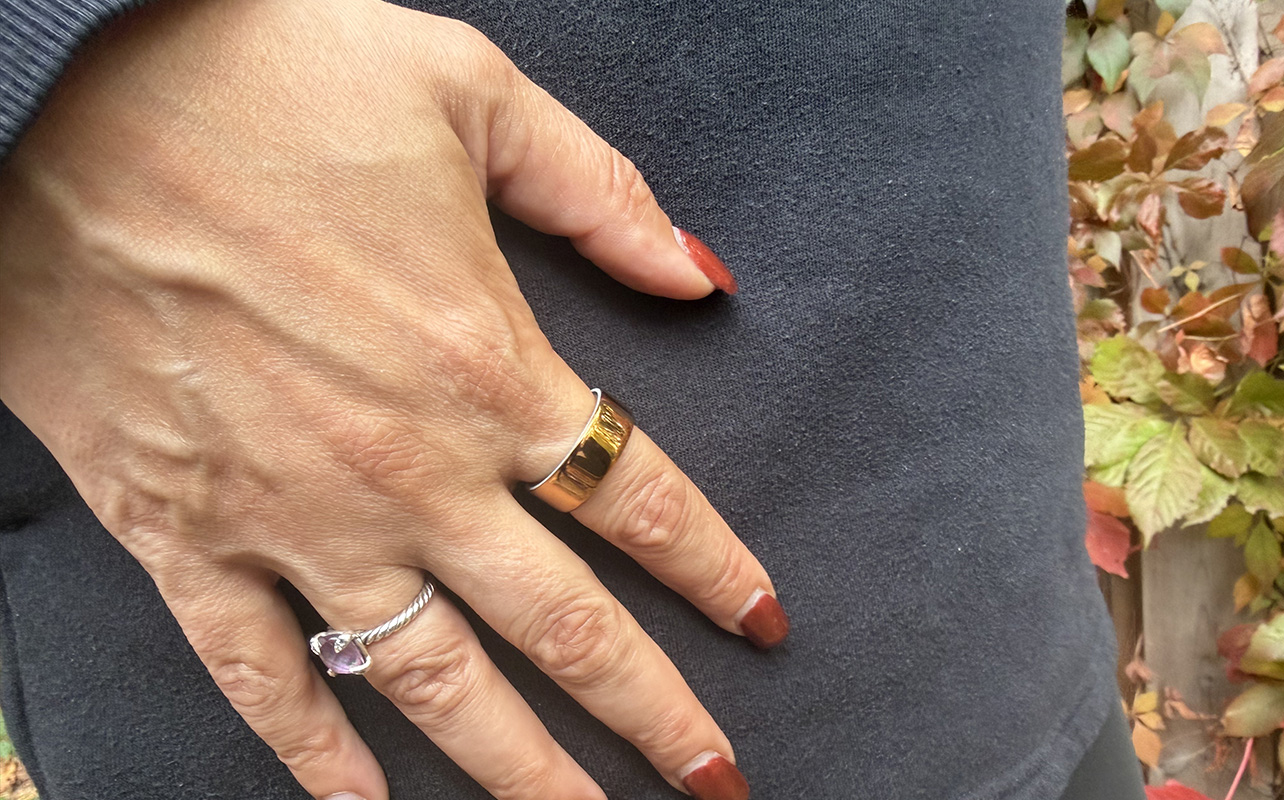
Smart rings come from various brands: Oura, Samsung, Ultrahuman, RingConn, and others all competing to be the best option for your finger. Whichever direction you want to go in, make sure you’ve got the compatibility side of things in check. Will the ring actually work with what you already own?
Smartwatches have clear lanes, like the Apple Watch for iPhone, and Samsung Galaxy Watch models being Android-only—and getting a few extras with Samsung phones. Wear OS is purely an Android pursuit—no iPhones work. Smart rings don’t generally follow that level of distinction, though there may be nuances you need to know to be certain. This guide walks through the compatibility checks that matter before buying.

Always check phone and app compatibility first
The first thing to do is confirm that a ring’s companion app supports your phone’s operating system, and that your device meets any minimum OS or Bluetooth requirements. Unless you’re using a much older phone, you shouldn’t run into any issues with that. Note that if you do switch phones, smart ring companion apps can transfer an account over since the data lives in the cloud. That goes for iOS-Android crossovers as well.
iPhone compatibility considerations
As an iPhone user, you’re pretty much already set but go through the motions to verify. Find the app in the App Store. Most major smart ring apps require iOS 16 or later, but it may vary slightly by brand. If you’re on an older iPhone that can’t be updated anymore, it may become a problem later on.
Check whether the ring integrates with Apple Health, as it often acts as the central health data hub on iOS. If you like using it yet the ring doesn’t write data to it, it could create a fragmented experience. If it’s not a deal-breaker, that’s totally fine, but something to consider before you dive in.
One key to remember is that the ring will always send data to the companion app first, then to Apple…