This Linux distro finally makes switching from Windows feel natural
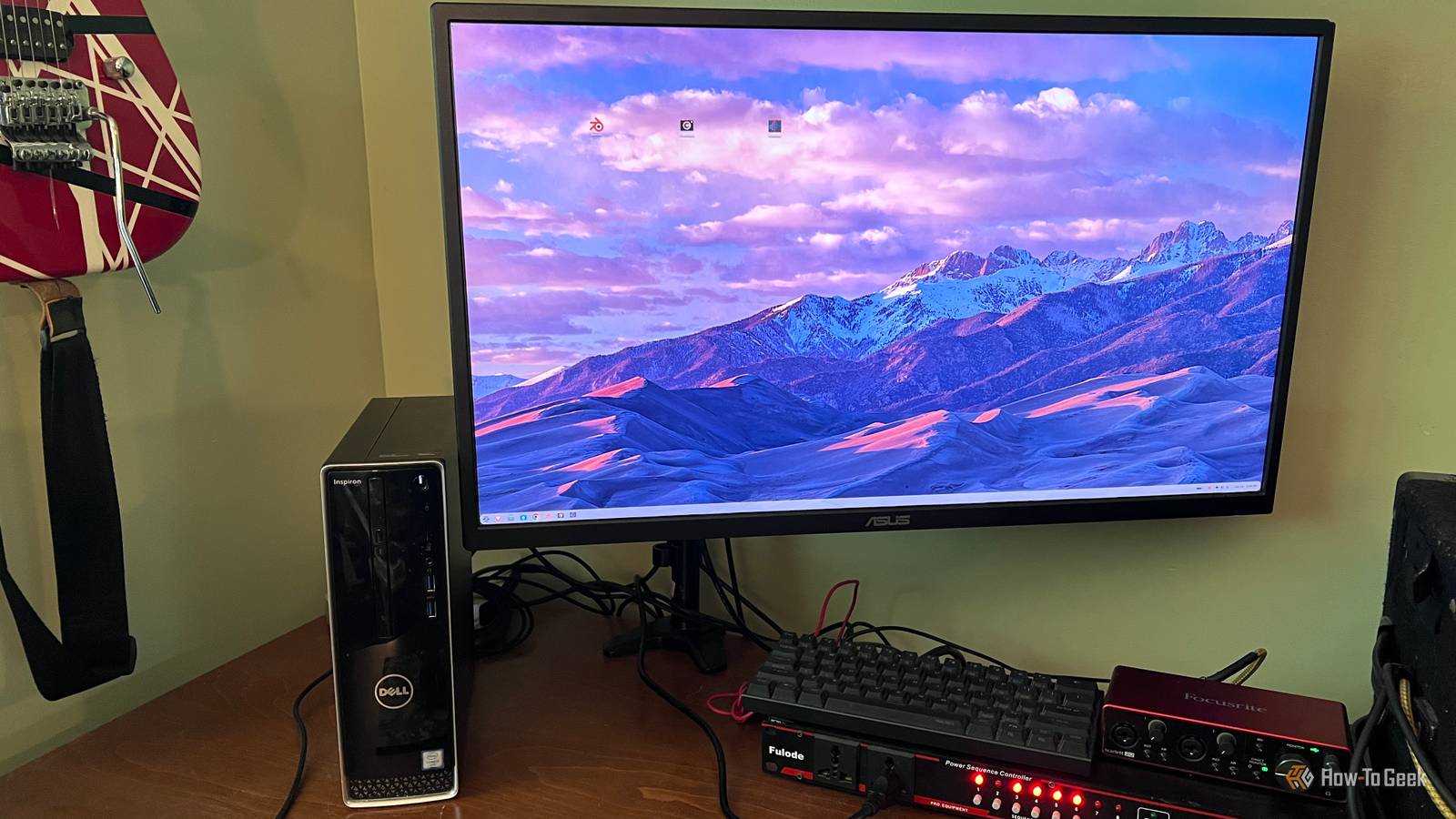
This Linux distro finally makes switching from Windows feel natural
https://www.howtogeek.com/this-linux-distro-finally-makes-switching-from-windows-feel-natural/
Publish Date: 2026-06-22 07:30:00
Source Domain: www.howtogeek.com
We’ve all heard plenty about the end of Windows 10 support, but that deadline feels a lot more real when you look around your own house and realize you still have a perfectly usable PC or two that can’t make the jump to Windows 11. That was the spot I found myself in. These weren’t dead computers, but they also weren’t machines I wanted to leave stranded on an unsupported version of Windows forever.
I’ve dual-booted Linux before, and I’ve used it for specific tasks when it made sense. That’s different from making Linux the main operating system on a computer I actually want to use every day. At that point, I had a choice to make: keep pushing my old hardware toward the junk pile or find a Linux distro that made the transition feel manageable. Ubuntu and Linux Mint were obvious options, but Zorin OS stood out because it seemed built for exactly this kind of switch. It didn’t ask me to forget everything I knew about using a desktop PC. It gave me a familiar place to start.
Zorin OS feels familiar without pretending to be Windows
The layout gives Windows users an easy place to start
The first thing I noticed about Zorin OS was that I didn’t have to hunt around just to do the basic things I already knew how to do on a PC. The default layout feels familiar in the same way Windows 7 felt familiar: there’s a panel along the bottom, an app menu where I expected it to be, system controls in the corner, and open apps sitting where my eyes already know to look. It’s not a one-to-one Windows copy, but it borrows enough of that traditional desktop language to make the first few minutes feel comfortable.
…
Source