Android 17 is off to a rough start with new Pixel touchscreen complaints
Android 17 is off to a rough start with new Pixel touchscreen complaints
Publish Date: 2026-06-21 07:44:00
Source Domain: www.androidcentral.com
What you need to know
- Android 17 is causing major touchscreen headaches for some Pixel users, including ignored taps, dead zones, and reversed scrolling across the system.
- Owners of the Pixel 10, Pixel 9, Pixel 8, and Pixel 7 series have all reported similar issues.
- Google is aware of the issue, but its first fix isn’t working for everyone. Clearing the Pixel Launcher cache has produced mixed results.
If you’ve recently upgraded your Pixel to Android 17 and your screen is exhibiting erratic behavior, you’re not the only one experiencing this issue. For early adopters, a frustrating new bug is breaking down the very core of the smartphone experience: its touchscreen.
Owners report on Reddit some bizarre input problems, where their phones either simply ignore taps or completely misinterpret basic vertical swipes, as spotted by Android Authority. Swipe up to scroll down your social feed, and your operating system might just catapult you back to the top of the page.
The mess is a consequence of the larger, stable rollout of Android 17. While major OS upgrades usually ship with a few teething problems — reports have already documented a frustrating 5G glitch and a work-profile bug that makes home screen widgets disappear entirely — a broken touchscreen is a whole other kettle of fish. You can get around a Wi-Fi drop with mobile data, but you can’t get around a screen that doesn’t recognize your thumb.
Latest Videos From
The entire modern Pixel lineup is affected
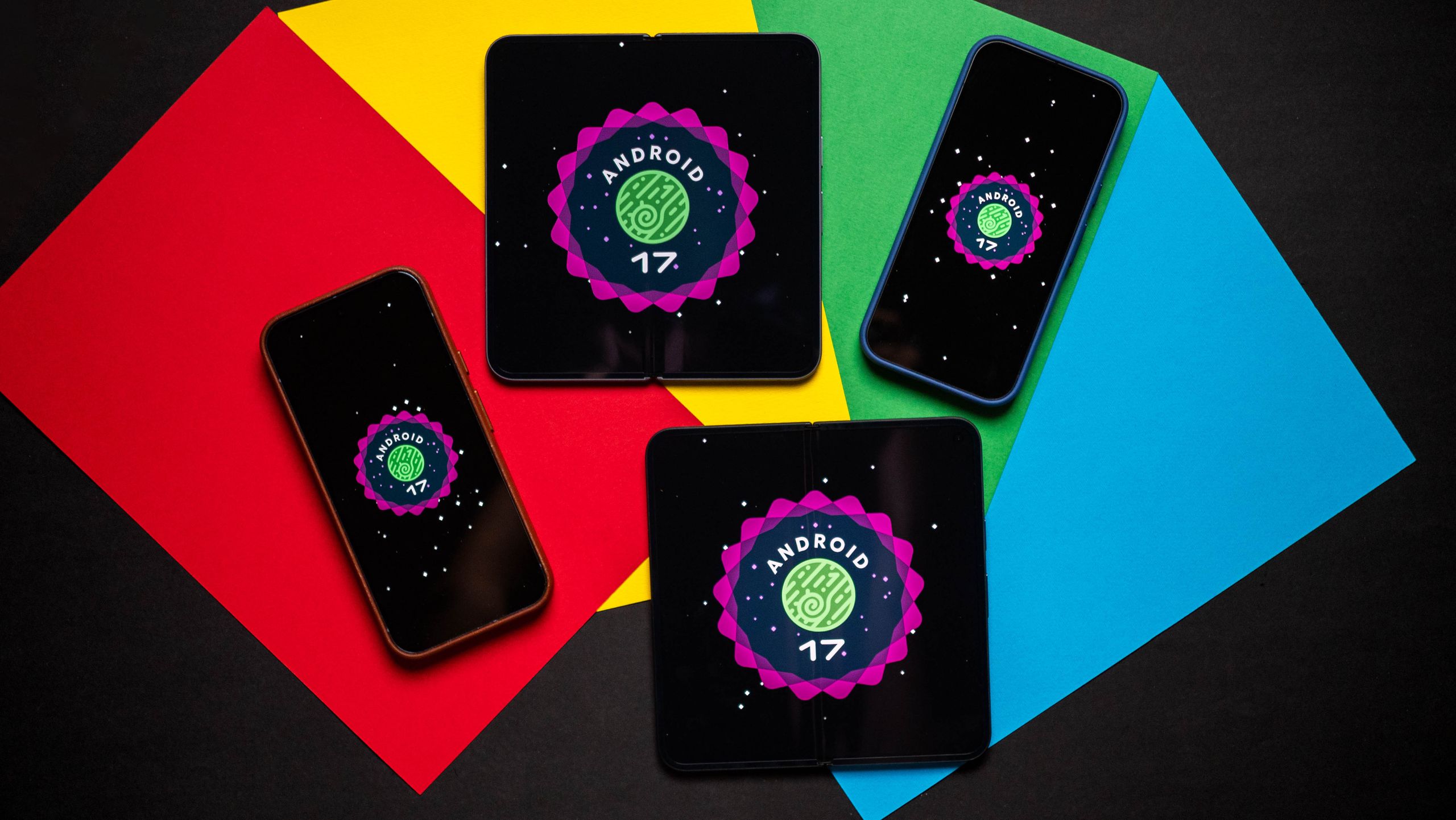
The issue is already reported in Google’s IssueTracker, and based on a few Reddit threads, it affects the whole modern lineup. Users say that the Pixel 10, 9, 8, and 7 series are all affected. The bug doesn’t discriminate by app, either; these reversed inputs and dead zones happen anywhere in the system UI.
Google knows about the problem. The official PixelCommunity account on Reddit recently chimed in with a suggested troubleshooting step: go to Settings Apps See all apps Pixel Launcher app Storage &…