How I turned an old Android tablet into a smarter Kindle alternative
How I turned an old Android tablet into a smarter Kindle alternative
https://www.androidauthority.com/kindle-vs-old-android-tablet-3675935/
Publish Date: 2026-06-14 05:35:00
Source Domain: www.androidauthority.com
Andy Walker / Android Authority
I love the idea of the Amazon Kindle, or just e-book readers in general. A simple, single-use device that condenses thousands of books into one product has understandable appeal. However, with Amazon effectively bricking devices released before 2013, tying myself to a product that could become a paperweight in the future doesn’t seem like a great way to spend my cash.
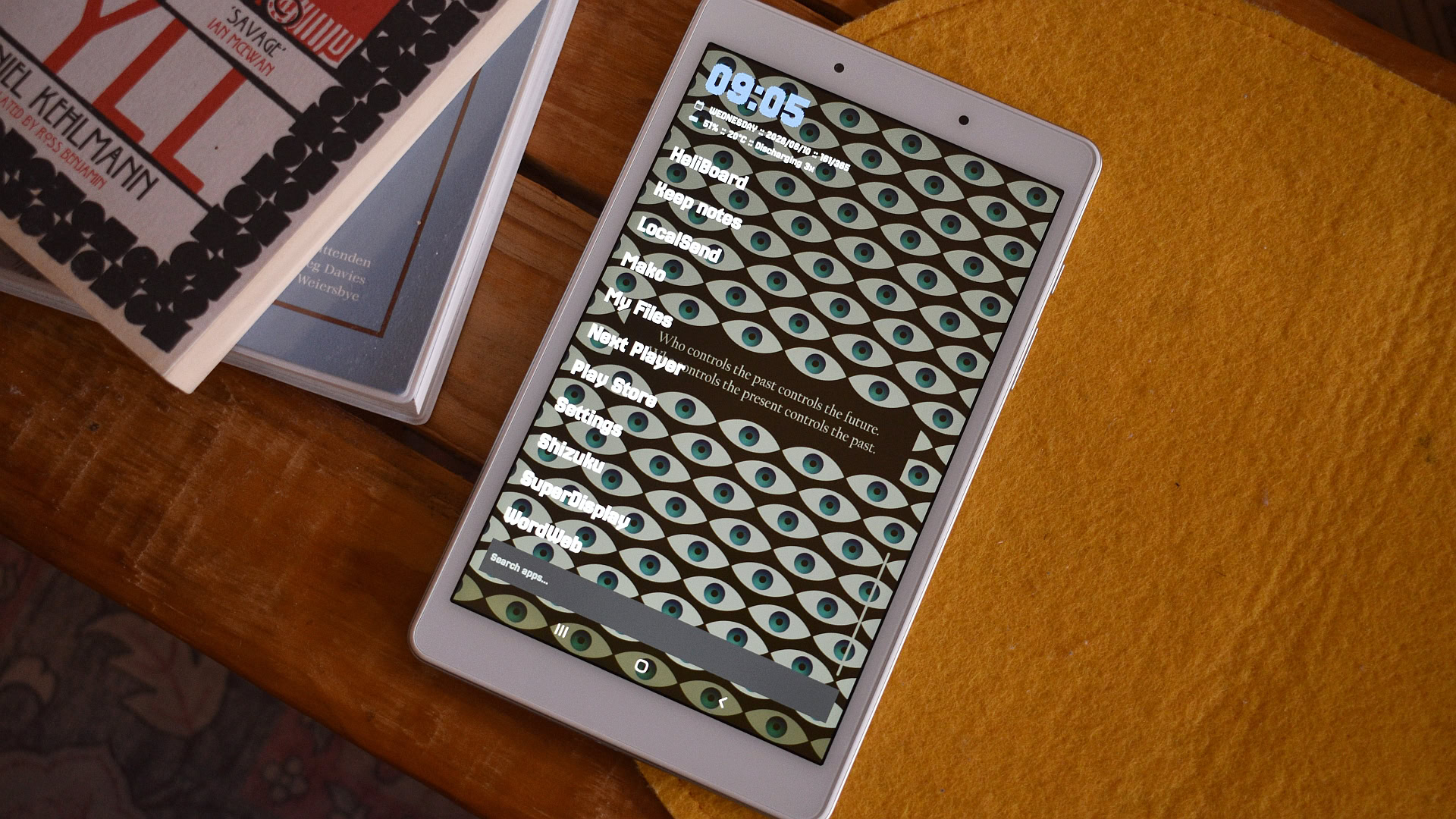
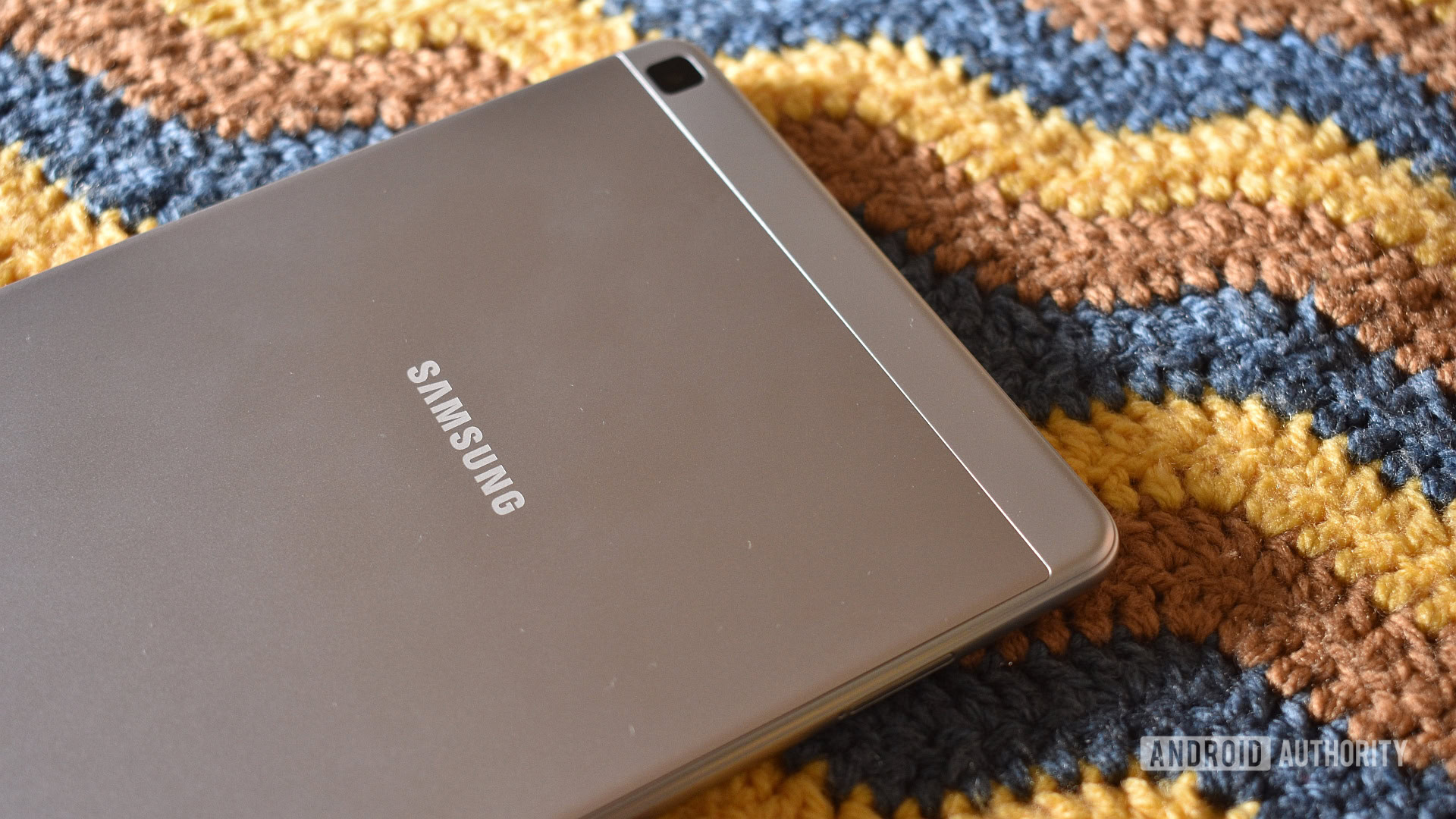
So, I went shopping at my local device repo — also known as the decrepit device drawer in my office — and pulled out a 2019 Samsung Galaxy Tab A 8.0. It certainly wasn’t a high-end product even in its day, but the budget slate is small, lightweight, portable, and a potential book reader with a far higher ceiling than Amazon’s restrictive experience.
And, as it turns out, I needed just a few hours to transform this device into the ultimate Kindle killer.
Do you have an old Android tablet stored away that you no longer use?
2 votes
Yes. It still works, but I’ve upgraded.
0%
Yes, but it has a hardware issue.
50%
No, I donate, trade in or trash my devices when I upgrade.
0%
No, I’m still using an Android tablet that’s 5+ years old.
50%
I’m not sure.
0%
Why an old Android tablet is the perfect Kindle replacement
Andy Walker / Android Authority
Repurposing devices that are effectively obsolete is a great way to save cash and keep landfills tech-free. Given that opening book files doesn’t require a pacey modern processor or loads of RAM, my Galaxy Tab just made sense in this context.
While Android tablets and e-book readers share a similar form factor, they’re vastly different products. I’ll admit that reading on an E-Ink display is much kinder on the eyes and more book-like, but a tablet is far more versatile and customizable, and through it, I can consume more than just novels.
Using Android’s built-in customization and a few tricks, I can trim the fat and install apps to enhance my reading experience. Then there are the tertiary benefits of a tablet: the color screen,…