iOS 27 Best New Features for iPhone and iPadOS Review

iOS 27 Best New Features for iPhone and iPadOS Review
https://memeburn.com/ios-27-best-new-features-for-iphone-and-ipados-review/
Publish Date: 2026-06-12 15:46:00
Source Domain: memeburn.com
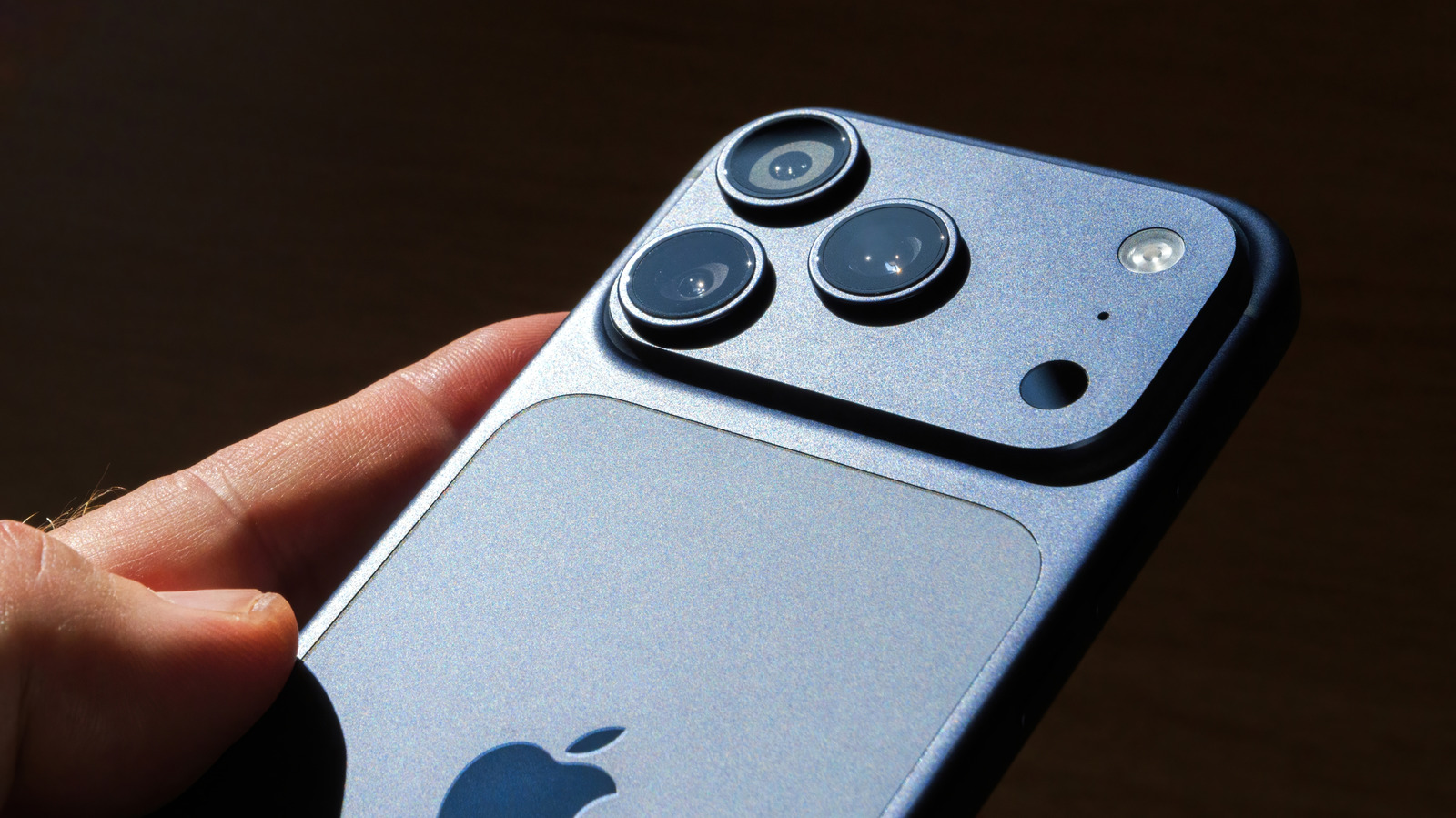
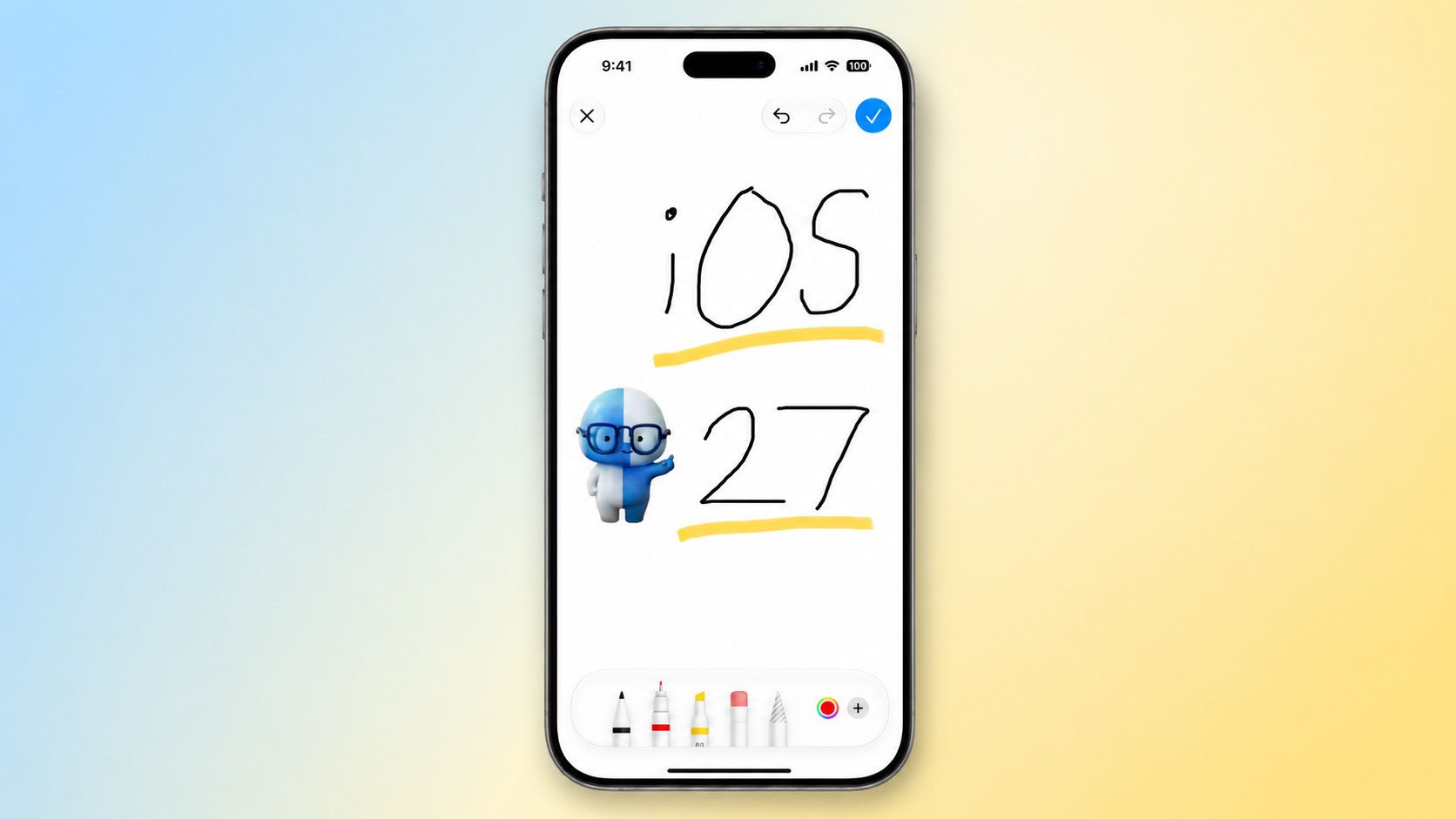
Apple just announced iOS 27 at WWDC 2026 — and it’s a quieter update than last year’s sweeping redesign, but it fixes a lot of things that have quietly frustrated iPhone users for years. We’ve been running the developer beta on an iPhone 17 Pro since the keynote dropped, and a few of these changes are already hard to go back from. Here’s what’s actually new and worth caring about.
iOS 27 Key Upgrades at a Glance
| Feature | What Changed | Which Devices |
| Siri AI | Full rebuild on Google Gemini, standalone app, screen awareness | iPhone 17 Pro / Air+ (full), iPhone 11+ (partial) |
| App Launch Speed | Up to 30% faster | All supported iPhones |
| AirDrop | 80% faster transfers | All supported iPhones |
| Liquid Glass Slider | Tune transparency from clear to fully tinted | All supported iPhones |
| Alarm Volume | Separate from ringer — no more silent alarms | All supported iPhones |
| Shortcuts AI | Describe a task, Siri builds the automation | iPhone 17 Pro / Air+ |
| Spotlight Search | Rebuilt with contextual indexing | All supported iPhones |
| iCloud Shared Albums | Now works with Android and Windows | All supported iPhones |
| AirPods EQ | Custom 3-band control from iPhone | AirPods (compatible models) |
Siri AI: The Assistant Apple Promised Back in 2024
The headline feature is Siri AI — a complete rebuild of Apple’s voice assistant, now powered by Google Gemini. Apple mentioned Siri over 100 times during the WWDC keynote, which tells you everything about where the company’s priorities sit this year.
What makes this version different from every Siri before it? It can actually read your screen. In our early testing, we held the side button while looking at an email with a meeting invite, said “add this to my calendar,” and it did — pulling the time, location, and title directly from what was on screen. No copy-pasting. That alone felt like a genuine shift.

Siri AI also gets its own standalone app for the first time. You can type or talk to it like a chat thread, similar to how you’d use ChatGPT. Conversations sync across devices via iCloud. Source