Good News For Linux Terminal Junkies! Proton Drive Now Has a CLI
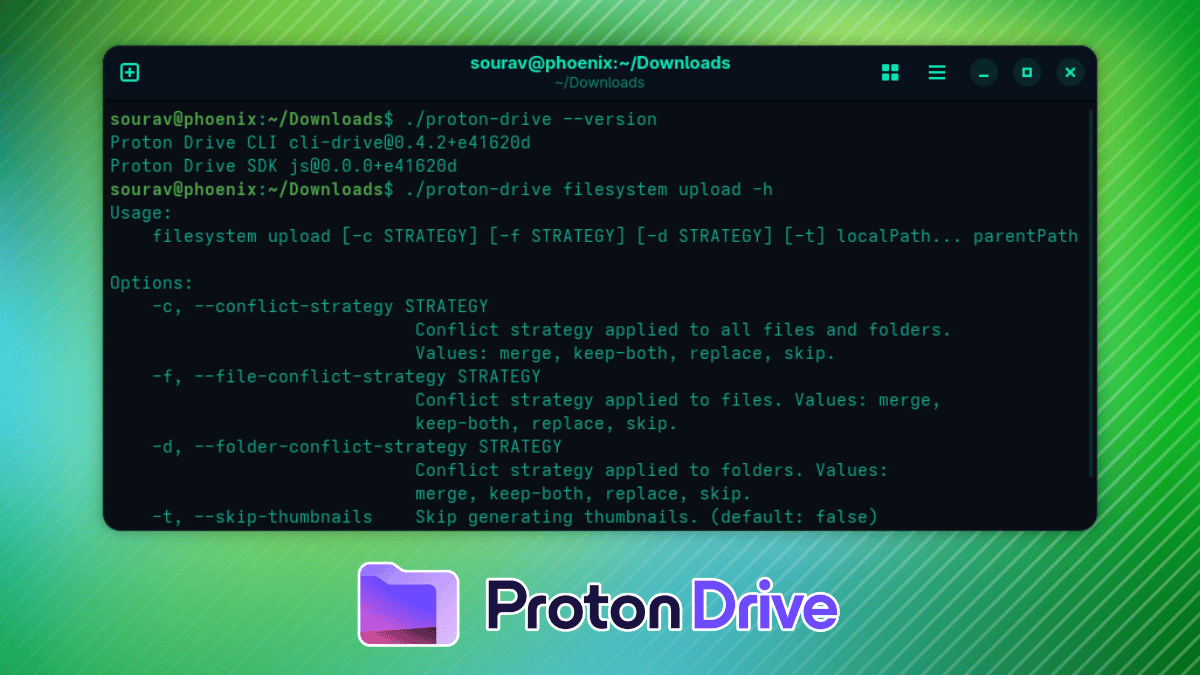
Good News For Linux Terminal Junkies! Proton Drive Now Has a CLI
https://itsfoss.com/news/proton-drive-cli/
Publish Date: 2026-06-10 07:12:00
Source Domain: itsfoss.com
Proton Drive (partner link) is getting a lot of love these days. We recently covered the encryption upgrades and the Linux desktop client that’s in the works. Now Proton has added something the terminal dwellers will find useful; an official Command-Line Interface (CLI) for Drive, available on Linux, macOS, and Windows.
The CLI is built on the Proton Drive SDK, the same foundation that powers the official desktop and mobile apps. It runs as a single binary on the various platforms and carries the same end-to-end encryption capabilities as Drive.
Here’s a look at what it can do and how you can get it running on Linux.
What does it offer?
The CLI lets you handle the usual file management tasks from your terminal. You can upload, download, and browse files; manage the trash folder; and even oversee content sharing and invitations.
Results come out in plain text by default, and passing –json makes the output machine-readable for scripting.
Do note that it does not have a built-in continuous sync engine like the existing desktop clients do. That said, you should get similar behavior by scheduling it with cron or a systemd timer on Linux, so it is not as limited as it first sounds.
If you are the kind of person who would rather write a shell script than reach for a mouse, this will make Proton Drive (partner link) a natural part of your existing workflow rather than something that needs to be launched from the app launcher.
💡
Proton is also working on a graphical desktop client for Linux as well. We should see it before the year end.
This is how you get it on Linux
I tested these instructions on a Fedora Workstation 44 system, and everything went smoothly.
First, you have to download the relevant CLI binary for your platform from the downloads index. I went with linux/x64 as I am on an x86 setup.
Now, open a terminal in the directory where you saved it and make the file executable:
chmod +x proton-drive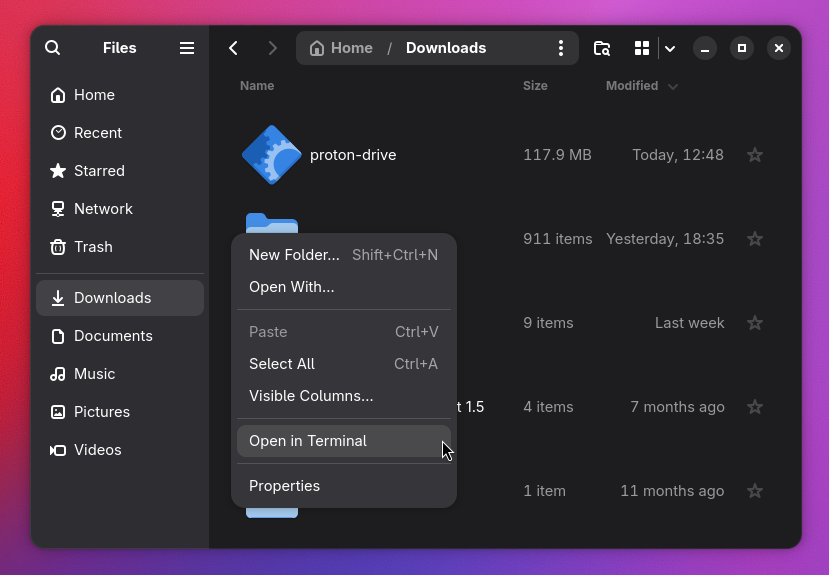
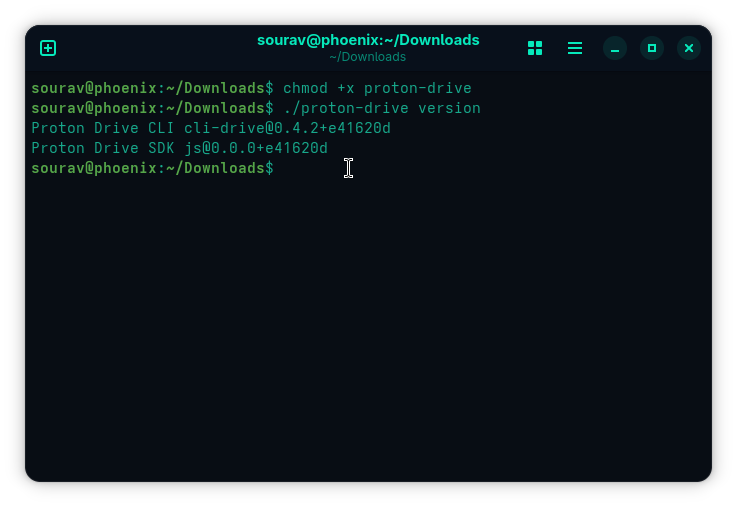
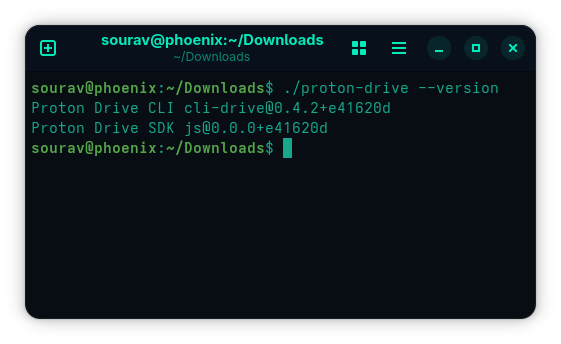
Verify the build:
./proton-drive…
Source