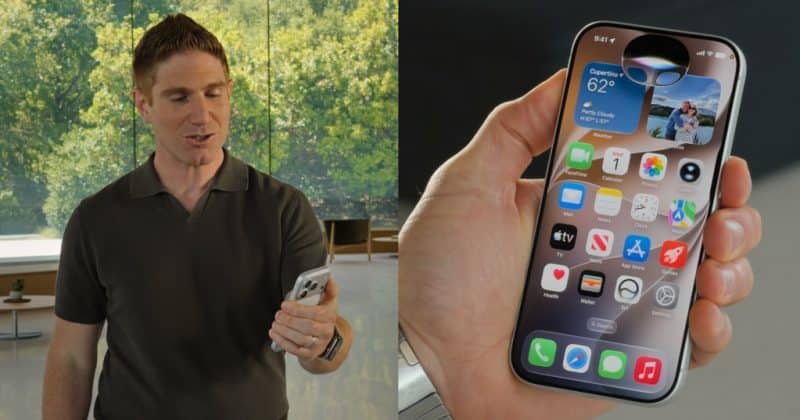
Siri AI First Look: How Apple’s Rebuilt AI-Powered Assistant Behaves Across iPhone, iPad And Mac
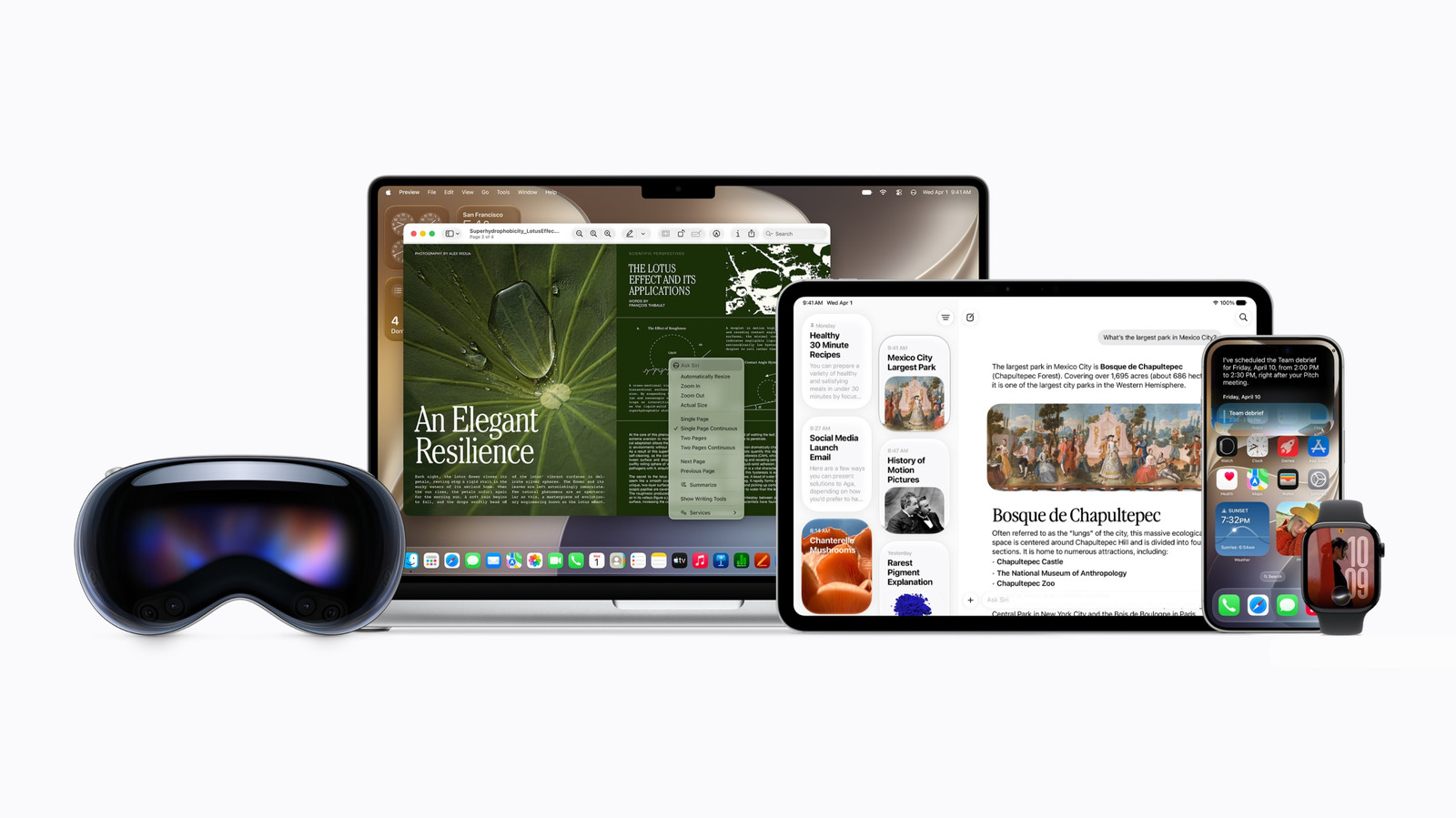
Siri AI First Look: How Apple’s Rebuilt AI-Powered Assistant Behaves Across iPhone, iPad And Mac
Publish Date: 2026-06-09 12:51:00
Source Domain: www.engadget.com
One of the main differences is the new onscreen gesture you can use to invoke Siri. While methods like long-pressing the power button or saying “Hey Siri” remain, how you tap or swipe on the screen to bring up the assistant has changed. Instead of double tapping the bottom of the display to type to Siri, you now swipe down from the top center, just as you would have to pull down Spotlight search in the past.
I don’t know about you but I welcome the removal of the double tap gesture, which I hardly ever used. It mostly got in the way of my endless scrolling and gaming. With this new gesture, I think of it as Apple having gotten rid of the annoyance and just turning Spotlight into a Siri-infused search bar.
Once called, you can speak out loud to Siri or type into the interface. By the way, I saw this gesture on both iPhones and iPads, and on the latter the animation is quite delightful. As I dragged my finger slowly down from the top of the screen, a black droplet oozed down and followed my finger around until I completed the swipe. Then, the Spotlight search bar appeared with the words “Search to ask” in it. A split second later, a second panel appeared below, containing suggested apps, actions and recent searches.
You’ll see the interface wherever you invoke the Spotlight search, whether it be by pressing the Search button on a Magic Keyboard connected to your iPad, dragging down from the top of an iPhone screen or by using the Command-Spacebar keyboard shortcut on a Mac.
After you get an answer in the search window, you can drag down to expand it and see more of Siri’s response. There’s also an “Ask Siri” bar at the bottom to continue with follow-up questions. You can press the dual arrow icon in the top right of this floating panel (which you can resize and drag around to position over other apps), and that will take you to the Siri app.
Of course, one of the biggest differences for Siri is the new app, which is where your past conversations…