Common Apps That Damage Windows Performance and Privacy
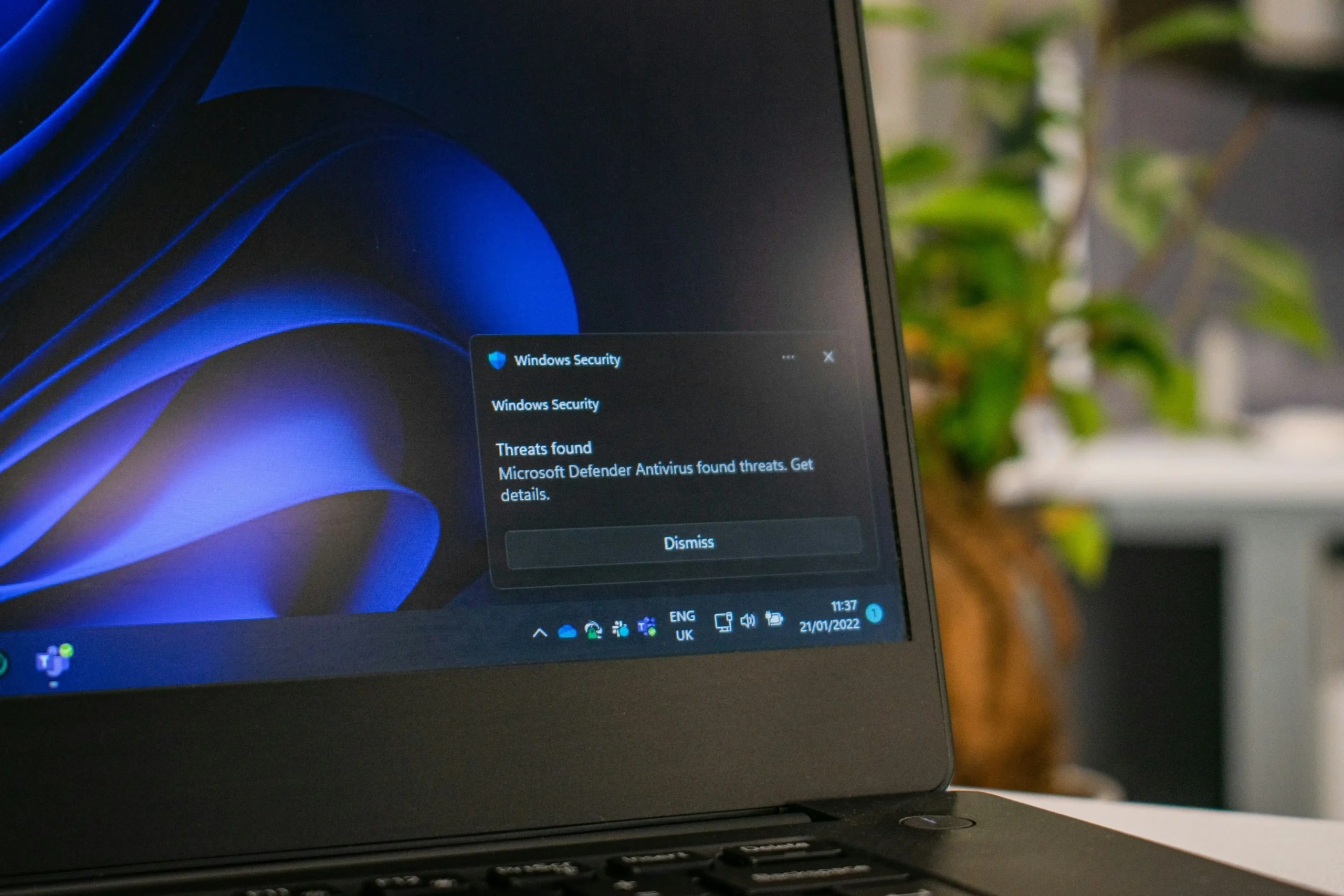
Common Apps That Damage Windows Performance and Privacy
Publish Date: 2026-06-08 21:06:00
Source Domain: www.voiceofemirates.com
- Apps You Should Review Immediately
- Practical Steps to Enhance Your Device Security
Washington, USA – Cybersecurity and tech experts warned this Tuesday, June 9, 2026, about hidden risks facing Windows users. Reports confirm that installing unnecessary applications not only consumes system resources but can also create dangerous security gaps. Therefore, maintaining optimal Windows performance requires greater awareness of what is being installed. This is especially true with the proliferation of software that secretly collects data or exposes users to annoying ads.
On the other hand, experts pointed out that bloatware pre-installed by manufacturers, along with “system cleaner” and PC acceleration tools that offer exaggerated promises, are primarily responsible for system sluggishness. These programs often run in the background and drain RAM and processor power. As a result, this directly affects daily Windows performance.
In a related context, specialists warned against specific categories of applications that should be deleted immediately if not in actual use:
Practical Steps to Enhance Your Device Security
Furthermore, experts emphasized that prevention is better than the cure. Regularly reviewing your installed programs is an essential step. Moreover, relying entirely on official software from trusted sources (like the Microsoft Store) and updating the operating system regularly ensures users receive the latest security patches. In turn, these patches protect personal data.
In conclusion, reducing the number of unnecessary apps isn’t just an organizational task; it’s an investment in your device’s lifespan. By getting rid of “parasitic” apps, you restore your device’s speed. You also enhance your digital privacy against cyberattacks. Therefore, make reviewing your app list part of your monthly digital routine to ensure the stability and Windows performance in the long run.