Google is working on making Gemini more useful for multitaskers
Google is working on making Gemini more useful for multitaskers
https://www.androidauthority.com/google-minimize-gemini-overlay-button-3675805/
Publish Date: 2026-06-09 05:55:00
Source Domain: www.androidauthority.com
Mishaal Rahman / Android Authority
TL;DR
- Google has been working on letting you minimize the Gemini overlay so you can keep using your phone while Gemini works in the background.
- It’s now testing a dedicated “Minimize Gemini” button in the overlay.
- The account switcher UI is also changing in the Google and Gemini apps.
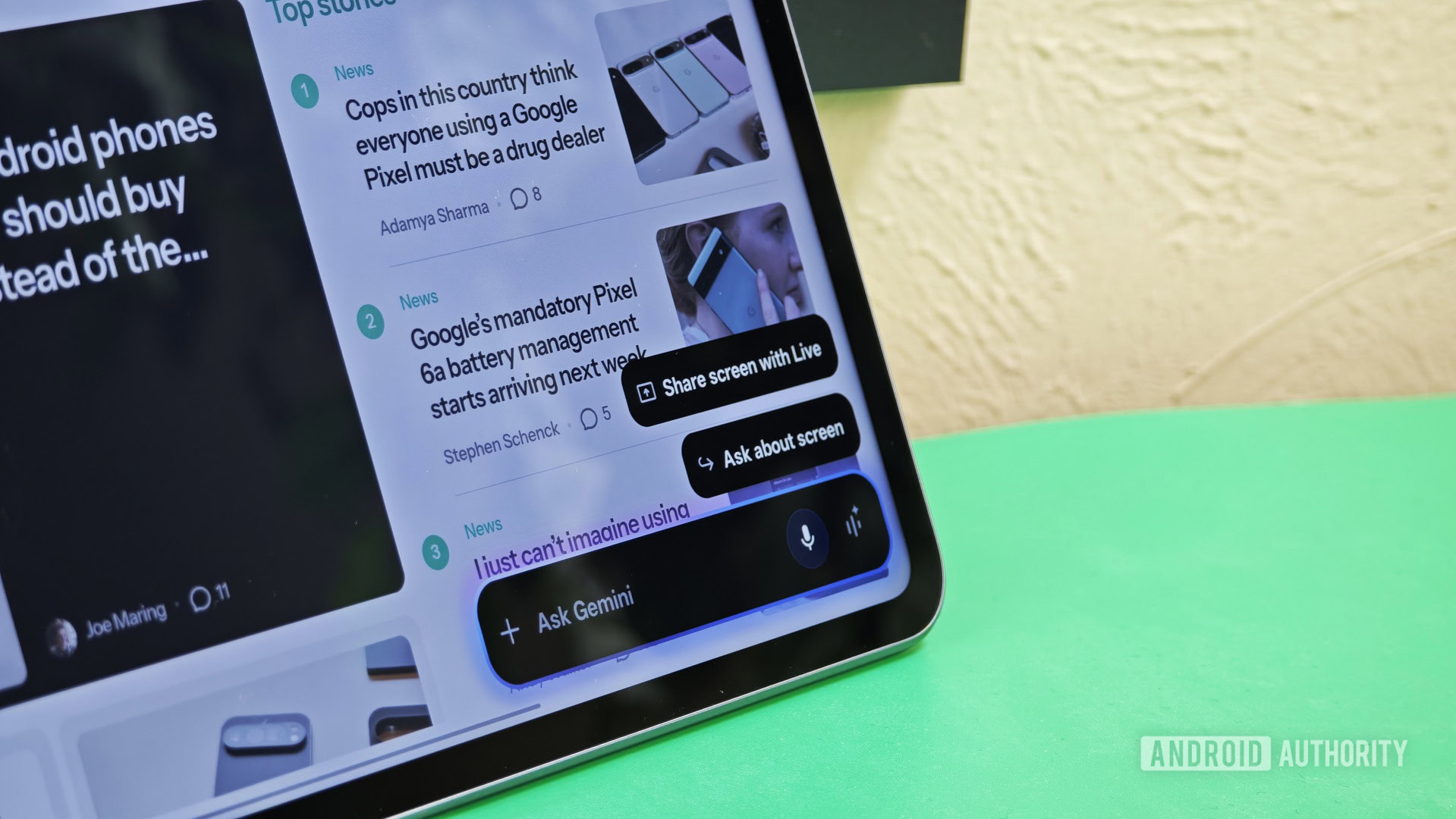
If you’re in the habit of using Gemini frequently on your Android phone, you’re probably aware of the Gemini overlay that pops up when you long-press the power button or use the hotword. As useful as that is, it also locks you into using the overlay until you’re done. You can’t minimize it, and it starts each interaction as a fresh one.
Late last year, we spotted a change in the Google app that allowed users to minimize the Gemini overlay into a floating button and continue working on their device while Gemini worked in the background. While that feature hasn’t rolled out yet, Google seems to be working on some improvements to the interface.
Don’t want to miss the best from Android Authority?


We enabled a new feature in version 17.30.26.sa.arm64 of the Google app that makes it more evident that the Gemini overlay can be minimized. Take a look at the screenshots:
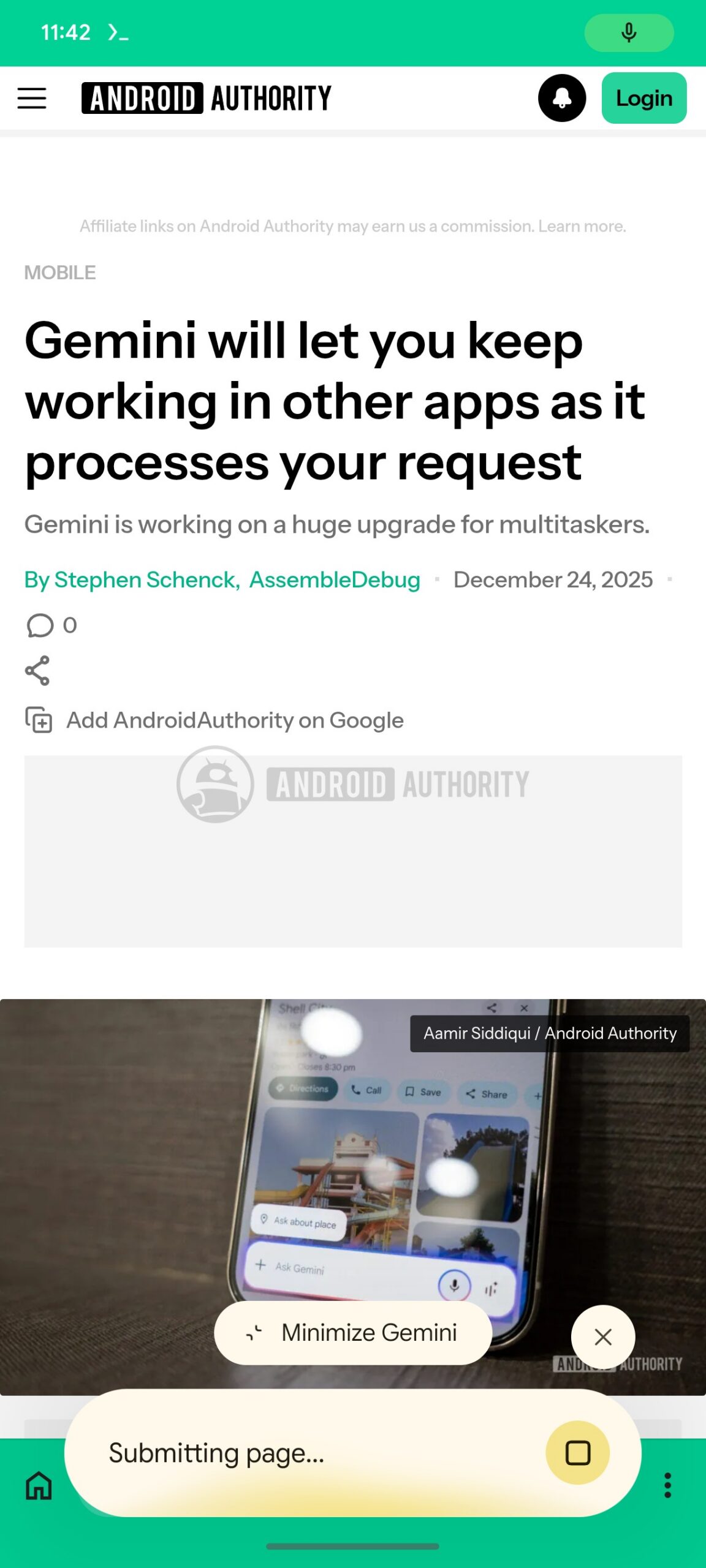
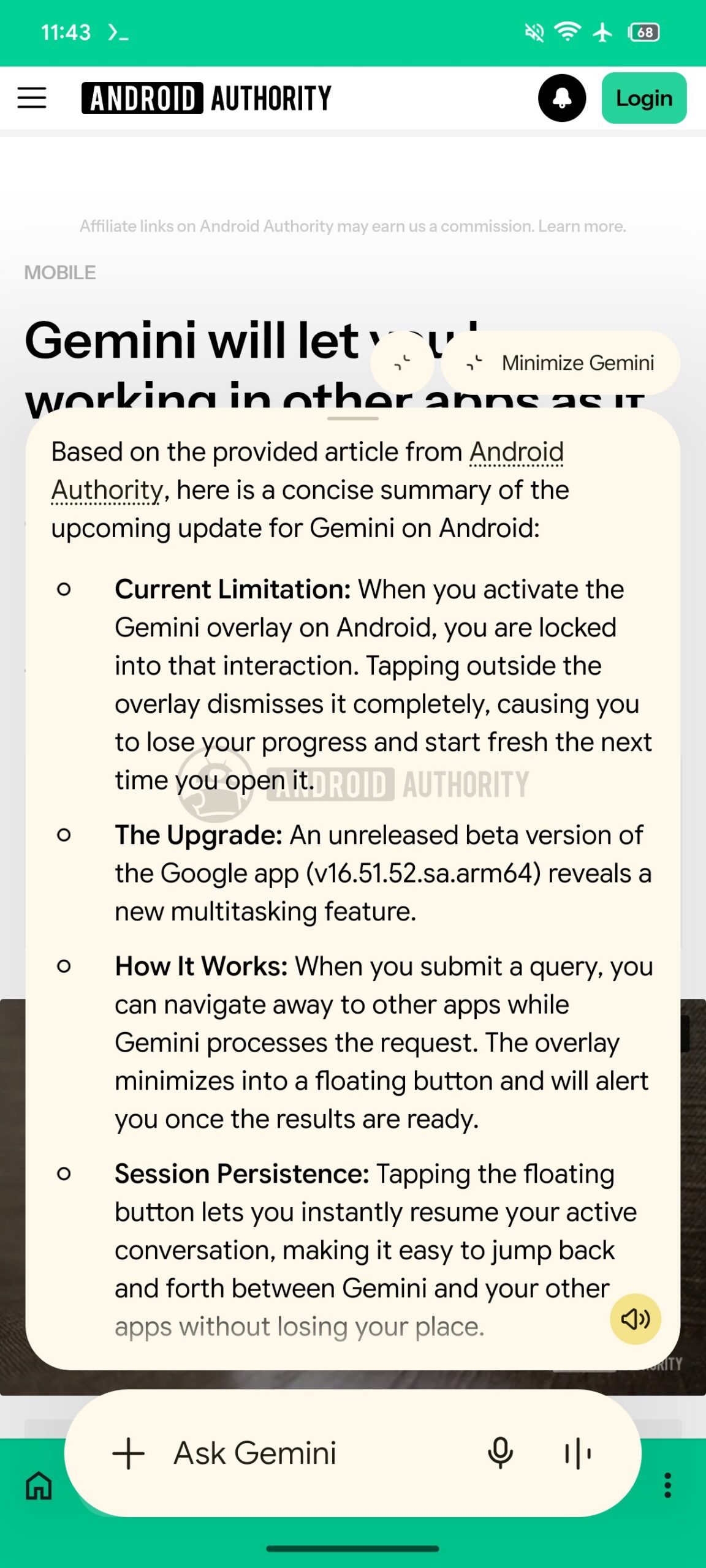
Google is working on adding a new “Minimize Gemini” button in the overlay, and this button will remain visible throughout your conversation with Gemini. This is a definite improvement over the earlier version of this feature, which supported minimizing the overlay but didn’t explicitly mention it anywhere. This omission could have kept a lot of users from discovering the option in the first place.
Further, in the earlier version of the feature, Gemini could only be minimized while it was processing your request. Now, however, it seems like you can minimize it whenever you want.
You can see a demo of this feature in the video below:
We also spotted a change to the account switcher UI in the Google and Gemini apps. It’s now more compact and makes better use of…