Why There’s A Little Cloud Symbol Next To Your iPhone Apps
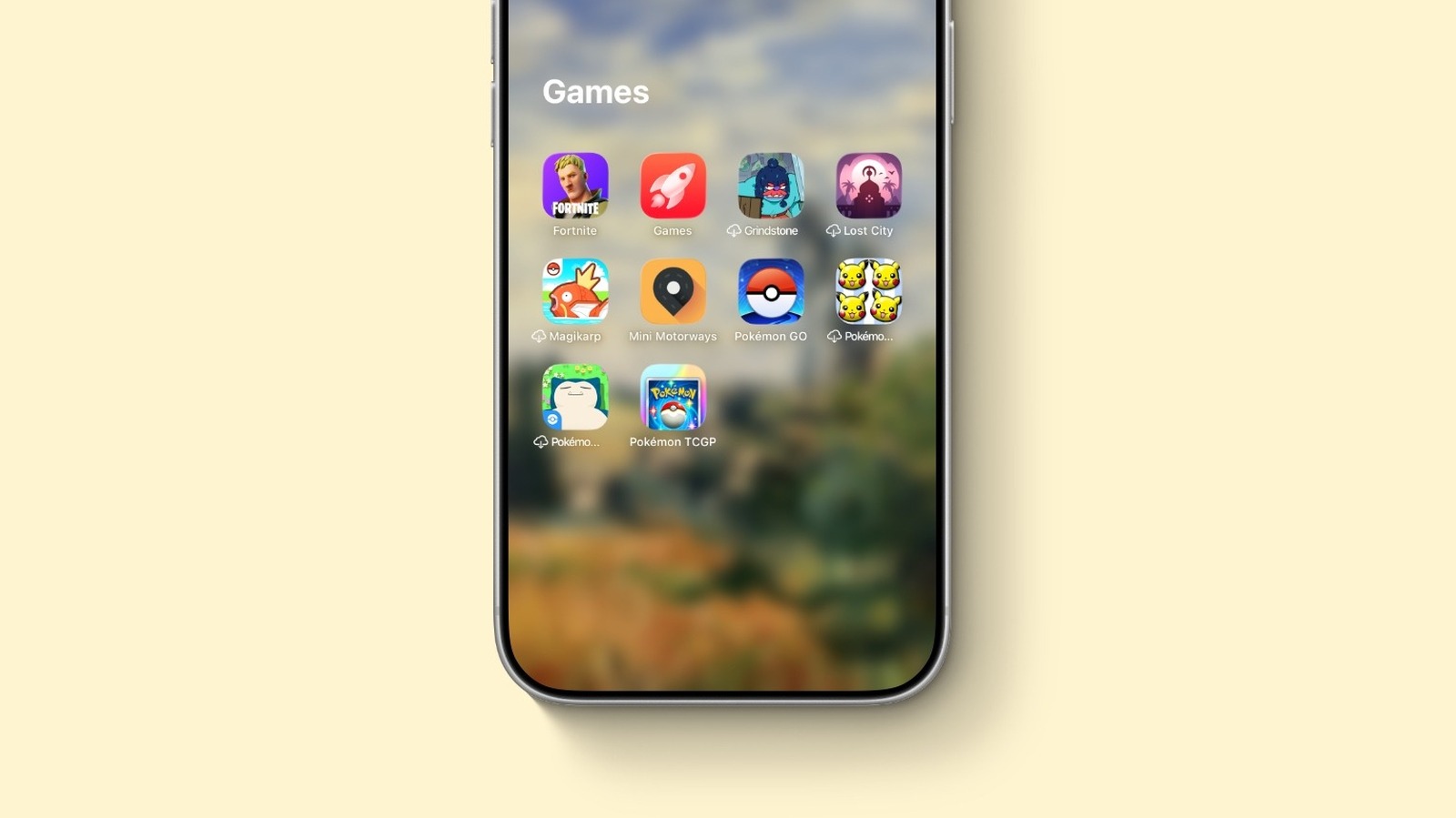
Why There’s A Little Cloud Symbol Next To Your iPhone Apps
https://www.bgr.com/2182803/why-is-there-a-cloud-symbol-next-to-iphone-apps/
Publish Date: 2026-06-06 23:00:00
Source Domain: www.bgr.com
José Adorno/BGR
If you’ve downloaded several new apps but then forget to use them, then you might have seen a little cloud symbol next to one or more of your iPhone apps. This is a clever feature Apple introduced in iOS 11 that gives users the ability to offload apps without losing any data. iOS can even intelligently offload apps that you’re not using frequently. For example, if you downloaded a popular app everybody was using and then you forgot about it, your iPhone will eventually offload the app so it doesn’t occupy storage that you might need for photos, videos, music, or other apps.
While it can be annoying in a few situations, such as if you’re on a plane and want to play an Apple Arcade game that has been removed because you’ve not used it for some time. That said, once you have an internet connection, you can just tap the app, and it immediately redownloads everything. All new iPhone models sold by Apple in 2026 have at least 256GB of storage, which means it has become much rarer for users to run out of storage. But this feature, alongside many other storage-saving tricks introduced over the years, helps users to make the most of their iPhone without running out of storage.
How to manage offloaded apps
…
Source