I started using Google Keep with Gemini in Android Auto and stopped fumbling with my phone during drives
Publish Date: 2026-06-06 11:15:00
Source Domain: www.androidpolice.com
Sometimes when I cruise down the highway, my mind wanders, and suddenly a brilliant idea, a critical task, or the missing piece of a draft flashes into my head.
Naturally, the immediate instinct is to capture it and fumble for my phone at the next red light.
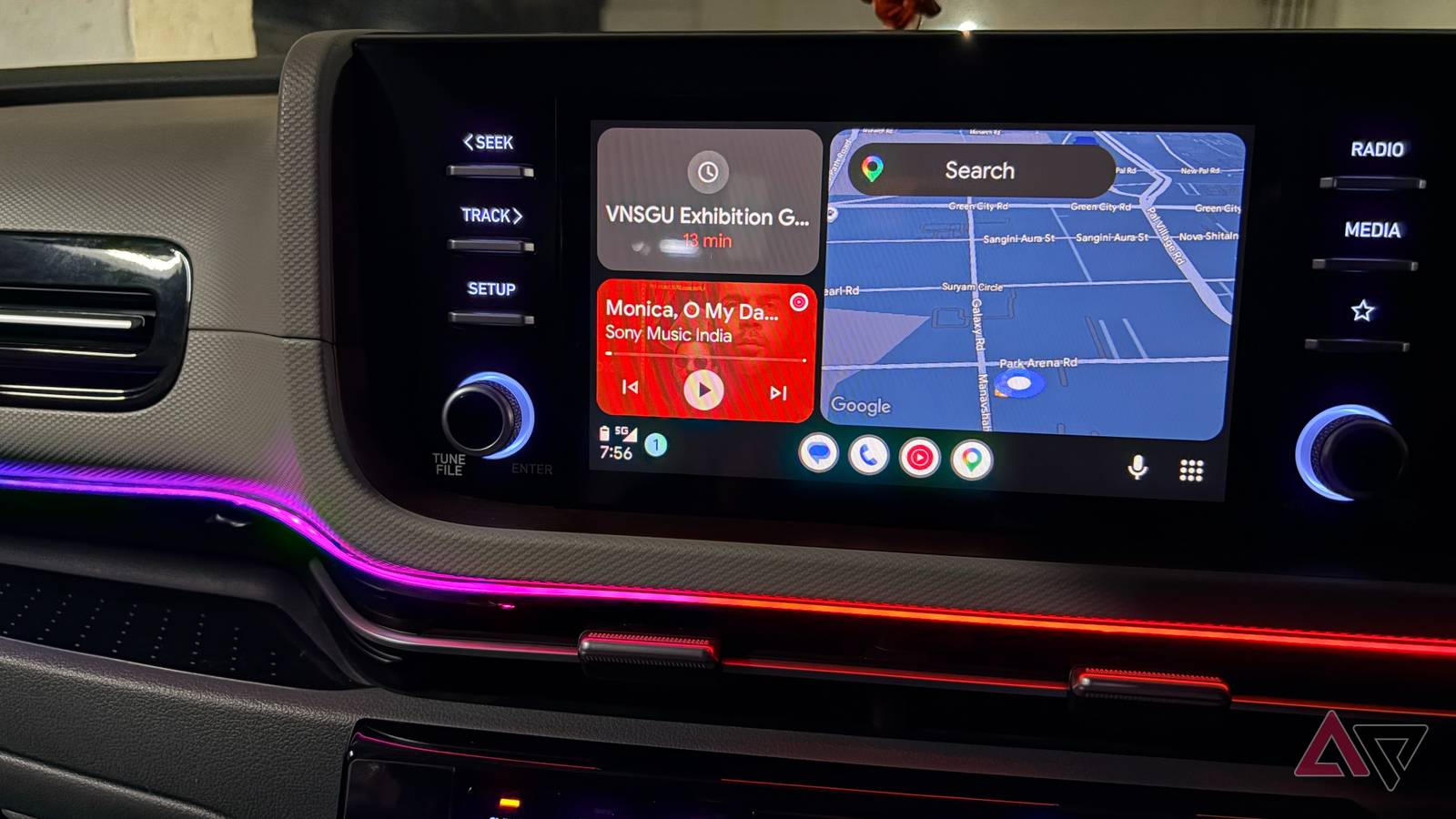
But recently, I integrated Google Keep with Gemini in Android Auto, and it changed my commute.
Quiz8 Questions · Test Your Knowledge
Google Keep trivia
Trivia challenge
Think you know Google’s handy note-taking app inside and out? Put your knowledge to the test.
FeaturesHistoryIntegrationDesignShortcuts
Begin
In what year was Google Keep first launched?
A2011B2012C2013D2014
That’s right! Google Keep launched on March 20, 2013. It debuted as a straightforward note-taking service for Android and the web, positioning itself as a simpler alternative to apps like Evernote.
Not quite — Google Keep actually launched on March 20, 2013. It arrived relatively late compared to competitors like Evernote, but Google’s tight ecosystem integration quickly helped it find a large audience.
Continue
Which of the following features allows Google Keep to extract text from an image of a handwritten note?
ASmart ComposeBLive TranscribeCGrab image textDLens Scan
Correct! The ‘Grab image text’ feature uses optical character recognition (OCR) to pull readable text out of photos you attach to a note. It’s especially handy for digitizing handwritten reminders or whiteboards.
The correct answer is ‘Grab image text.’ This OCR-powered feature scans photos attached to a Keep note and extracts any readable text, saving you from retyping handwritten or printed content manually.
Continue
Google Keep notes can be directly inserted into which Google productivity app?
AGoogle SheetsBGoogle DocsCGoogle SlidesDGoogle Forms
Spot on! Google Docs features a Keep notepad panel in the sidebar, letting you drag and drop notes directly into your document. It’s a seamless way to turn quick jottings into polished writing.
The correct answer is Google…