Here’s how to play Mina the Hollower on Android, no game streaming needed
Here’s how to play Mina the Hollower on Android, no game streaming needed
https://www.androidauthority.com/run-mina-the-hollower-android-3674796/
Publish Date: 2026-06-05 06:43:00
Source Domain: www.androidauthority.com
Hadlee Simons / Android Authority
TL;DR
- Mina the Hollower is one of the hottest games of the year, but it doesn’t have an Android port.
- Fortunately, you can run the game via apps like GameNative.
- Our own experience shows that the title runs smoothly, but there’s bad news for older Pixels and other devices with Mali GPUs.
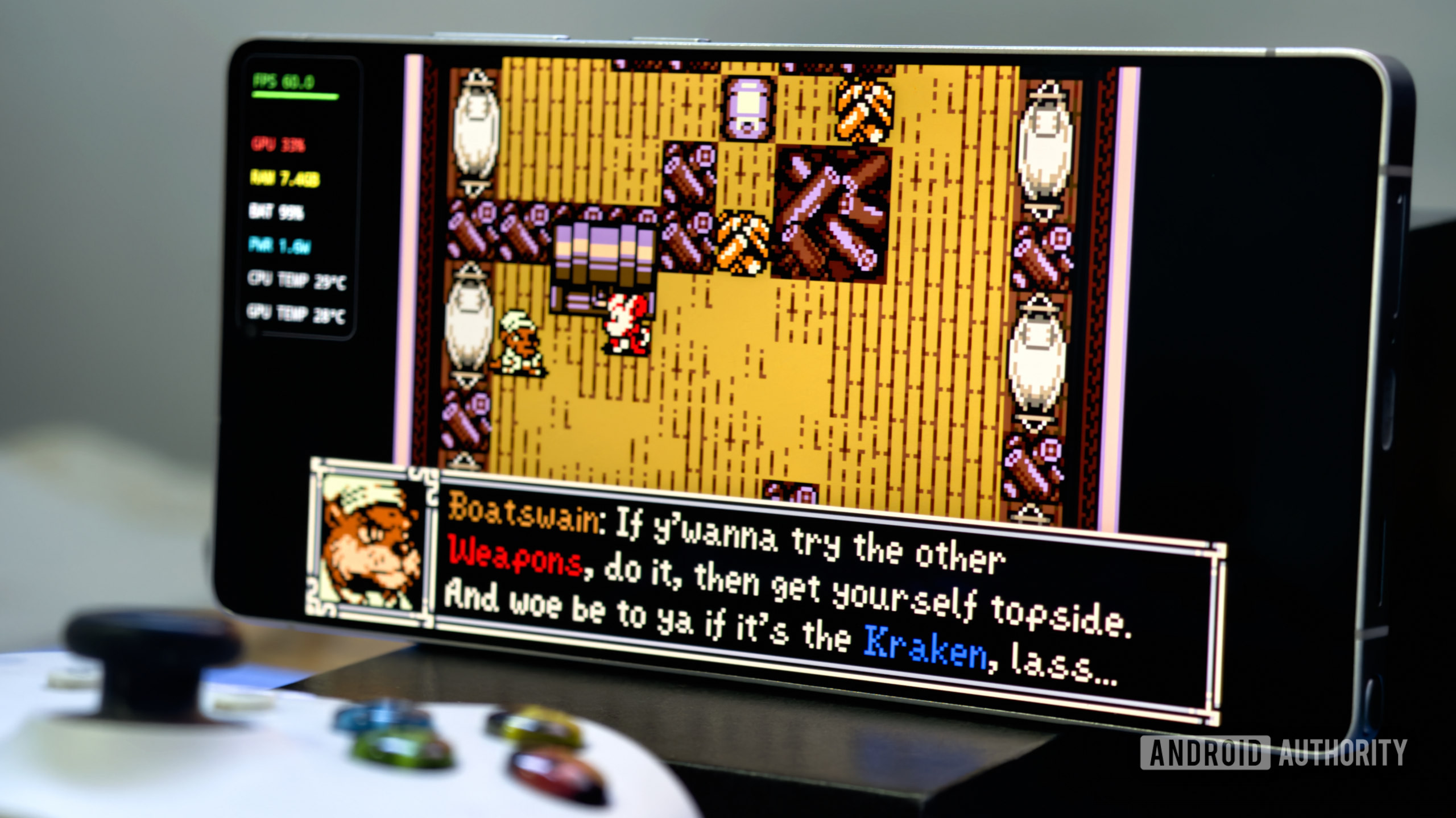
Mina the Hollower is one of the hottest new games in 2026, coming from the same team behind the popular Shovel Knight franchise. The title is available on the Nintendo Switch and Switch 2, PlayStation 5, Xbox Series consoles, and computers. There’s no official mobile port, but you can still run the game on your Android phone if you don’t have a console or PC. And we’re not talking about game streaming.
GameNative, GameHub, and Winlator are the three most popular PC gaming apps on Android, letting you run PC titles locally on your smartphone or tablet. The former is the most intuitive app right now, so we’ve used it to run Mina the Hollower. Here’s how.
Don’t want to miss the best from Android Authority?


Installing Mina the Hollower on your Android device
Hadlee Simons / Android Authority
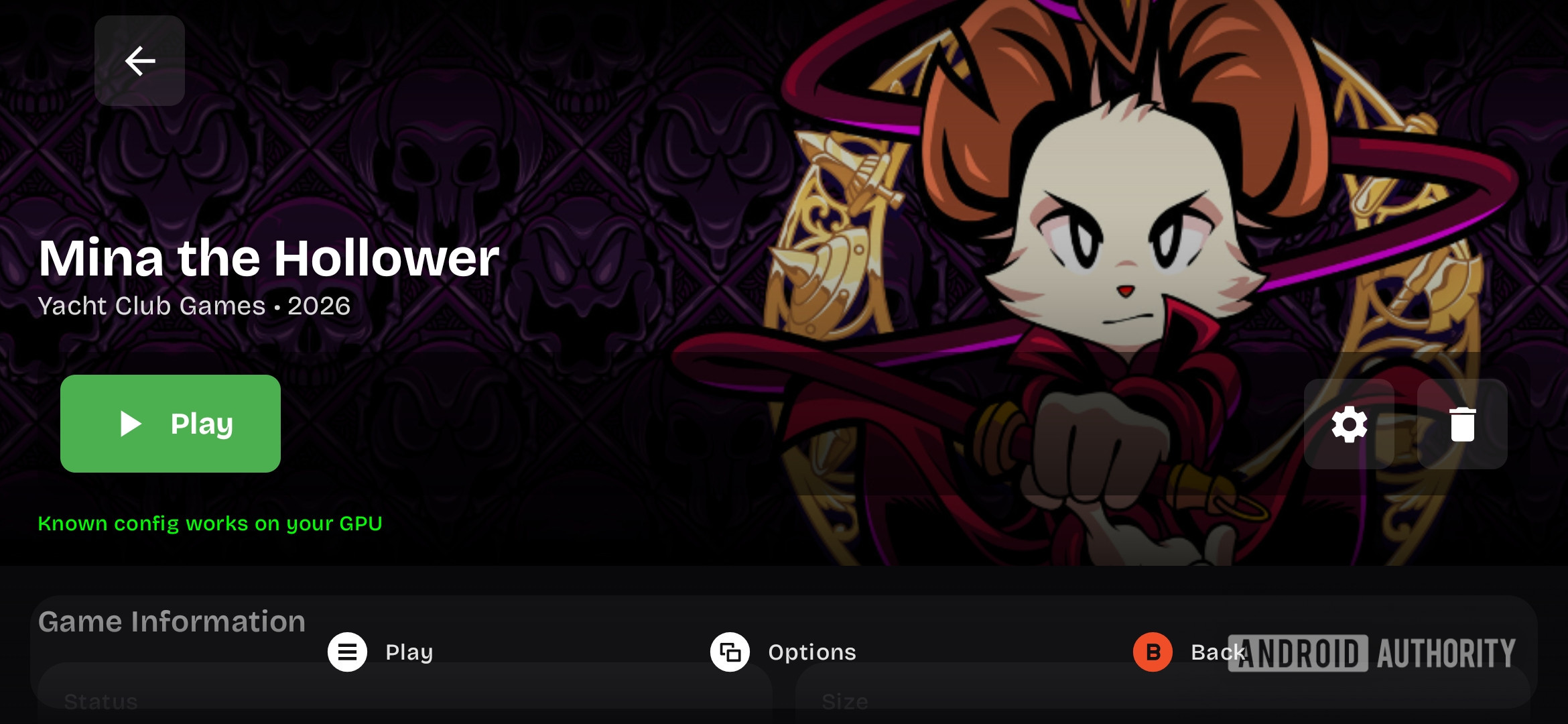
GameNative supports games from your Steam library, GOG, Epic, Amazon, and local game files. I bought the game via the Steam app on my phone, but you can also opt for GOG if you want a DRM-free version. Nevertheless, once you buy the game on either platform, you should see it listed in your Steam or GOG library on GameNative.
You then need to tap on the Mina the Hollower listing in GameNative and hit the “install” button. The following screen will confirm the game’s download size (~745MB) and size on disk (~842MB), as well as your device’s available space. Simply tap the “install” button on this screen to begin the download and installation process.
Have you played PC games on your Android device?
1 votes
Yes, I do it all the time
0%
Yes, I do it now and again
0%
I’ve tried it once or twice
100%
No, but I’d like to try it
0%
No, and I’m not…