I found the easiest way to transfer files between Android and Windows
I found the easiest way to transfer files between Android and Windows
Publish Date: 2026-06-05 01:20:00
Source Domain: www.androidcentral.com
I’ve tried several methods to move data between my phone and Windows PC over the years. I initially relied on Pushbullet, but when most of the features of that utility went behind a paid tier, I switched to a alternatives that didn’t prove to be anywhere as good.
These days, I just use a NAS. Most of my data is stored on the DiskStation DS1823xs+, and whenever there’s a file I on my phone that I need on my PC, I just upload it to the NAS, and then download it to my PC. If you don’t want to bother with a NAS, a utility like Syncthing does a great job syncing folders between your phone and Windows. But there’s a much better alternative: Quick Share.
Wait, Quick Share is on Windows?
(Image credit: Harish Jonnalagadda / Android Central)
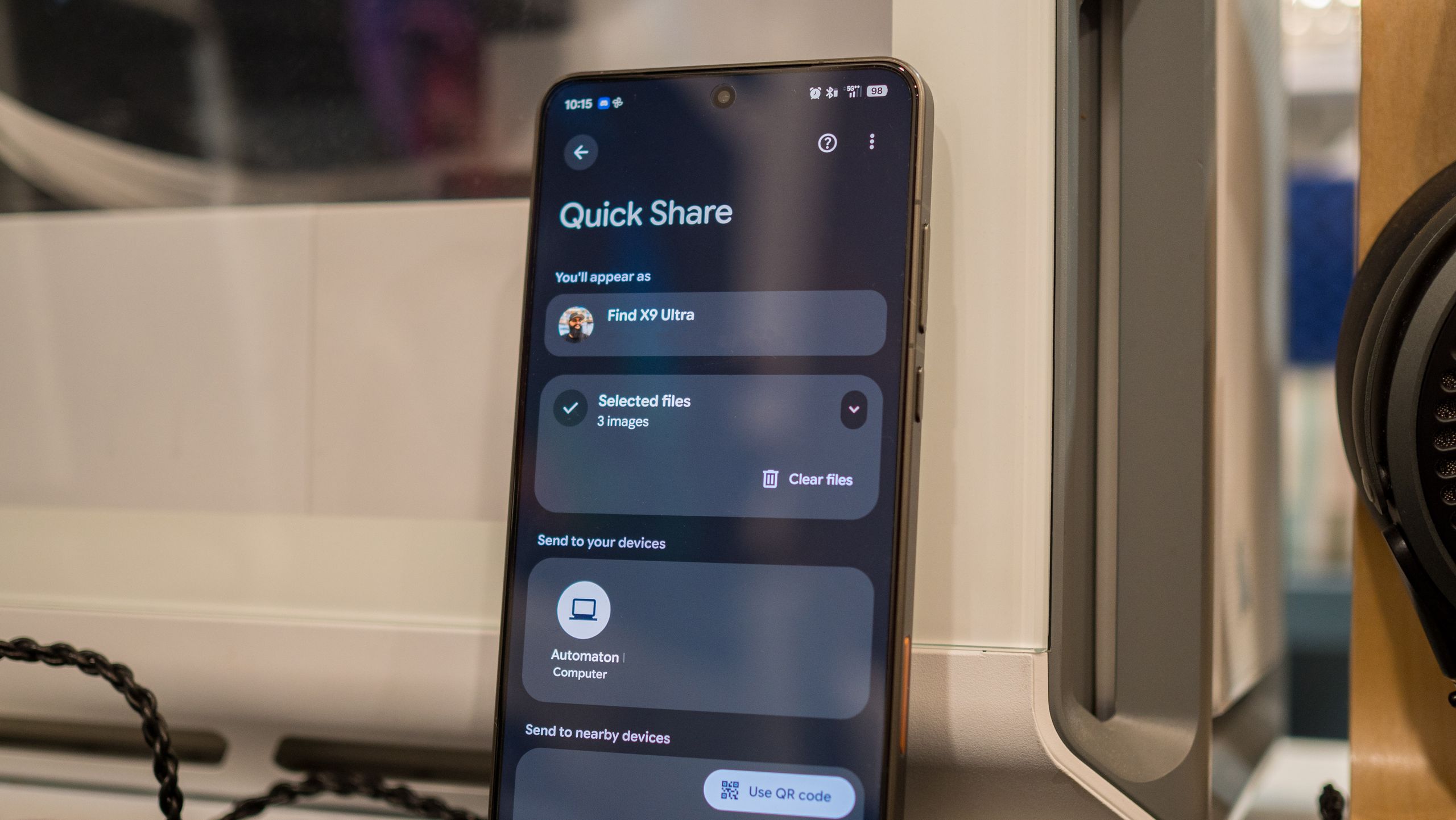
Quick Share is Google’s default way of sharing data between Android phones, and it even works with iPhones — if you’re using the Galaxy S26, Find X9 Ultra, Vivo X300 Ultra, and Pixel 10. It is reliable, fast, and gets the job done unerringly.
Latest Videos From
Quick Share landed on Windows in 2021, but it was limited to Samsung’s Galaxy Book products. What I didn’t know was that Google launched a different Quick Share app (of course it did) that you can install on any Windows PC. You don’t even need to use the Microsoft Store — it’s available at this link on the Android site.
Look, I get that Microsoft’s Link to Windows exists, and it’s designed to connect your phone with your PC. I just don’t like using the utility; I don’t want to give Microsoft any more data, and I don’t need to use my phone on Windows — I just want a reliable way to send files to and from my phone to my Windows machine, and I found Quick Share to be a much better solution. The only caveat is that you need to be using a 64-bit version of Windows, and it needs to be Windows 10 or Windows 11. As of writing, an Arm client isn’t available, so you’ll need an x86-based system.
You may like