7 first things you should do with the Google Fitbit Air
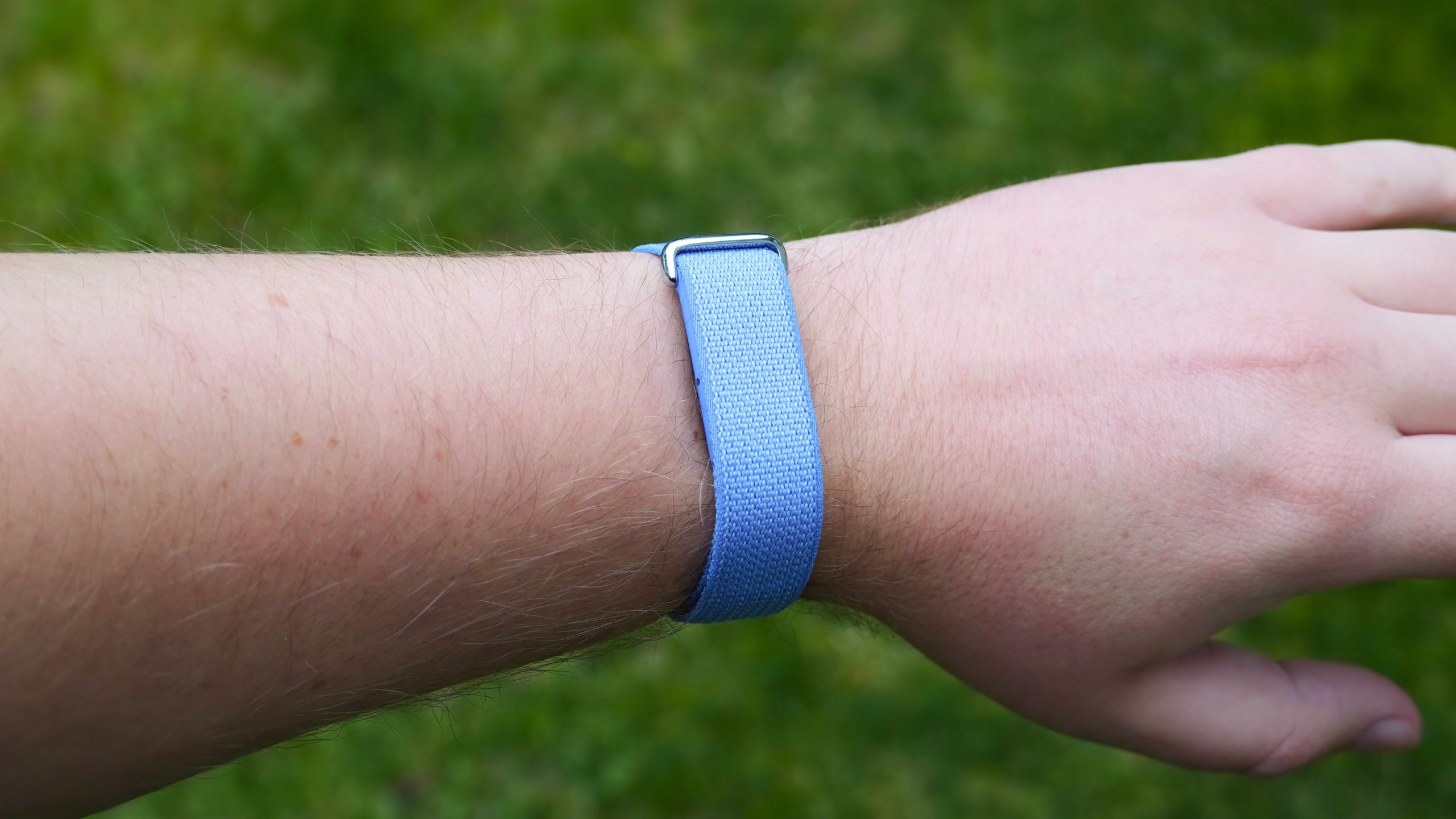
7 first things you should do with the Google Fitbit Air
https://www.androidcentral.com/wearables/fitbit/first-things-you-should-do-with-google-fitbit-air
Publish Date: 2026-05-27 18:52:00
Source Domain: www.androidcentral.com
Google has a new screenless fitness tracker that passively records health data while staying out of the way. It’s called the Fitbit Air, and it’s a Whoop challenger that only costs $99 with no required subscription. With no screen or physical buttons, you’re relying on the Google Health (formerly Fitbit) app to change settings, start workouts, and set up features.
If you just got a Fitbit Air, these are the seven things to do first immediately after unboxing it. They’ll help you learn the Fitbit Air’s features and give you a quick tour of the redesigned and rebranded Google Health app. Let’s dive in.
Today’s best Fitbit Air deals
Set up morning alarms
(Image credit: Brady Snyder / Android Central)
The Fitbit Air is limited in hardware, so you won’t get notifications or many smartwatch features from this fitness band. There is one feature worth calling out: alarms. With a vibration motor and other sensors inside, the Fitbit Air can vibrate as an alarm on your wrist and stop the alarm when the wearable is double-tapped. You can set up to eight alarms in the app when the Fitbit Air is close to your phone.
Latest Videos From
You may like
You’ll need to open the Google Health app and tap the Connections button in the top-left corner of the app homepage. Then, press Fitbit Air in the devices list. Next, tap Alarms and then Add a new alarm to create one. You can set the alarm time and the days of the week that the alarm will be active.
There are two alarm settings to be aware of: Repeat alarm and Smart wake. Repeat alarm will automatically repeat an alarm nine minutes after it originally goes off if there isn’t a double-tap from the user. Smart wake will try to wake you up to 30 minutes before the exact alarm time, optimizing the alarm for your sleep cycle.
The Fitbit Air’s minimalist design makes it perfect for sleep tracking, and it’s nice to see a built-in alarm that might wake you more gently than an audio-based one.


