Android 17 could let you remove Gboard’s most annoying feature
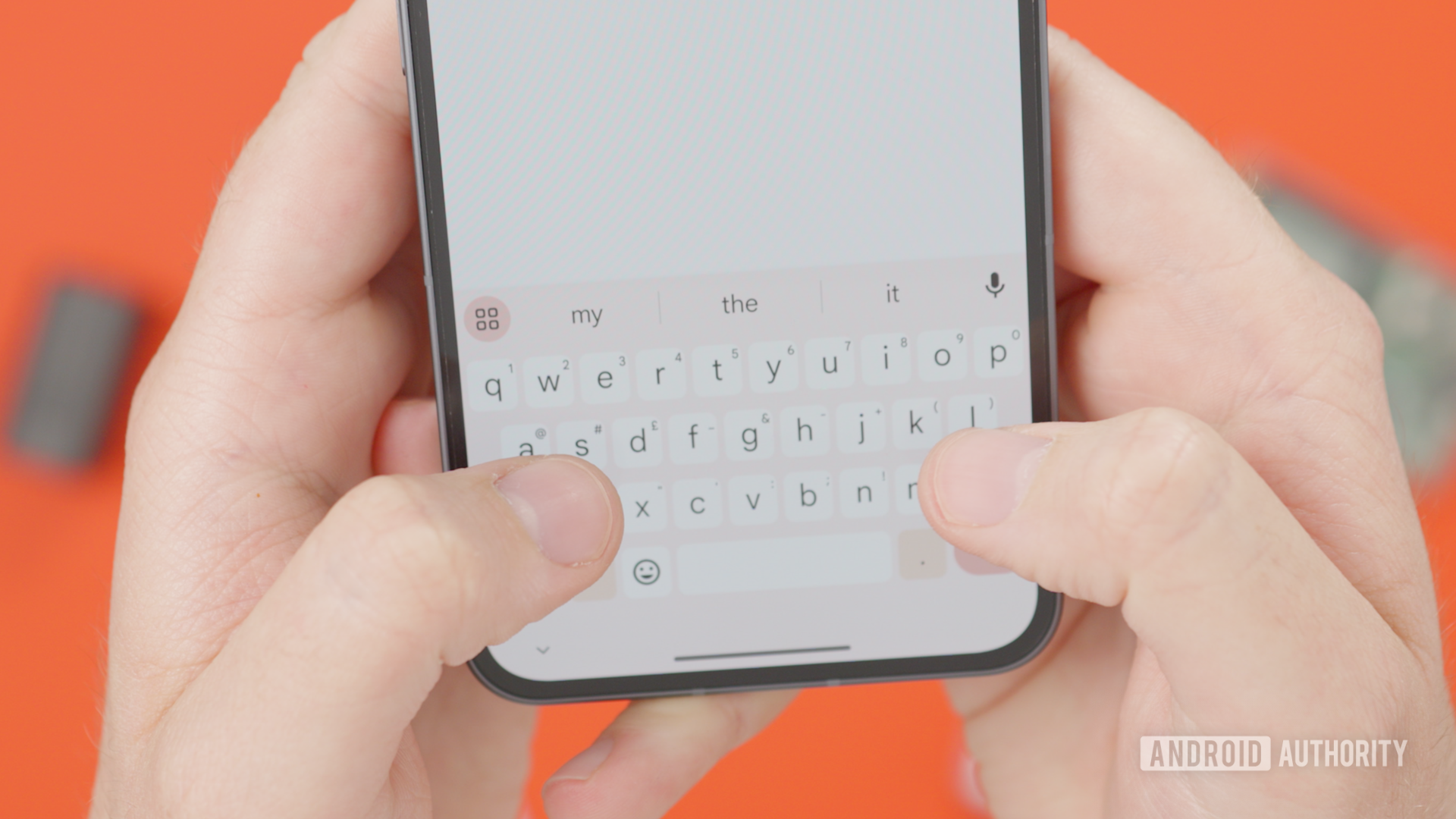
Android 17 could let you remove Gboard’s most annoying feature
https://www.androidauthority.com/android-17-gboard-globe-key-disable-3670597/
Publish Date: 2026-05-25 07:29:00
Source Domain: www.androidauthority.com
Damien Wilde / Android Authority
TL;DR
- Google could let users remove the globe icon from Gboard even with multiple languages and keyboards activated.
- Users will still be able to switch languages and keyboards by long-pressing on the space key.
- Google is also working on a new keyboard switcher UI for Android 17.
One of the most requested changes for Gboard could be close to becoming a reality. Gboard users have long complained about the globe icon at the bottom-right of the screen, and Google has made some changes to its behavior over time. With Android 17, it seems Google will let you completely disable the globe icon if you don’t want to see it ever again.
While digging through Android 17 QPR1 beta 3, we discovered a new option in the keyboard settings that lets users disable the keyboard switch key.
When enabled, Gboard will no longer show the globe key in the bottom right corner, even if you have multiple languages added in Gboard or other keyboard apps installed and activated. You’ll still be able to change languages and keyboards by long-pressing the space key on Gboard, though.
Don’t want to miss the best from Android Authority?


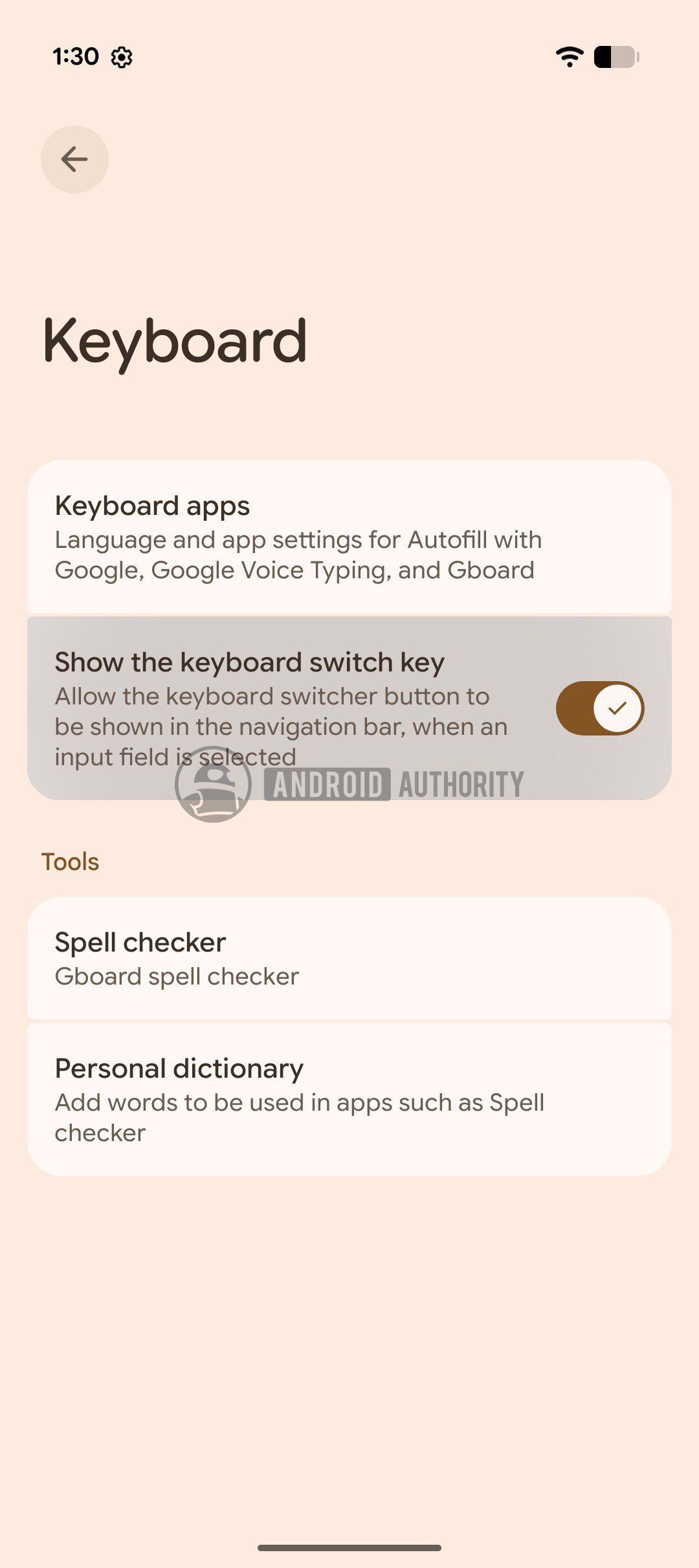
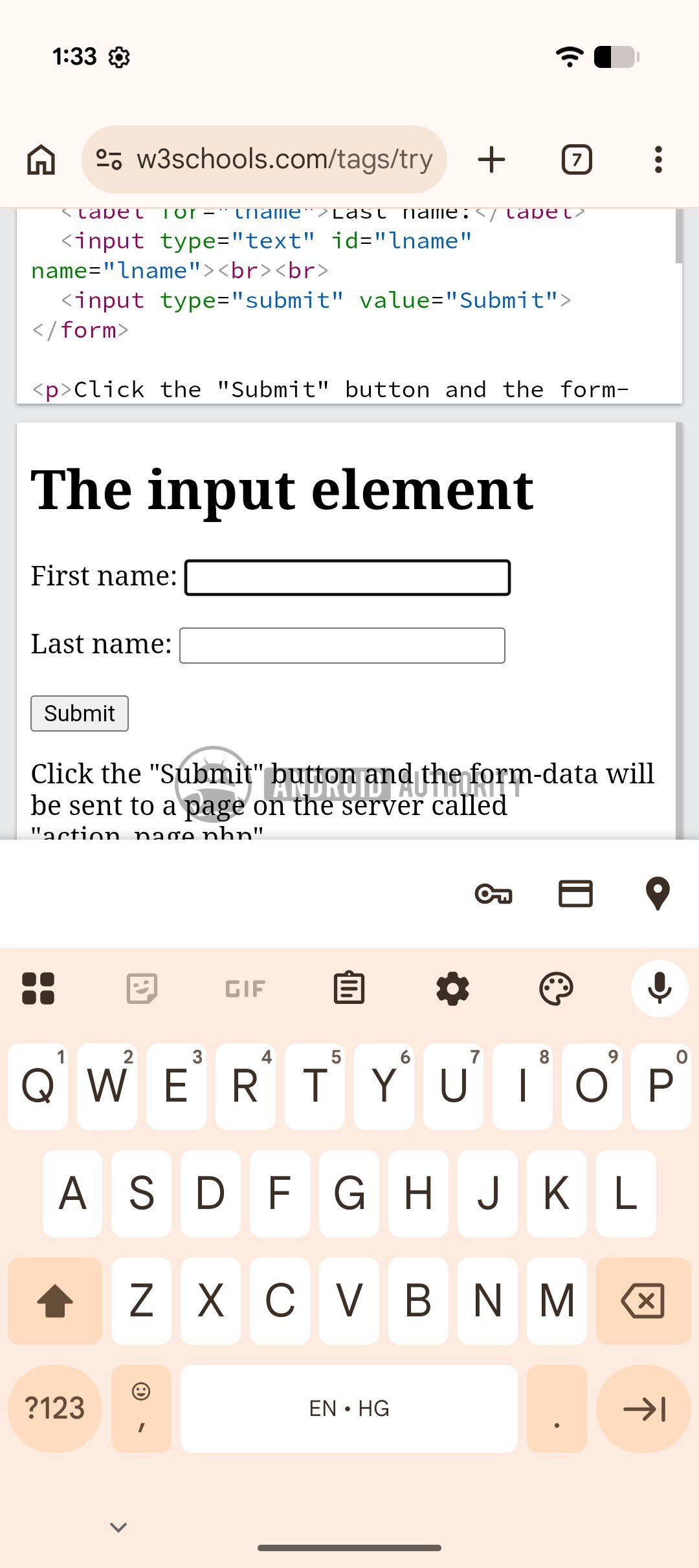
Above, you can see the new option to hide the globe icon and the new keyboard UI with the globe icon hidden. The screenshot on the left shows the toggle to show or hide the keyboard switch key, whereas the screenshot on the right shows the new UI with the globe icon hidden.
It is worth noting that using the space key to switch keyboards does not work with every third-party keyboard app. While Gboard will let you change your keyboard by long-pressing the space key, the same feature isn’t available inside the SwiftKey keyboard. You’ll have to go back into settings and enable the globe icon to switch back to Gboard, or completely remove SwiftKey from your keyboard list.
Further, Gboard is changing the UI for the keyboard switcher as well. In the screenshots below, you can see the keyboard switcher UI that’s present in…


