I protect my privacy while using Meta smart glasses with these 3 settings — and you can too

I protect my privacy while using Meta smart glasses with these 3 settings — and you can too
Publish Date: 2026-05-23 12:52:00
Source Domain: www.androidcentral.com
Meta isn’t exactly known for keeping your data safe. Meta, like a handful of other tech companies, is primarily in the advertising business. It wants to sell personalized ads to other companies for placement on its social media platforms, tailored to you using the data it collects.
This is Meta’s core business model, and it explains why the brand wants as much user data as it can get. That’s without getting into the data privacy scandals Meta has been involved in over the years.
Naturally, putting a Meta camera and microphone on your face might raise some concerns. I admit, as a Meta skeptic, I had some qualms about buying into the Meta smart glasses ecosystem. But they’re the best, and I got over my privacy fears as a result. However, I make sure as much of my Meta smart glasses data remains private as possible using these three simple settings in the Meta AI app. Here’s how you can too.
Latest Videos From
You may like
Today’s best Oakley Meta HSTN, Oakley Meta Vanguard and Ray-Ban Meta Wayfarer (Gen 2) deals
(Image credit: Michael Hicks / Android Central)
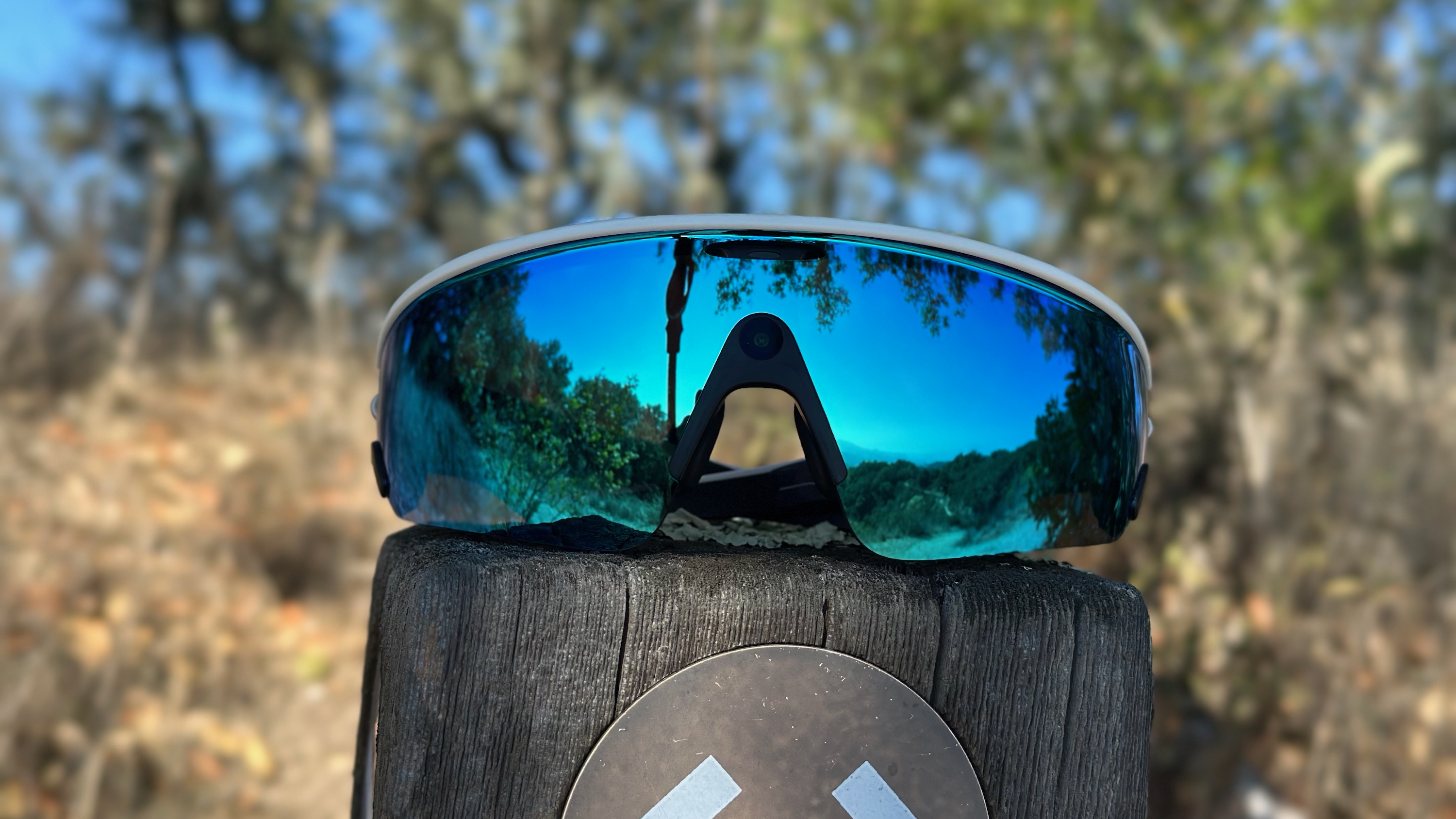
I bought Meta smart glasses — three pairs of them, in fact — for the “smart” features. By that, I mean the onboard camera, microphone, speaker, and Bluetooth capabilities. Although the brand heavily markets these wearables as “AI glasses,” I’m really not interested in putting Meta’s AI on my face. To a degree, AI is built directly into Meta smart glasses, but there are a few things you can do to avoid accidental interactions and unwanted data sharing.
Specifically, Meta glasses have “Hey Meta” and “OK Meta” wake words that activate the voice assistant when uttered. Any content captured or recorded during a Meta AI session may be used for training purposes or even be manually reviewed by humans. For this reason, you don’t want Meta AI to be accidentally activated when your smart glasses think you’ve said “Hey Meta” or “OK Meta.”
Luckily, you can deactivate the…