Android 17 finally enables partial screenshots, but not for everyone

Android 17 finally enables partial screenshots, but not for everyone
Publish Date: 2026-05-22 09:13:00
Source Domain: www.androidauthority.com
Mishaal Rahman / Android Authority
TL;DR
- Android 17 QPR1 Beta 3 enables, by default, previously hidden partial screenshot features.
- The upgraded screen recording toolbar allows users of large-screen devices to also screenshot specific split-screen windows, custom selected areas, or the entire screen.
- While the features work on large displays, enabling them on phones results in an unoptimized, enlarged toolbar UI.
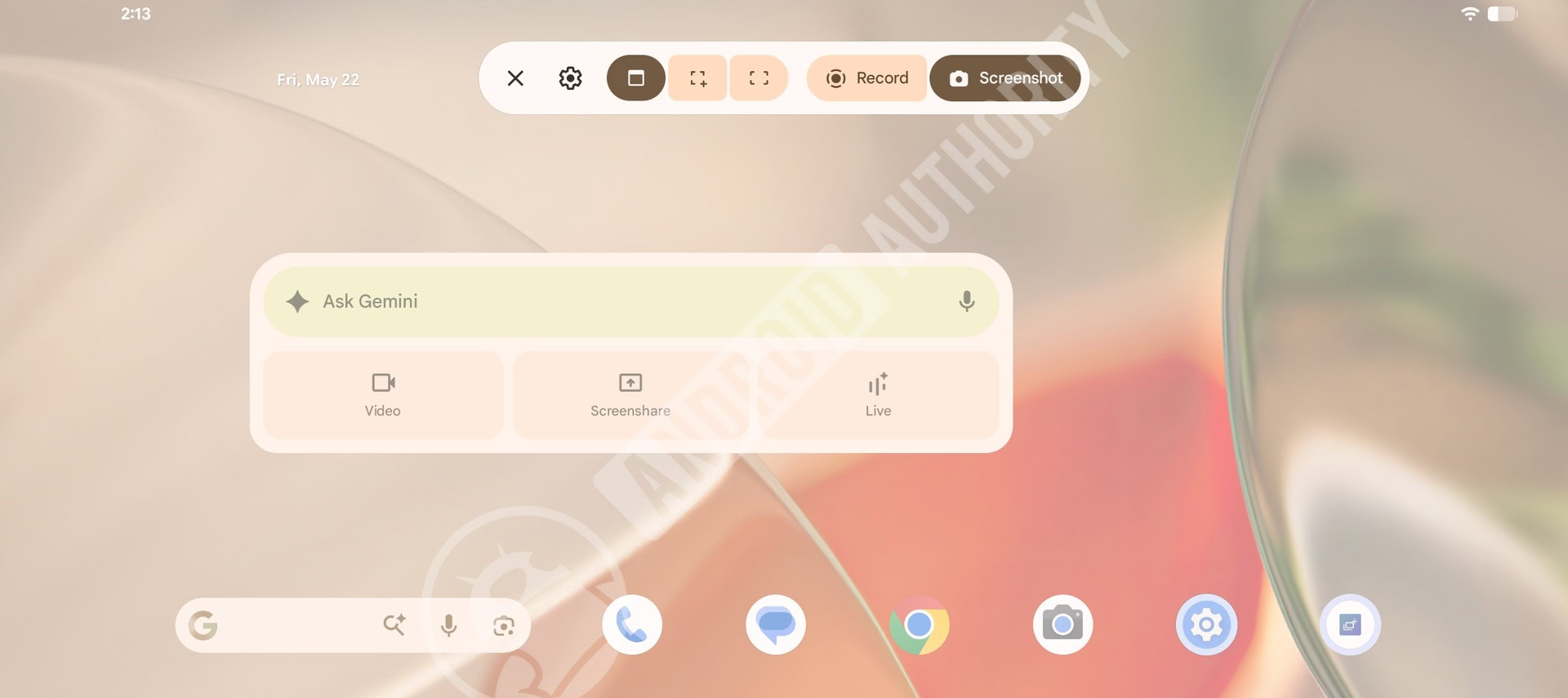
Google has been working to improve the screenshot and screen recording experience on Android for a while now. We spotted changes coming to the screen recording experience for Android tablets and PCs last year. Google later released this redesigned experience with Android 17 Beta 3, but some features, like partial screen recording and partial screenshots, weren’t live at the time. Thankfully, with the latest Android 17 QPR1 Beta 3 release, the partial screenshot feature is now enabled by default, but you’d still need a large-screen device.
Don’t want to miss the best from Android Authority?


AssembleDebug / Android Authority
For screenshots, the screen recording toolbar offers three options:
- Take a screenshot of the selected window in split-screen mode
- Take a screenshot of the selected area
- Take a screenshot of the entire screen
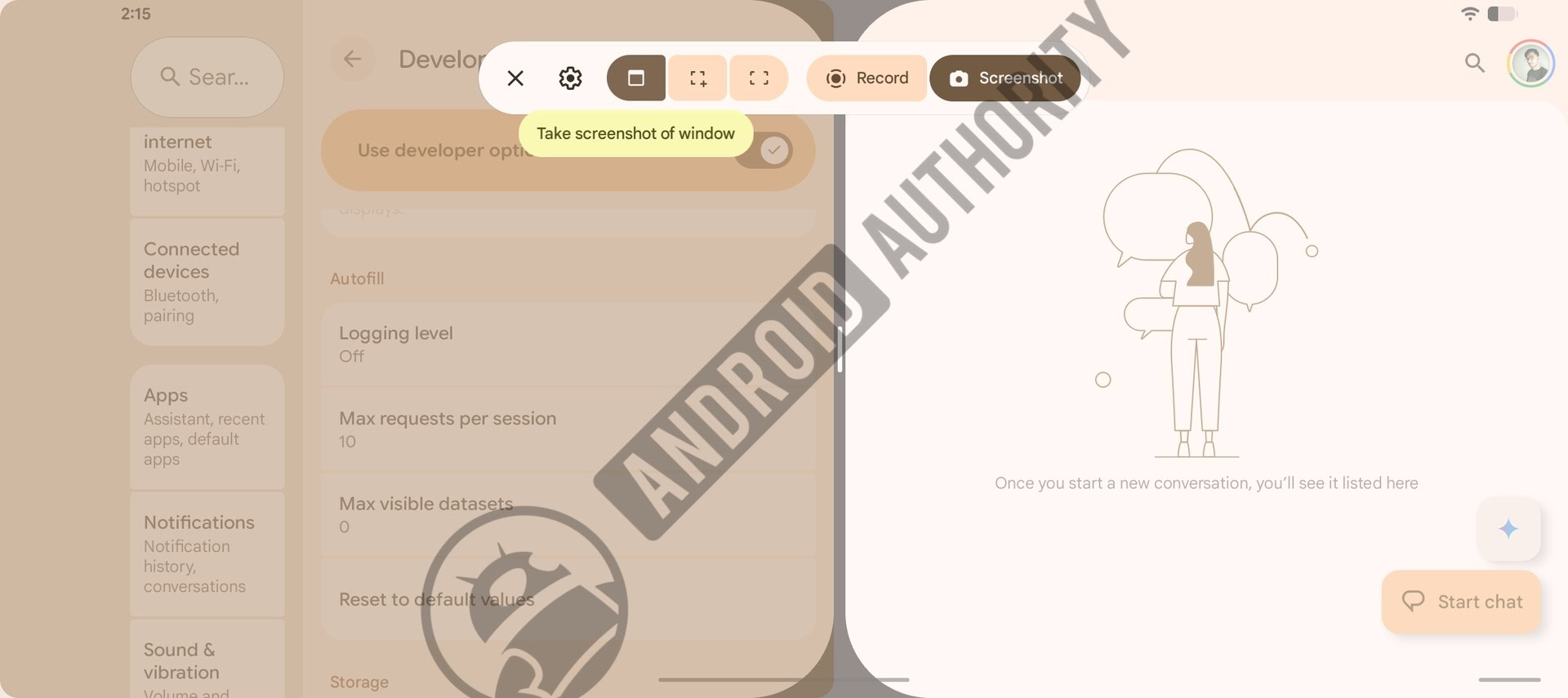
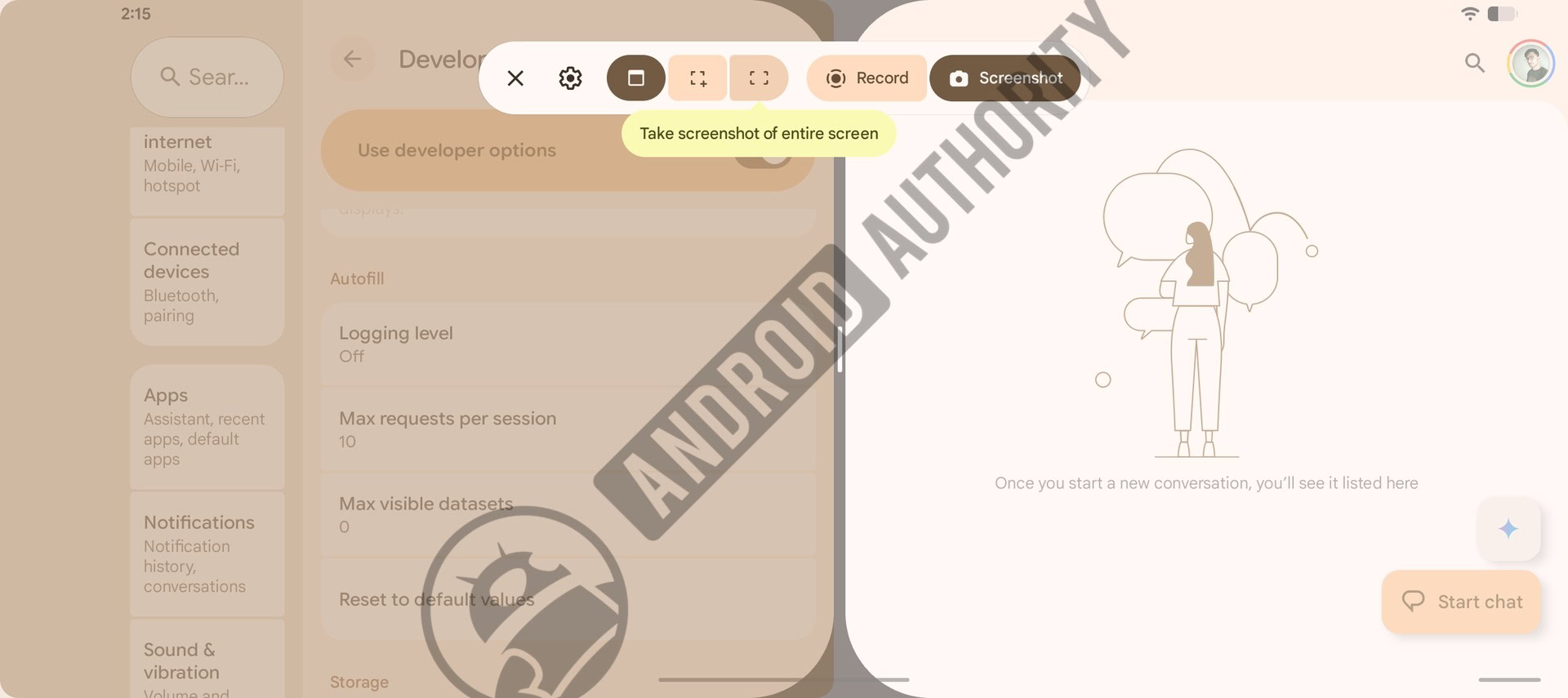
The first option also works for App Bubbles to capture only the selection in the bubble. It should also work similarly for apps opened in windows in Aluminium OS.
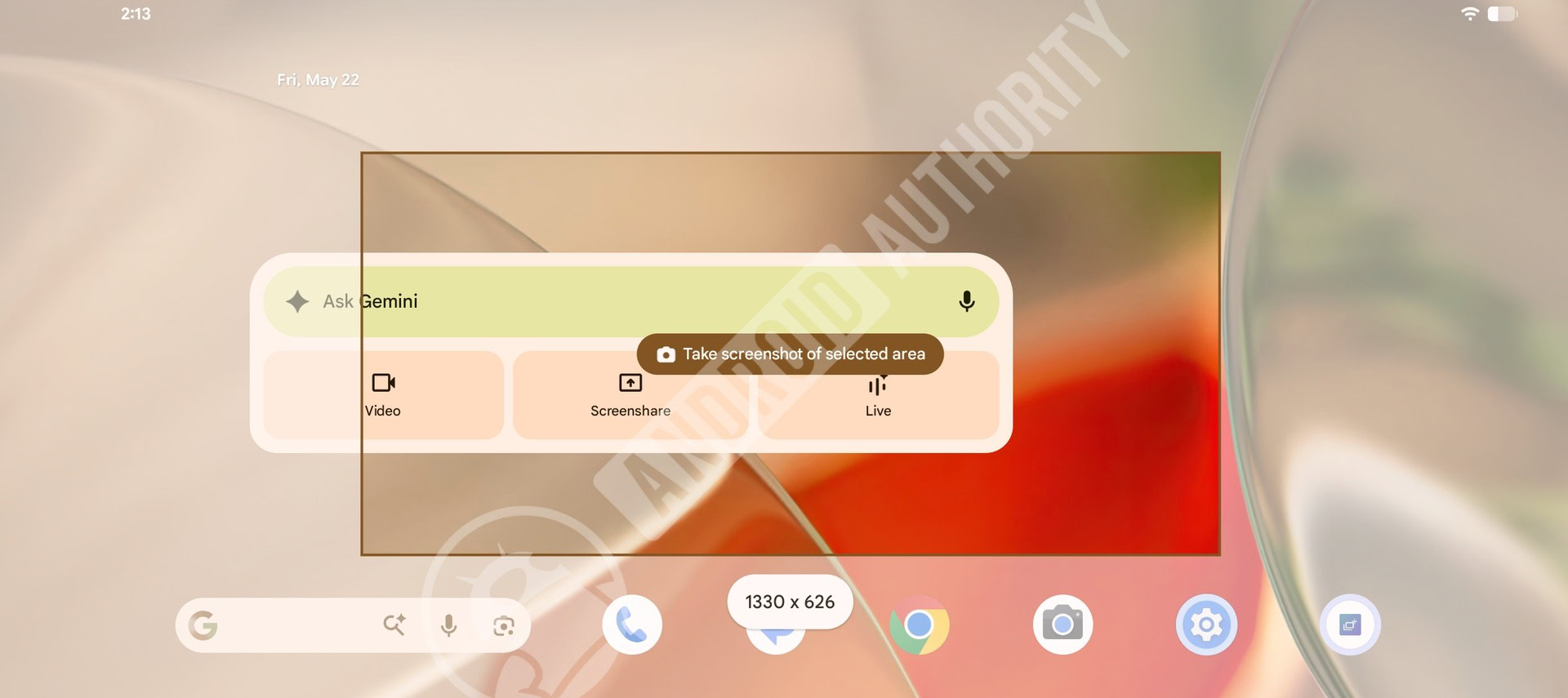
AssembleDebug / Android Authority
The above screenshot shows the partial screenshot UI in action on a large-screen device.
If you’re hoping the partial screenshot feature makes its way to phones, there’s good news and bad news. In the current release, forcefully enabling the features results in a broken, enlarged toolbar UI that isn’t optimized for smaller screens like phones.
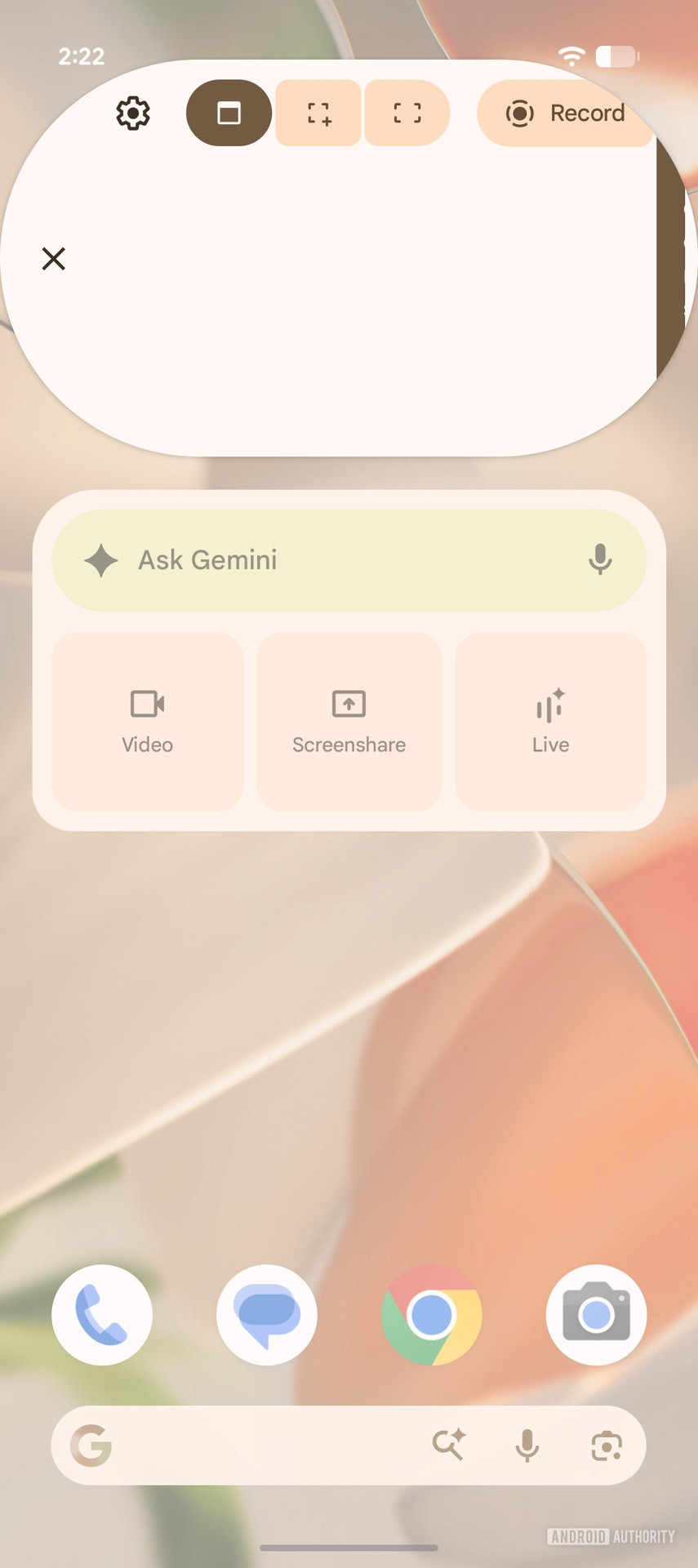
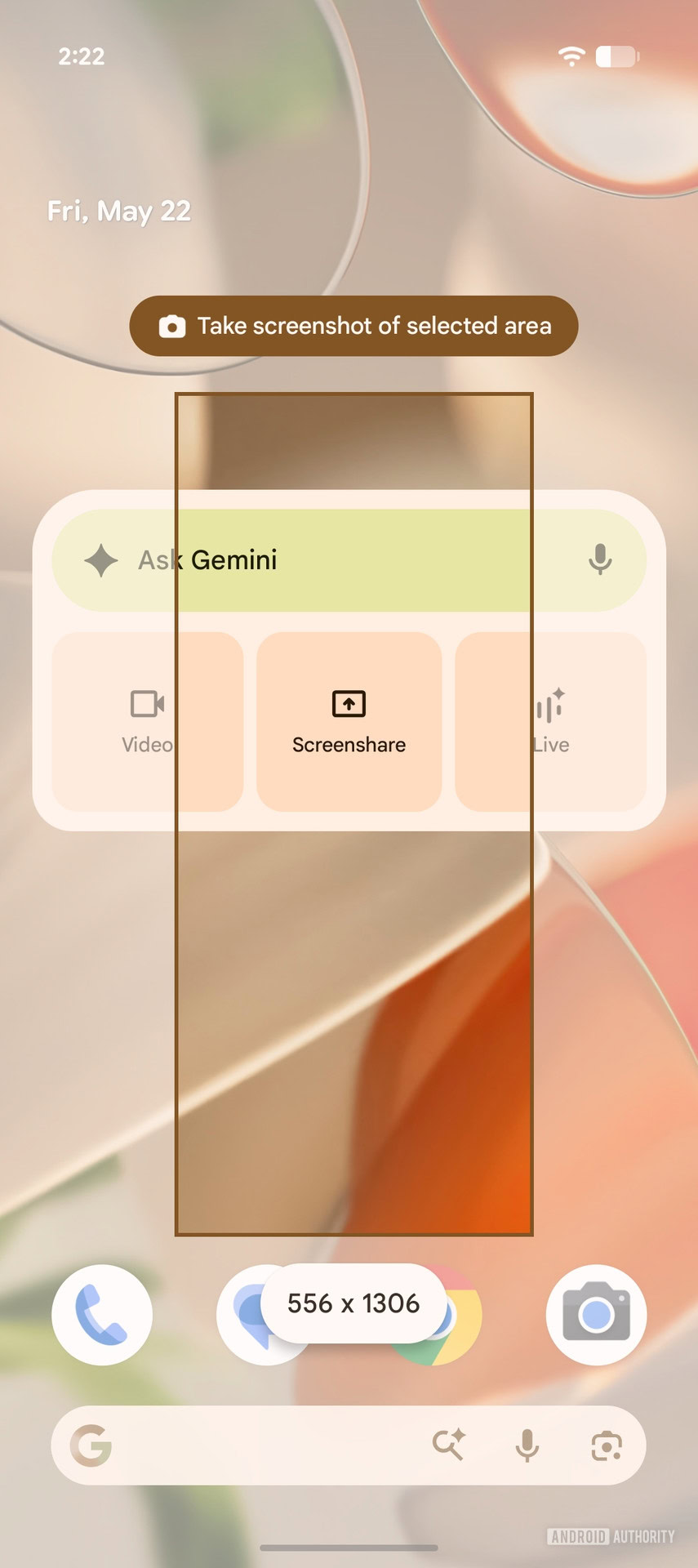
Surprisingly, the partial screenshot feature still works, so perhaps a future release could fix the UI to bring over the functionality.
Unfortunately, the partial screen recording…


