How to use NameDrop to exchange iPhone contacts in seconds
How to use NameDrop to exchange iPhone contacts in seconds
Publish Date: 2026-05-21 23:01:00
Source Domain: appleinsider.com
NameDrop lets iPhone users exchange contact information by bringing two devices together. Here’s how to use the feature, customize what it shares, and fix the most common problems.
Apple introduced NameDrop in iOS 17 as part of a larger contact-sharing system built around Contact Posters. Instead of typing phone numbers manually, users can tap their iPhones together and choose whether to share or receive contact information.
It’s a simple gesture that feels like magic, at least when it works. Here’s how to use NameDrop and what might be going wrong when it doesn’t work as expected.
And don’t worry, NameDrop only shares your name, Contact Poster, and primary phone number and/or email address by default.
How to use NameDrop on iPhone
NameDrop is simple to use once both iPhones are configured correctly, although both devices need iOS 17 or later with AirDrop enabled. It is enabled and works by default if a user hasn’t changed any settings affecting the feature.
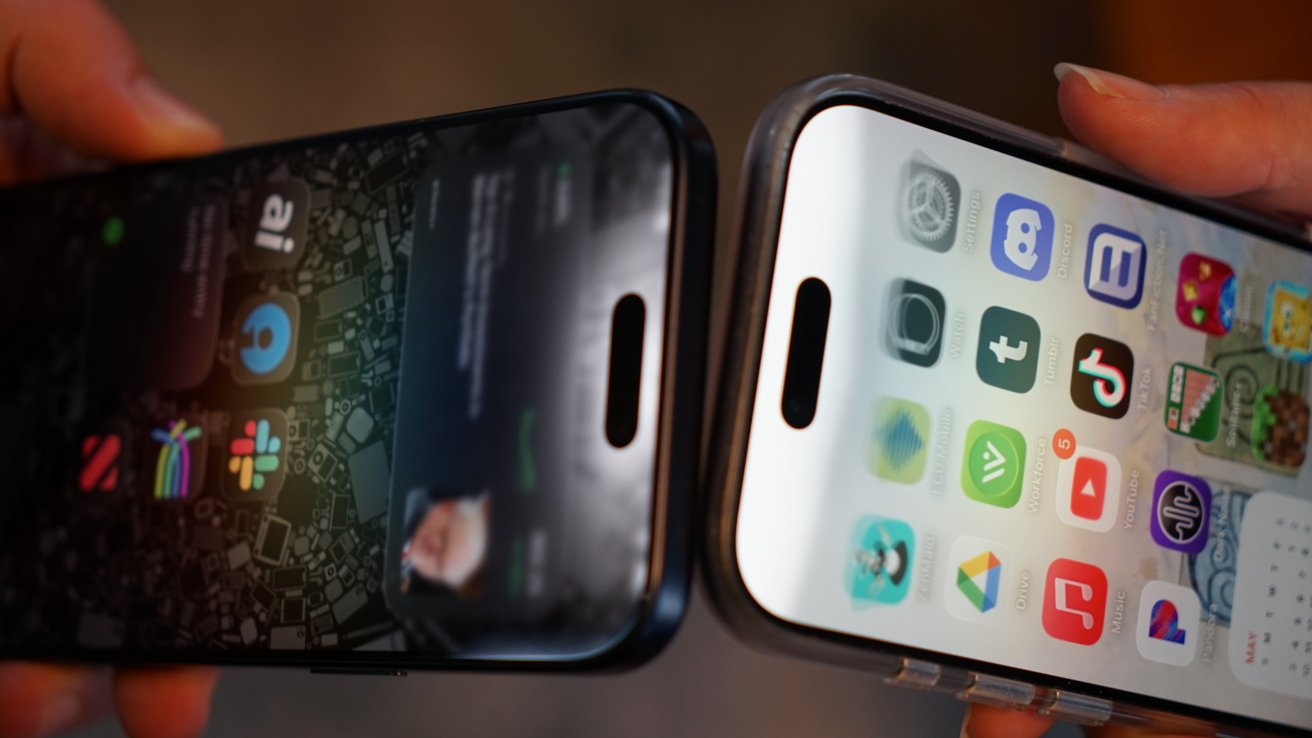
- Unlock both iPhones and ensure the devices are showing something that can’t be shared, like the Lock Screen or Home Screen.
- Hold the top edges of both iPhones close together for a second or two.
- Wait for the NameDrop animation and Contact Poster preview to appear.
- Tap Receive Only to get contact information or Share to exchange contacts.
- Keep both iPhones close together until the transfer completes.
Locking either phone or turning off Bluetooth or Wi-Fi can interrupt the process before the sharing interface appears. If it doesn’t immediately work, check those settings on both devices.
The NameDrop feature isn’t easy to miss thanks to the glowing animation, haptics, and a full-screen Contact Poster preview on both devices. It is impossible to have contact details pulled from a device without the user’s knowledge or accidentally.
Since NameDrop relies on the same technologies as AirDrop or Apple Pay, users shouldn’t have to worry about the case they’re using. Modern cases account for NFC…