Google’s offline AI app changed how I see on-device AI
Google’s offline AI app changed how I see on-device AI
https://www.androidauthority.com/google-ai-edge-gallery-app-unlocked-on-device-ai-tools-3663299/
Publish Date: 2026-05-17 08:05:00
Source Domain: www.androidauthority.com
Joe Maring / Android Authority
AI. AI. AI. I’m sure you’re tired of hearing this word over the past couple of years. It is everywhere, slapped onto every feature, every app, every keynote slide, whether it actually makes your phone better or not. And honestly, I’ve felt the same way. Sure, some features are quite useful, but most of the AI features on Android I find to be a gimmick you try once and forget about.
One such gimmick, at least in my opinion, has always been on-device AI. Most AI features on our phones still rely on the cloud (or hybrid architecture), and for the longest time, I’ve believed that smartphones simply can’t match the processing power of AI data centers. Because of that, on-device AI never really felt all that useful, at least not to the extent companies claim it is.
That was the case, however, until I tried one of Google’s lesser-known on-device AI apps, and it actually made me rethink that stance a bit.
Would you actually use AI features that work fully offline on your phone?
0 votes
Yes, privacy + no internet is a big win
NaN%
Maybe, depends on performance
NaN%
No, cloud AI is still better
NaN%
Didn’t even know this existed
NaN%
Google AI Edge Gallery is the hidden gem I didn’t know about
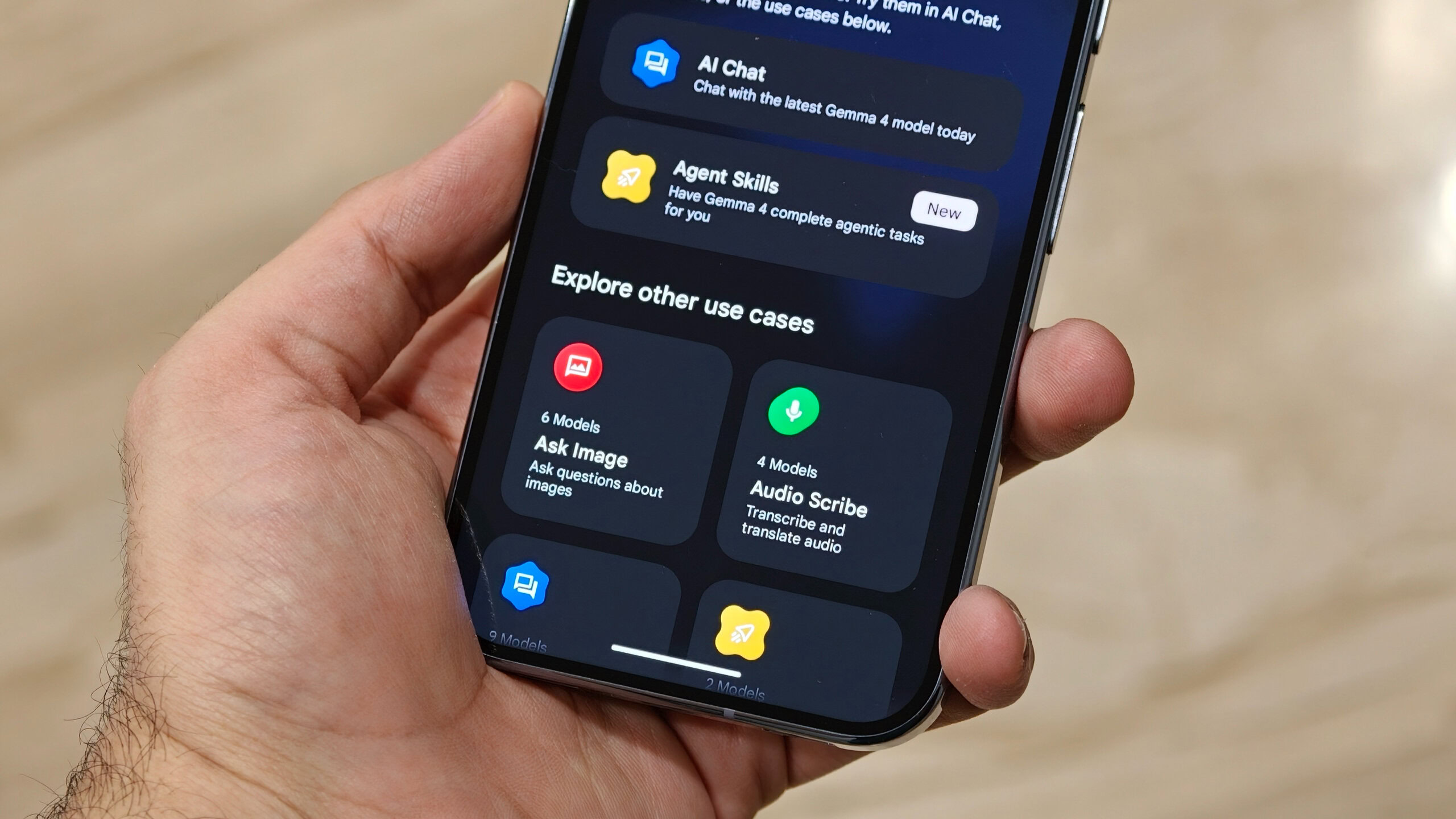
Sanuj Bhatia / Android Authority
Google’s AI Edge Gallery app isn’t exactly new. It actually launched about a year ago as an experimental app, but what recently brought it back into the spotlight for me is that Google has updated it to support Gemma 4, its best and latest open-source AI models. That update is what finally made me give it a proper shot.
The app is available on both Android and iOS. I’ve tested it on my iPhone Air, my Google Pixel 10 Pro, and even the Oppo Find X9 Ultra. There are a few differences across platforms, but the core idea stays the same. You download these open-source AI models directly onto your device and then use them for different tasks.
There are a bunch of predefined use cases in the app, like using a general…