Your Android phone just got a big camera update – and it doesn’t matter which brand
Your Android phone just got a big camera update – and it doesn’t matter which brand
Publish Date: 2026-05-11 09:00:00
Source Domain: www.t3.com
Quick Summary
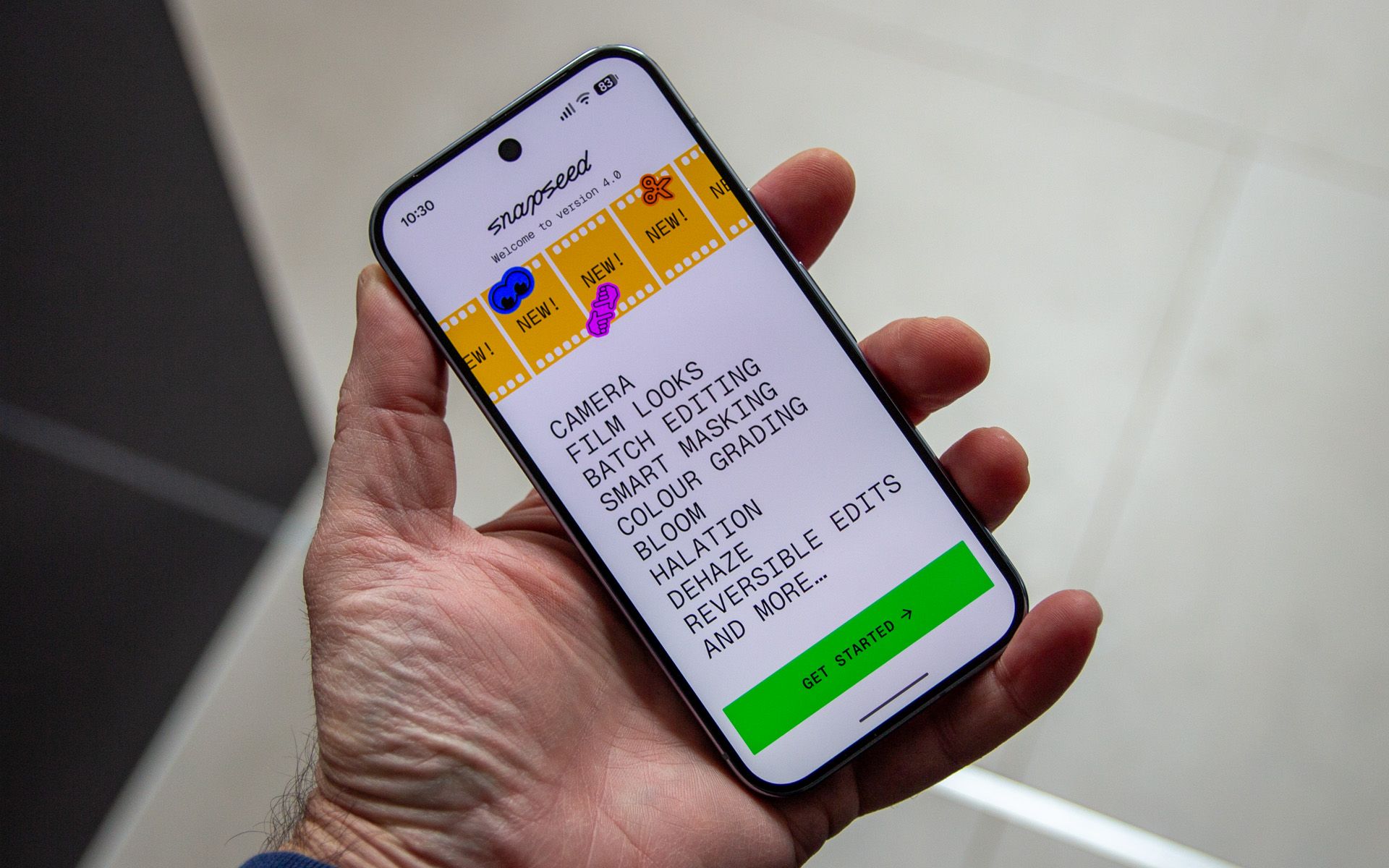
Google has updated the Snapseed app for Android, bringing a full run of photo editing features and filters to the app.
The app is free for all Android phones.
Google has updated one of its photo apps, bringing new powers to Android phones – and this isn’t a Pixel exclusive, because everything is accessed through an app.
The move comes after iOS got Snapseed 4 earlier in the year – and now Android phone owners can benefit from the same features.
Latest Videos From
You may like
Snapseed was one of the standout apps of the last decade, offering multiple editing controls well in advance of them being offered natively by apps like Google Photos.
That relationship flipped in latter years, with Google pouring AI into Google Photos to make it a one-stop shop for all things photo editing, while Snapseed fell by the wayside.
Arguably Google Photos in now more confusing than it’s ever been, and so Snapseed has made a surprising return – and it doesn’t matter what brand of Android phone you use, because it’s available to download from Google Play.
Snapseed now offers both a camera with lots of filters – based broadly around vintage film types – but it’s the editing that’s always been the most fun in Snapseed.
The app allows easy core image tuning by scrolling up or down through various settings, while swiping left or right to change the values. That’s a great starting point, but there’s a lot more that’s offered.
There’s a full selection of tools to comprehensively edit your images, changing just about everything imaginable. There’s also the option to apply those filter options after the fact – and in reality, you don’t need to use the Snapseed camera, you can use any image on…


![Gemini overlay rolls out Dynamic Color, integrates ‘Screen content’ [U]](https://i0.wp.com/9to5google.com/wp-content/uploads/sites/4/2026/05/gemini-overlay-3.jpg?resize=1200%2C628&quality=82&strip=all&ssl=1 "Gemini overlay rolls out Dynamic Color, integrates ‘Screen content’ [U]")